
Viture Pro XR/AR Glasses Review: Ultimate Guide
The world of XR and AR glasses has transformed dramatically in 2024. The Viture Pro XR glasses have emerged as a standout choice for users seeking premium display technology without the hefty price tag of full VR headsets.
These smart glasses deliver an impressive 135-inch virtual display experience that puts them at the forefront of wearable technology.
Smart glasses technology has evolved from basic notification displays to sophisticated entertainment systems. The Viture Pro XR represents this evolution perfectly.
Key Takeaways:
- Premium Display Technology: The Viture Pro XR features dual 1080p micro-OLED displays with 120Hz refresh rates and 4000 nits peak brightness, delivering crystal-clear visuals that rival high-end monitors
- Universal Compatibility: These glasses work with iPhone 15/16 series, most Android phones, Steam Deck, Nintendo Switch, PlayStation, Xbox, and any device supporting DisplayPort over USB-C connectivity
- Built-in Vision Correction: The adjustable focus dials accommodate myopia up to -5.00D, eliminating the need for expensive prescription lens inserts and making them accessible to users with vision impairments
- Advanced Audio Integration: Harman Audio technology provides spatial sound without blocking ambient noise, creating an immersive experience while maintaining situational awareness
- Electrochromic Film Technology: The dynamic lens dimming feature allows users to switch between transparent and darkened lenses instantly, providing privacy and reducing visual distractions
- Competitive Pricing: Starting at $459.99, the Viture Pro XR offers premium features at a fraction of the cost compared to high-end VR headsets like the Apple Vision Pro

Viture Pro XR Glasses Overview
The Viture Pro XR glasses represent a significant leap forward in wearable display technology. These glasses transform any connected device into a massive virtual screen experience. The 46-degree field of view creates the illusion of watching a 135-inch display from approximately 10 feet away.
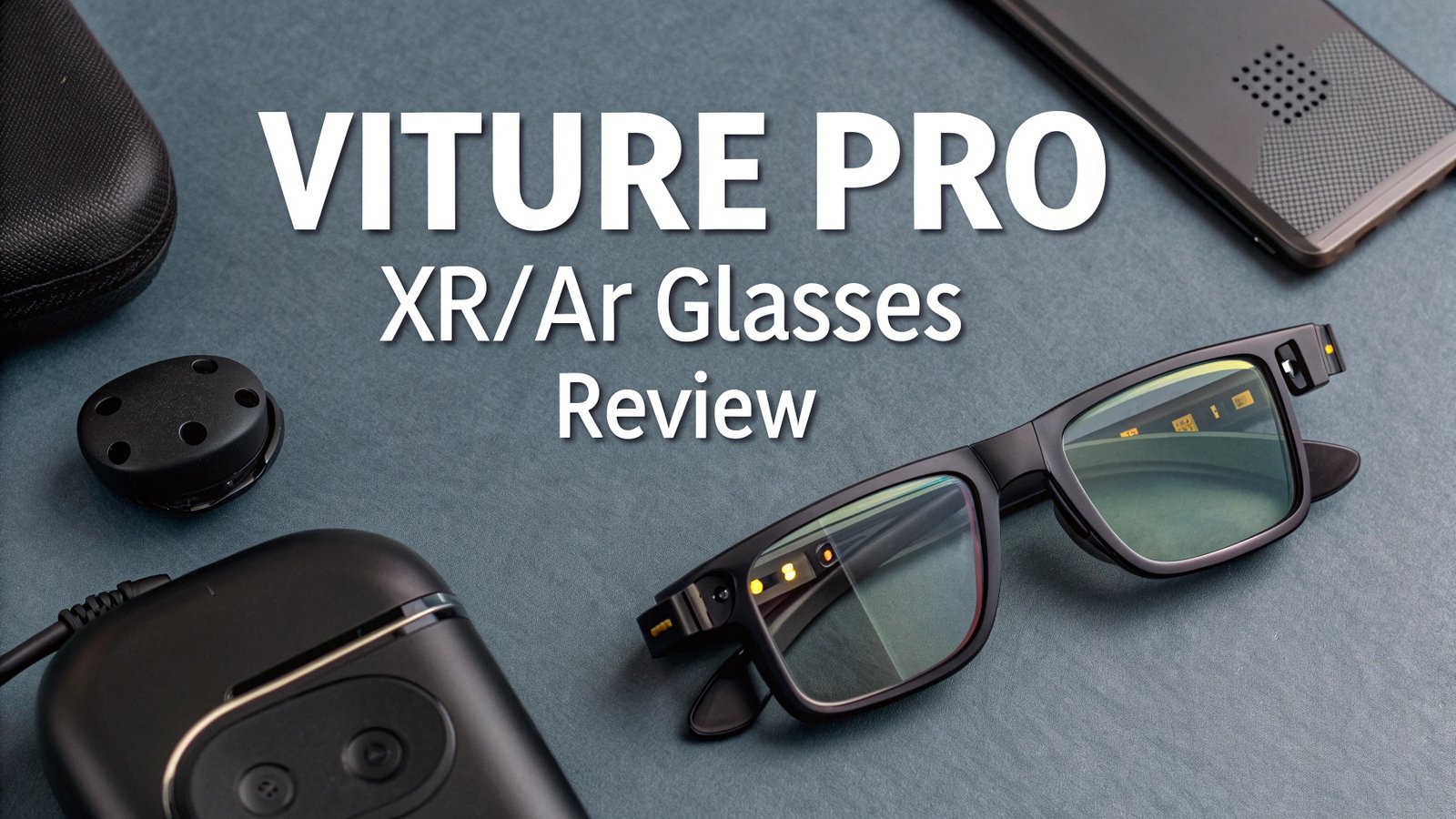
Build quality stands out immediately when handling these glasses. The frame construction uses lightweight materials that distribute weight evenly across the temples and nose bridge. The metallic orange accents on the Viture logo distinguish the Pro model from its predecessor. Black hinges and temples create a sleek, professional appearance suitable for both work and entertainment environments.
The magnetic USB-C connection ensures secure connectivity while remaining easy to disconnect when needed. A protective rubber sleeve prevents hair entanglement and maintains connection integrity. The included carrying case protects the glasses during transport and storage.
Weight distribution has been carefully engineered to prevent fatigue during extended use sessions. Users report comfortable wear times exceeding three hours without significant discomfort. The adjustable nose pads accommodate different facial structures effectively.
Cable management remains minimal and unobtrusive. The single USB-C cable provides both power and video signal transmission. This design eliminates battery anxiety while maintaining portability. The cable length allows comfortable movement without restriction.
Display Technology and Visual Performance
The dual micro-OLED displays form the heart of the Viture Pro XR experience. Each eye receives a dedicated 1920×1080 resolution feed, creating sharp text and vibrant imagery. The 120Hz refresh rate delivers smooth motion during gaming and video playback.
Peak brightness reaches 4000 nits, with perceived brightness exceeding 1000 nits to the user’s eyes. This represents a significant improvement over the previous Viture One model. The enhanced brightness enables comfortable viewing in various lighting conditions and supports HDR content effectively.
Color reproduction covers a wide gamut comparable to premium OLED televisions. The displays produce deep blacks and vibrant colors that enhance both entertainment and productivity applications. Contrast ratios appear exceptionally high, creating punchy imagery that draws users into the content.
Text clarity remains sharp enough for extended reading and typing sessions. Users can comfortably browse the internet, work on documents, and engage in detailed tasks without eye strain. The pixel density provides sufficient detail for professional applications.
Motion handling benefits from the 120Hz refresh rate, particularly during gaming sessions. Compatible devices can take full advantage of the higher frame rates for smoother gameplay. Input lag remains minimal, maintaining responsive interactions with connected devices.
Audio Quality and Harman Integration
Harman Audio technology elevates the Viture Pro XR beyond typical smart glasses audio solutions. The integrated speakers deliver spatial audio that creates an immersive soundscape without completely isolating users from their environment.
Speaker placement utilizes the temple design to direct audio toward the user’s ears while minimizing sound leakage. This approach maintains privacy during use in public spaces. The frequency response covers a broad range, reproducing both deep bass tones and crisp treble frequencies effectively.
Volume levels provide adequate power for most environments without becoming overwhelming. Users can adjust audio levels through connected devices or use the glasses’ physical controls. The dynamic range accommodates both quiet dialogue and action-packed sequences comfortably.
Microphone quality supports clear voice calls and voice commands when used with compatible devices. The noise cancellation features help filter background sounds during conversations. Multiple microphones ensure consistent pickup regardless of head position.
3D audio effects enhance gaming and immersive content experiences. The spatial processing creates directional audio cues that complement the visual experience. Latency remains imperceptible during normal use, maintaining audio-visual synchronization.
Top 3 Alternatives for Viture Pro XR Glasses


Comfort and Ergonomics
Extended wear comfort ranks as a primary concern for smart glasses users. The Viture Pro XR addresses this through balanced weight distribution and ergonomic temple design. The glasses weigh approximately 78 grams, making them lighter than many traditional sunglasses.
Nose pad adjustability accommodates various facial structures without creating pressure points. The temple arms feature sufficient flexibility to prevent uncomfortable clamping while maintaining secure positioning. Padding materials use soft, breathable compounds that resist moisture buildup.
Head movement freedom remains unrestricted during use. The glasses stay securely positioned during normal activities without requiring constant adjustment. Slippage occurs rarely thanks to the optimized weight distribution and grip design.
Lens positioning maintains proper alignment with users’ eyes through the adjustable focus mechanisms. These dials eliminate the need for prescription lens inserts for many users. Interpupillary distance variations are accommodated through the optical design.
Fatigue resistance enables extended use sessions without significant discomfort. Users report successful three to four-hour usage periods for work and entertainment. Break intervals remain advisable for optimal eye health during prolonged sessions.
Connectivity Options and Device Compatibility
USB-C connectivity provides the primary connection method for the Viture Pro XR glasses. Any device supporting DisplayPort over USB-C works seamlessly with these glasses. This includes most modern laptops, gaming handhelds, and recent smartphones.
iPhone compatibility extends to the iPhone 15 and 16 series through their USB-C ports. Earlier iPhone models require additional adapters for connection. Android support varies by manufacturer, with many flagship devices offering full compatibility.
Gaming device support includes Steam Deck, Nintendo Switch (with dock), PlayStation 5, and Xbox Series X/S. Each platform provides different features and optimization levels. PC gaming offers the most comprehensive feature set and performance options.
Mac compatibility includes both MacBooks and desktop Macs with appropriate ports. The SpaceWalker software provides enhanced features for macOS users. Windows PCs require third-party solutions for advanced XR features.
Tablet support extends to iPads and Android tablets with suitable connectivity options. The large virtual screen enhances productivity applications on these devices. Content consumption becomes more immersive through the expanded display area.
Focus Adjustment and Vision Correction
Myopia adjustment represents one of the Viture Pro XR’s most valuable features. The focus dials accommodate vision correction up to -5.00 diopters per eye. This eliminates prescription lens insert costs for many users.
Individual eye adjustment allows users to fine-tune each eye separately. This accommodation benefits users with different prescription needs between eyes. Precision control enables exact focusing for optimal clarity.
Adjustment range covers most common vision correction needs. Users with stronger prescriptions may require additional solutions. Fine-tuning capability provides incremental adjustments for perfect focus.
Ease of adjustment makes the focus system accessible during use. Users can modify settings without removing the glasses or interrupting their activities. Visual feedback helps users identify optimal settings quickly.
Long-term stability maintains focus settings across usage sessions. The adjustment mechanisms resist drift and maintain user preferences reliably. Calibration consistency ensures repeatable results.
Gaming Performance and Experience
Gaming capabilities showcase the Viture Pro XR’s versatility across multiple platforms. The 120Hz refresh rate provides smooth motion for compatible games and systems. Input latency remains minimal, maintaining responsive gameplay experiences.
Steam Deck integration offers excellent portability for PC gaming libraries. The large virtual screen enhances detail visibility in complex games. Battery life of connected devices determines session length rather than the glasses themselves.
Console gaming benefits from the immersive display size. PlayStation 5 and Xbox Series X/S games gain impact through the virtual large screen experience. HDR content displays with enhanced contrast and color depth.
Mobile gaming transforms smartphone experiences into large-screen adventures. iPhone and Android games benefit from the expanded display area. Touch controls remain accessible through the connected device.
Competitive gaming receives mixed benefits depending on the specific game and platform. Fast-paced titles may benefit from the large display, while others might prefer traditional monitors for competitive advantage. Personal preference plays a significant role in gaming applications.
Software Features and SpaceWalker App
SpaceWalker software extends the Viture Pro XR’s capabilities beyond basic display mirroring. The application provides virtual desktop management and 3D space navigation features. Platform availability currently includes Android and macOS versions.
Virtual monitor setup allows users to create multiple screens in 3D space. The coder view configuration provides specialized layouts for development work. Multi-monitor emulation enhances productivity workflows significantly.
Head tracking integration utilizes the glasses’ 3DOF sensors for spatial navigation. Users can look between different virtual screens naturally. Tracking accuracy provides stable positioning during head movements.
Application management becomes more intuitive through the spatial interface. Window positioning gains depth and flexibility compared to traditional displays. Workflow optimization benefits from the expanded virtual workspace.
Future updates promise additional features and platform support. iOS compatibility remains under development for expanded iPhone functionality. Windows support through third-party solutions continues improving.
Battery Life and Power Management
Power consumption varies significantly based on the connected device and usage patterns. The glasses draw power directly from connected devices through the USB-C connection. This eliminates internal battery management while creating dependency on host device power.
Device battery impact becomes noticeable during extended use sessions. Smartphone users should expect reduced battery life compared to standard usage. Laptop connections generally provide longer usage periods due to larger battery capacities.
Power optimization techniques help extend usage sessions. Screen brightness reduction on connected devices can improve battery life. Background app management prevents unnecessary power drain during glasses use.
External power solutions include portable batteries and charging docks. The Mobile Dock accessory provides additional battery capacity specifically for glasses use. Power bank compatibility offers extended portability for longer sessions.
Charging requirements depend entirely on the connected device’s specifications. Fast charging support varies by platform and device model. Usage planning becomes important for extended sessions away from power sources.
Build Quality and Durability
Construction materials emphasize durability while maintaining lightweight design. The frame structure uses reinforced plastics and metal components strategically. Stress points receive additional reinforcement to prevent failure during normal use.
Lens protection includes electrochromic film technology that provides dynamic dimming capabilities. The film resists scratching and maintains optical clarity over time. Cleaning requirements remain minimal with proper care techniques.
Cable durability represents a potential weak point due to frequent connection and disconnection. The magnetic connector reduces wear compared to traditional plugs. Strain relief protects the cable at connection points.
Hinge mechanisms demonstrate solid construction during testing. Opening and closing cycles show no signs of loosening or failure. Adjustment mechanisms maintain their positions reliably over time.
Environmental resistance includes basic protection against dust and light moisture. Water resistance remains limited, requiring care around liquids. Temperature tolerance covers normal indoor and outdoor usage conditions.
Price Comparison and Value Analysis
Pricing strategy positions the Viture Pro XR competitively within the smart glasses market. The $459.99 starting price undercuts many competitors while offering premium features. Value proposition becomes compelling when compared to full VR headset costs.
Apple Vision Pro comparison highlights the significant price difference at $3,499. While the Vision Pro offers more features, the Viture Pro XR provides excellent value for display-focused applications. Cost per feature analysis favors the Viture Pro XR for many users.
Competitor pricing includes models from XREAL, RayNeo, and other manufacturers. Feature comparisons show the Viture Pro XR offering competitive specifications across most categories. Market positioning targets users seeking premium features without premium prices.
Accessory costs add to the total ownership expense. The Mobile Dock ($129) and HDMI adapters ($99) expand functionality but increase investment. Total cost considerations depend on specific user requirements and device compatibility.
Long-term value includes software updates and platform support expansion. Upgrade paths within the Viture ecosystem provide growth options. Resale value remains strong due to the brand’s reputation and feature set.
Pros and Cons Analysis
Advantages of the Viture Pro XR include exceptional display quality, built-in focus adjustment, and broad device compatibility. The Harman Audio integration provides superior sound compared to many competitors. Price point offers excellent value for the feature set provided.
Brightness levels exceed most competing products significantly. The 4000 nits peak output enables comfortable viewing in various lighting conditions. HDR support enhances multimedia content consumption experiences.
Disadvantages include limited field of view compared to full VR headsets. Battery dependency on connected devices may limit usage sessions. Platform-specific limitations affect feature availability across different devices.
Cable connection remains necessary, reducing wireless convenience. 3DOF tracking provides less functionality than 6DOF systems in more expensive alternatives. Learning curve exists for optimal usage and feature utilization.
Overall assessment reveals a product that excels in its intended applications while acknowledging certain limitations. Target audience includes users prioritizing display quality and value over comprehensive VR functionality.
Setup Process and User Experience
Initial setup requires minimal technical knowledge or configuration. The plug-and-play design works immediately with compatible devices. Focus adjustment represents the primary user customization requirement.
Connection process involves plugging the USB-C cable into compatible devices. Display recognition occurs automatically on supported platforms. Audio routing typically defaults to the glasses speakers without additional configuration.
Focus calibration takes several minutes to complete properly. Users adjust each eye individually until optimal clarity is achieved. Fine-tuning may require multiple attempts for perfect results.
Software installation becomes necessary for advanced features on supported platforms. SpaceWalker app download and setup provides additional functionality. Permission grants may be required for full feature access.
Learning curve varies by user experience with similar devices. Basic usage requires minimal adaptation time. Advanced features may require additional practice and experimentation.
Frequently Asked Questions
Are the Viture Pro XR glasses compatible with prescription lenses?
The Viture Pro XR glasses include built-in focus adjustment dials that accommodate myopia up to -5.00 diopters per eye. This eliminates the need for prescription lens inserts for most users. Those with stronger prescriptions or other vision corrections may require additional solutions.
How long can I use the glasses before experiencing eye fatigue?
Most users report comfortable usage sessions of 3-4 hours without significant fatigue. Individual tolerance varies based on personal factors and usage patterns. Regular breaks are recommended for optimal eye health during extended sessions.
Do the glasses work with Netflix and other streaming services?
The glasses display whatever appears on the connected device’s screen. Streaming compatibility depends on the source device and service. Most streaming platforms work normally when accessed through compatible devices.
Can I use the glasses for productivity work and typing?
Yes, the 1080p resolution and large virtual screen provide sufficient clarity for productivity applications. Users successfully perform typing, reading, and document editing tasks. Text remains sharp and readable during extended work sessions.
What is the difference between 3DOF and 6DOF tracking?
3DOF tracking detects head rotation and tilt but not physical position changes. 6DOF tracking includes positional movement detection. The Viture Pro XR uses 3DOF tracking, which provides head orientation awareness for virtual display positioning.
How do the glasses compare to the Apple Vision Pro?
The Apple Vision Pro offers comprehensive mixed reality features with 6DOF tracking and advanced hand gesture controls at $3,499. The Viture Pro XR focuses on display excellence and device compatibility at $459.99. The choice depends on budget and feature requirements.
Are the glasses suitable for gaming across different platforms?
Yes, the glasses support gaming on multiple platforms including PC, console, and mobile devices. The 120Hz refresh rate and low latency provide good gaming experiences. Competitive gaming suitability varies by individual preference and game type.
What accessories are recommended for the best experience?
The Mobile Dock ($129) provides Nintendo Switch compatibility and extended battery life. HDMI adapters enable connection to older devices. Carrying cases and cleaning cloths maintain the glasses in optimal condition.





