
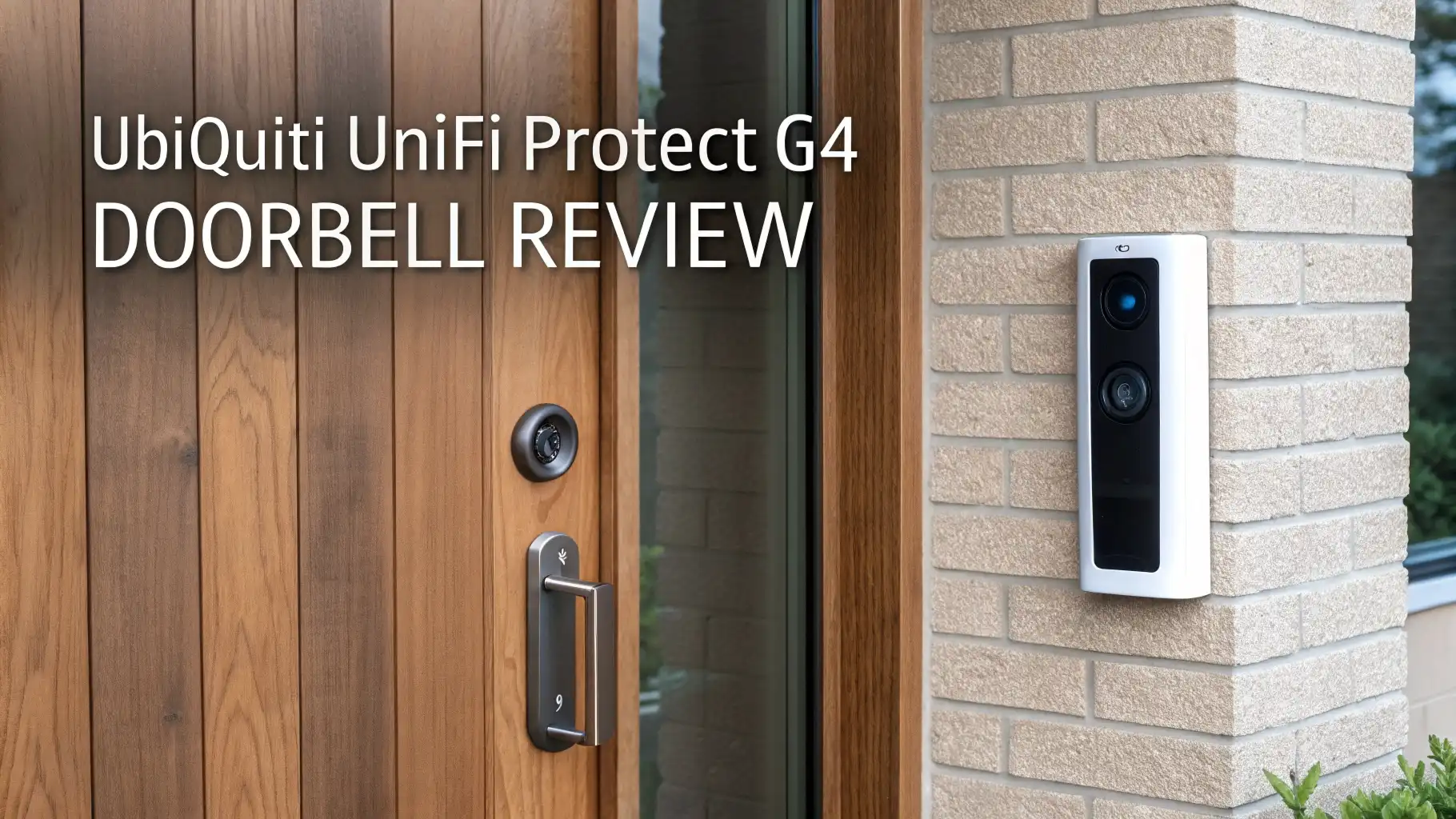
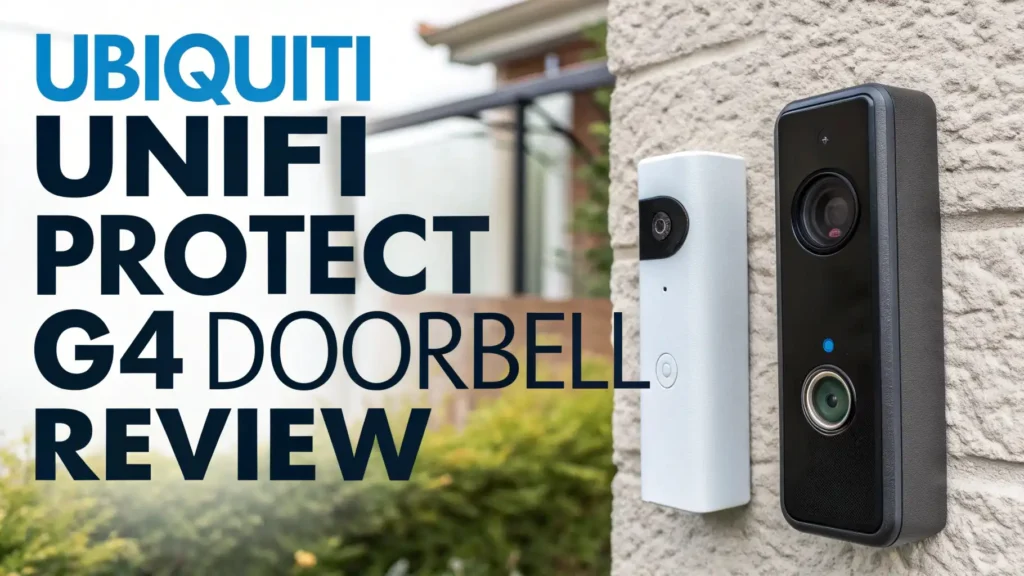
Ubiquiti UniFi Protect G4 Doorbell Review: Worth the Price Tag?
Are you tired of paying monthly subscription fees for your doorbell camera? Want crystal clear video of your front door without sending footage to the cloud?
The Ubiquiti UniFi Protect G4 Doorbell might be exactly what you need. This smart doorbell promises local recording, no subscription fees, and professional grade security.
But does it deliver on these promises? Let’s dive deep into this comprehensive review to find out if this doorbell is the right choice for your home.
Key Takeaways
- No Monthly Subscriptions: Unlike Ring or Nest, you get complete local control with no recurring fees. All footage stores on your local UniFi Protect system.
- Professional Grade Hardware: Features a 5MP CMOS sensor with 1600×1200 HD video quality and enhanced night vision with built in IR LED illumination.
- Wide Field of View: The doorbell captures a 138 degree horizontal view, ensuring you see the entire porch area and approaching visitors.
- Ecosystem Requirement: You need a UniFi Protect system (Cloud Key, Dream Machine, or NVR) to use this doorbell. This is not a standalone device.
- Real Time Communication: Built in two way audio with echo cancellation lets you speak with visitors from anywhere using the mobile app.
- Weather Resistant Design: The G4 Doorbell works in temperatures from minus 4 degrees F to 113 degrees F, perfect for various climates.

Understanding the UniFi G4 Doorbell
The UniFi G4 Doorbell represents a different approach to smart home security. This device works exclusively within the UniFi Protect ecosystem.
You cannot use it as a standalone doorbell. The system requires a UniFi Protect controller such as the Cloud Key Gen 2 Plus, UniFi Dream Machine, or a dedicated Network Video Recorder.
The doorbell connects to your existing doorbell wiring for continuous power. It supports standard 16 to 24 volt AC doorbell transformers. The device transmits video over your WiFi network to the UniFi Protect controller.
This design choice means all your footage stays local on hardware you control. No cloud company has access to your video feed unless you choose to enable cloud features.
The doorbell measures 5.63 inches tall and 1.61 inches wide. The compact design fits most standard doorbell locations. The built in display shows customizable messages to visitors. You can set different messages for different times of day.
Video Quality and Image Performance
The G4 Doorbell uses a 5 megapixel CMOS sensor that captures clear images. The video streams at 1600 by 1200 resolution at 30 frames per second. This resolution provides excellent detail for identifying faces and reading package labels.
The camera offers a 138 degree horizontal field of view. This wide angle captures your entire porch area. You see visitors from head to toe, not just their face. The vertical field of view spans 114 degrees, while the diagonal reaches 155 degrees.
Night vision performance stands out as a strong feature. Built in IR LED illumination works up to 20 feet. The automatic IR cut filter ensures accurate colors during daytime recording.
The night vision produces clear black and white footage even in complete darkness. The integrated entrance lighting adds another layer of visibility. This porch light helps cameras capture color video at night while providing a welcoming glow for visitors.
Audio Capabilities and Communication
The G4 Doorbell includes real time two way audio functionality. The built in microphone captures visitor speech clearly. The speaker allows you to respond through the mobile app. Echo cancellation technology reduces feedback during conversations.
Some users report occasional audio quality issues. The two way audio sometimes experiences lag or cutting out during conversations.
These problems seem related to network conditions and app versions. Software updates have addressed many of these concerns. The audio works best when your phone connects to a strong WiFi signal or cellular connection.
The speaker volume provides adequate loudness for most outdoor environments. Visitors can hear your responses clearly in normal conditions. Windy weather can sometimes affect audio quality. The microphone sensitivity adjusts through the app settings.
Top 3 Alternatives for UniFi G4 Doorbell
No products found.


Installation Process and Requirements
Installing the G4 Doorbell requires existing doorbell wiring. You need a transformer that provides 16 to 24 volt AC power. Most homes already have this setup from previous doorbell installations.
The installation process takes about 30 minutes for someone comfortable with basic electrical work. You turn off power at the breaker, remove your old doorbell, and connect the G4 Doorbell to the existing wires. The doorbell comes with a mounting bracket and wedge kit for angled installations.
After physical installation, you adopt the doorbell into your UniFi Protect system. The process happens through the UniFi Protect controller interface. You scan a QR code on the doorbell or enter the adoption code manually. The system automatically detects the device and guides you through setup.
Power over Ethernet installation offers another option. Ubiquiti sells a separate PoE adapter kit. This kit converts PoE to the voltage required by the doorbell. The PoE option provides more reliable power and eliminates WiFi connectivity concerns.
Smart Features and Functionality
The G4 Doorbell integrates with UniFi Protect’s advanced detection features. The system supports person detection, vehicle detection, and package detection when using AI capable UniFi Protect controllers. These smart alerts reduce false notifications from passing cars or animals.
Motion zones let you customize detection areas. You can exclude sidewalks or streets from triggering alerts. This feature significantly reduces unnecessary notifications. The sensitivity settings adjust how the doorbell responds to motion.
The built in display shows customizable messages. You can tell delivery drivers where to leave packages. Set different messages for when you are home versus away. The display also shows a countdown when someone rings the doorbell, indicating that you have been notified.
The doorbell button itself provides tactile feedback when pressed. The LED ring illuminates to confirm the button press. You can customize the LED color and brightness through the app.
Mobile App Experience
The UniFi Protect mobile app provides complete control over your doorbell. The app works on iOS and Android devices. The interface shows live video feeds from all your UniFi cameras in one place.
When someone rings your doorbell, you receive instant push notifications. Tapping the notification opens the live feed immediately. The app lets you speak with visitors through two way audio. You can also access recorded footage and customize doorbell settings.
The app performs well on both WiFi and cellular connections. The video quality adapts to your connection speed. Lower bandwidth situations receive compressed video while maintaining acceptable quality. Strong connections deliver full resolution streams.
Timeline playback makes finding specific events simple. The interface shows motion detection markers along the timeline. Smart detection labels help you quickly locate person or package events.
Storage and Recording Options
The UniFi G4 Doorbell stores all recordings locally on your UniFi Protect controller. Storage capacity depends on the controller you choose. The Cloud Key Gen 2 Plus includes a hard drive bay. Dream Machines have built in storage. Network Video Recorders offer the most storage with multiple drive bays.
Recording settings are completely customizable. You can record continuously 24/7 or only when motion is detected. Motion only recording conserves storage space significantly. The system automatically manages storage, overwriting old footage when the drive fills.
No monthly subscription fees exist for video storage. You own your data completely. The footage never leaves your network unless you specifically enable remote access. This local storage approach provides better privacy than cloud based alternatives.
Some users choose to enable UniFi’s optional cloud features. These features require additional configuration but remain optional. The doorbell functions perfectly without any cloud connectivity.
Integration with Smart Home Systems
The UniFi G4 Doorbell works within the UniFi ecosystem primarily. Integration with other smart home platforms requires additional setup. Home Assistant users can integrate UniFi Protect cameras through community developed integrations.
The system does not natively support voice assistants like Alexa or Google Assistant. RTSP streams can be accessed for integration with third party video management systems. This flexibility allows tech savvy users to incorporate the doorbell into broader smart home setups.
UniFi Access integration enables advanced features. When combined with UniFi Access door locks, the doorbell can trigger door unlocking. This integration creates a comprehensive entry management system.
Power Consumption and Reliability
The G4 Doorbell draws less than 5 watts of power during typical operation. This low power consumption works with most standard doorbell transformers. The device maintains stable operation without overheating.
Reliability has proven excellent according to long term users. The doorbell maintains consistent WiFi connections when placed within reasonable range of access points. UniFi’s own access points provide optimal performance, though the doorbell works with any WiFi network.
Weather resistance meets outdoor requirements. The doorbell operates in temperatures from minus 4 degrees F to 113 degrees F. The housing protects internal components from rain and snow. Several users report years of outdoor operation without hardware failures.
Comparing the Standard G4 Doorbell and G4 Doorbell Pro
Ubiquiti offers two doorbell models. The standard G4 Doorbell features a single camera and built in display. The G4 Doorbell Pro adds a second camera specifically for package detection.
The Pro model includes an 8MP package camera pointed downward. This camera monitors the ground directly in front of your door. You can see packages left on the porch clearly. The dual camera design provides comprehensive coverage.
Both models share the same primary camera specifications. The 5MP main camera delivers identical video quality. The Pro version costs significantly more but offers enhanced functionality. Decide based on whether package detection matters for your situation.
Cost Analysis and Value Proposition
The UniFi G4 Doorbell retails for around $200 from authorized dealers. The G4 Doorbell Pro costs approximately $250 to $300 depending on the configuration. These prices sit higher than consumer grade alternatives like Ring or Nest.
The value proposition becomes clear when considering long term costs. Ring and Nest require monthly subscription fees for video storage and advanced features. These subscriptions cost $3 to $10 monthly. Over several years, subscription costs exceed the higher initial price of the UniFi system.
You also need a UniFi Protect controller. A Cloud Key Gen 2 Plus costs around $200. Dream Machines start at $300 and include additional networking features. This initial investment provides a complete security camera system. You can add additional UniFi cameras without recurring fees.
Who Should Buy the UniFi G4 Doorbell
The UniFi G4 Doorbell makes sense for specific users. Tech enthusiasts who value privacy appreciate the local storage and no subscription model. The system requires technical knowledge for initial setup and maintenance.
Homeowners with existing UniFi networking equipment benefit most. The doorbell integrates seamlessly with UniFi switches, access points, and routers. The unified management interface simplifies administration.
Users wanting professional grade security find value in UniFi Protect features. The system offers capabilities typically found in commercial installations. The recording options and detection features surpass consumer grade alternatives.
The doorbell is not ideal for users wanting simple plug and play operation. The ecosystem requirement and initial setup complexity may frustrate less technical users. Budget conscious buyers might prefer cheaper alternatives if subscription fees do not concern them.
Common Issues and Troubleshooting
Some users report WiFi connectivity challenges when the doorbell sits far from access points. The solution involves adding a closer UniFi access point or using the PoE adapter option. Strong WiFi signal ensures reliable performance.
Two way audio problems occasionally occur. These issues often relate to phone app settings or Bluetooth connections. Disabling Bluetooth on your phone while using the app typically resolves audio conflicts. Software updates continue improving audio reliability.
The doorbell may fail to ring existing chimes in some homes. Transformer compatibility issues can cause this problem. Ubiquiti offers a smart chime accessory for homes with incompatible wiring. The UniFi PoE Chime provides an alternative solution.
Frequently Asked Questions
Does the UniFi G4 Doorbell require a monthly subscription?
No monthly subscription is required. The UniFi G4 Doorbell stores all video footage locally on your UniFi Protect controller. You own your data completely and never pay recurring fees for video storage or advanced features. This represents a significant cost saving compared to Ring or Nest systems over time.
What do I need to use the UniFi G4 Doorbell?
You need a UniFi Protect controller to use the G4 Doorbell. Options include the Cloud Key Gen 2 Plus, any UniFi Dream Machine model, or a UniFi Network Video Recorder. You also need existing doorbell wiring that provides 16 to 24 volt AC power. A stable WiFi network completes the requirements.
Can I use the G4 Doorbell without other UniFi equipment?
The doorbell requires a UniFi Protect controller but does not need other UniFi network equipment. You can use the doorbell with any WiFi router or access point. However, UniFi access points provide optimal performance and easier management when combined with UniFi security cameras.
How is the video quality compared to Ring or Nest doorbells?
The G4 Doorbell’s 5MP sensor and 1600 by 1200 resolution provide excellent video quality comparable to premium Ring and Nest models. The wide 138 degree field of view captures more area than many competitors. Night vision performance ranks among the best available. Professional users often prefer UniFi video quality.
What happens if my internet goes down?
The doorbell continues recording to your local UniFi Protect controller even without internet connectivity. You can view live footage and recordings through the local network. Remote access requires internet but local functionality remains unaffected. This local operation provides reliability advantages over cloud dependent systems.
Can I integrate the doorbell with Alexa or Google Assistant?
Native integration with Alexa or Google Assistant is not available. Advanced users can create integrations through Home Assistant or similar platforms. The doorbell provides RTSP streams that work with many third party systems. Direct voice assistant control requires technical configuration beyond basic setup.





