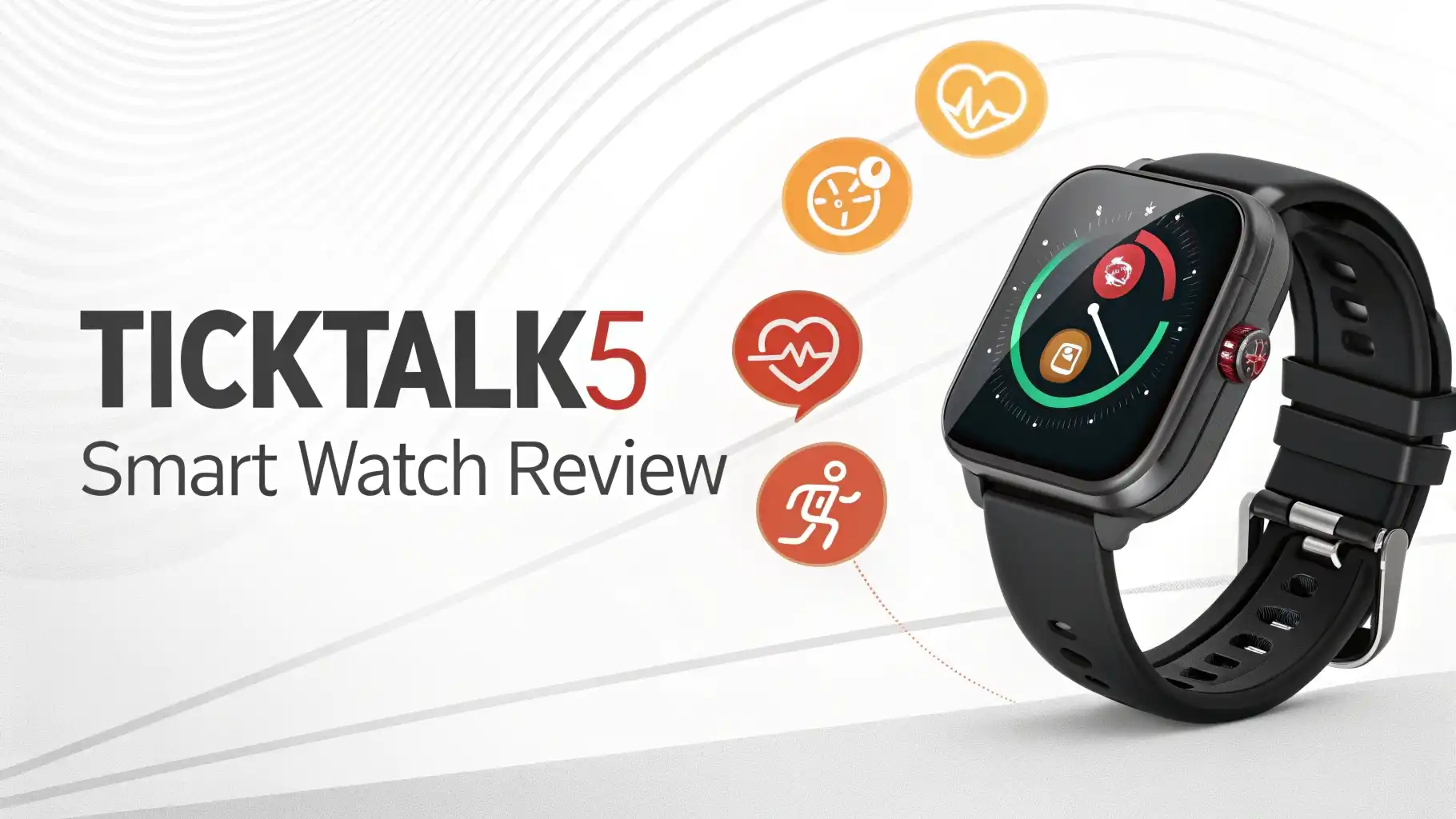
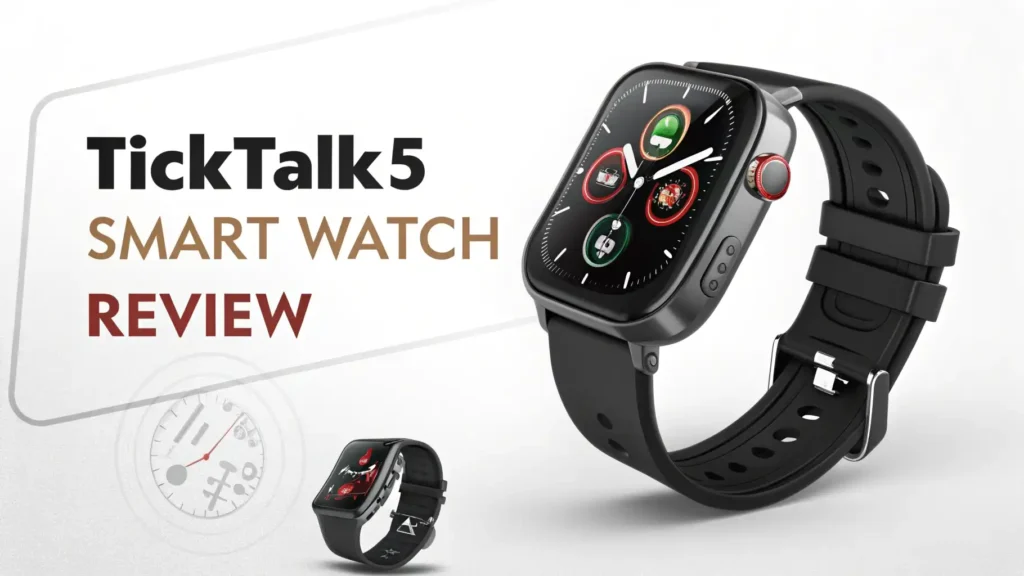
TickTalk5 Smart Watch Review 2026: A Comprehensive Guide
Remember when keeping track of your kids meant yelling their names across the playground? Those days are long gone.
Welcome to 2026, where smart technology meets parental peace of mind. The TickTalk5 Smart Watch has become the talk of every parent group, school pickup line, and family gathering. But does it really live up to the hype?
I spent weeks testing this little device on my wrist and my kid’s wrist. We pushed every button, tested every feature, and yes, we even tried the “super hearing” function when my son claimed he was “just at his friend’s house.”
Key Takeaways:
- Real GPS Tracking That Actually Works: Unlike cheaper alternatives that show your kid three blocks away when they’re standing right next to you, TickTalk5 uses AI-enhanced GPS technology that learns and improves accuracy over time. It combines GPS, Wi-Fi, and cellular tower signals for pinpoint location tracking.
- Video Calling Makes All the Difference: The 5MP front camera provides crystal-clear video calls. Your kids can see your face, you can see theirs, and suddenly those “I’m fine, Mom” texts become much more believable when you can actually see they’re fine.
- Battery Life You Can Count On: With a 770mAh battery, you get approximately 48-60 hours of active use and up to 137 hours on standby. No more daily charging anxiety or dead watches during emergencies.
- Built Like a Tank for Active Kids: The IP67 water resistance rating means this watch survives splashes, rain, handwashing, and yes, even that time your kid decides to test if it’s really waterproof. It’s also shockproof and dustproof.
- No Social Media, No Problems: This watch has zero internet browsing, no social media apps, and no games with in-app purchases. Your kids stay connected without getting sucked into the digital vortex.
- Parental Controls That Give You Real Power: You approve every contact, set school mode schedules, create safe zones with geofencing alerts, and even use the listen-in feature when safety concerns arise.

What Makes TickTalk5 Different from Other Kids Smartwatches
Walk into any store and you’ll find dozens of kids smartwatches. Most of them look impressive in photos but fall apart after two weeks of actual kid use. The TickTalk5 stands out because it was designed by parents who understand real-world needs.
The watch operates on 4G LTE cellular networks through AT&T or T-Mobile. This means your child gets standalone connectivity without needing to be tethered to your phone via Bluetooth. They can be at soccer practice across town, and you can still reach them instantly.
The 1.52-inch TFT touchscreen is large enough for small fingers to navigate easily but not so bulky that it looks ridiculous on a child’s wrist. The interface is intuitive, with bright, colorful icons that kids understand immediately.
What really impressed me was the SignalBooster Technology. This proprietary feature enhances cellular reception in areas where other devices struggle. Your child’s watch maintains connectivity in school buildings, indoor sports facilities, and other locations where signals typically weaken.
GPS Tracking Accuracy: How Well Does It Really Work
Here’s the truth about GPS tracking on kids’ devices. Most products advertise “accurate GPS tracking” but deliver something closer to “your child is somewhere in this general neighborhood.” The TickTalk5 takes GPS seriously.
The watch uses three positioning methods simultaneously: GPS satellites for outdoor accuracy, Wi-Fi positioning when indoors near known networks, and cellular tower triangulation as a backup. This tri-mode positioning system switches automatically based on signal availability.
The AI learning component continuously improves accuracy. After a few days of use, the watch learns your child’s regular locations like home, school, and grandma’s house. It recognizes these places and provides faster, more accurate positioning.
When GPS signals are strong, accuracy reaches within 10-30 feet. Wi-Fi positioning maintains accuracy of 50-100 feet, which is excellent for indoor tracking. Even cellular tower positioning, while less precise at 500 feet to 1 mile, still gives you general location awareness during emergencies.
Parents can also manually correct locations through the app if the watch temporarily shows an incorrect position. This feature helps the AI learn faster and improves future accuracy.
Voice and Video Calling: Staying Connected the Right Way

The communication features on TickTalk5 are where this device truly shines. The HD voice calling quality rivals regular smartphones. Your child’s voice comes through clearly without the tinny, robotic sound that plagues cheaper devices.
Video calling transforms how families stay connected. The 5MP camera delivers smooth, clear video with minimal lag. During testing, video calls remained stable even when my son was moving around, playing outside, or in areas with moderate cellular coverage.
The watch supports both voice messages and text messaging. Kids can send quick voice notes when typing feels tedious. Text messaging works through a simple keyboard interface or pre-set quick messages like “On my way home” or “Need pickup.”
One unique feature is photo and video messaging. Your child can snap a quick picture of something cool they want to show you and send it directly. These messages are encrypted and only go to parent-approved contacts.
The quick-dial emergency button immediately connects to 911 or designated emergency contacts. When activated, it simultaneously sends the watch’s location to all guardian contacts, ensuring rapid response during genuine emergencies.
Top 3 Alternatives for TickTalk5 Smart Watch

No products found.

Parental Controls: The Features That Give You Peace of Mind
Control is what separates a smartwatch from a potential problem. TickTalk5 delivers comprehensive parental controls through an intuitive smartphone app available for iOS and Android.
Contact approval means your child can only communicate with people you specifically authorize. Unknown numbers are automatically blocked. You can add contacts, remove them, and manage permissions for each individual contact.
School Mode is pure genius. You set specific hours when the watch enters restricted mode. During school time, the watch blocks incoming calls, silences notifications, and disables distracting features. Your child can still use the SOS emergency function, but they can’t spend math class video chatting with friends.
Geofencing lets you create safe zones around locations like home, school, or sports practice. When your child enters or leaves these zones, you receive instant push notifications. This feature works quietly in the background without requiring manual check-ins.
The Listen-In function remains controversial but valuable for specific situations. It allows you to silently call the watch and hear the surrounding environment. The watch doesn’t ring or alert the child. This feature should be used responsibly and discussed openly with your child about safety rather than surveillance.
You can also set reminders for homework, chores, medication, or bedtime. These appear as gentle notifications on the watch, helping kids develop responsibility and time management skills.
Battery Life and Charging: Does It Last All Day
Battery anxiety is real for parents. Dead devices during emergencies are unacceptable. The TickTalk5 addresses this concern with a 770mAh lithium polymer battery that delivers impressive endurance.
In real-world testing, the watch lasted 48-60 hours with moderate use. This includes several video calls, regular GPS tracking updates, messaging throughout the day, and some music listening. With lighter use, the battery easily stretches to three days.
Standby time reaches 137 hours (almost six days) when the watch isn’t actively being used. This extended standby capability means even if your child forgets about the watch for a weekend, it likely still has charge remaining.
Charging happens through a magnetic USB cable that snaps securely onto the watch back. Full charging takes approximately 90-120 minutes from empty to 100 percent. The magnetic connection makes it easy enough for kids to plug in independently.
The watch provides low battery notifications at 20 percent and 10 percent remaining charge. These alerts go to both the watch and parent app, giving you advance warning before complete battery depletion.
Water Resistance and Durability: Built for Real Kids
Kids are basically tiny destruction machines. They drop things, splash things, forget things, and generally test the limits of everything they touch. The TickTalk5 was engineered with this reality in mind.
The IP67 water resistance rating means the watch survives immersion in water up to 3 feet deep for 30 minutes. This isn’t a swimming or bath watch, but it handles handwashing, rain, water splashes, and accidental drops into puddles without issues.
The watch body features reinforced corners with shock-absorbing materials. Drop tests from typical kid height onto various surfaces showed the watch surviving without functional damage. The screen may get minor scratches over time, but tempered glass screen protectors are available for extra protection.
The dustproof design seals internal components from sand, dirt, and particles. This protection matters for kids who play in sandboxes, at the beach, or in dusty outdoor environments.
The silicone watch band is hypoallergenic and comfortable for extended wear. It adjusts easily to accommodate growing wrists and comes in multiple color options including purple, green, blue, and ash gray.
Free Music and Entertainment: Keeping Kids Happy Without Internet

One of the most loved features among kids is the built-in music player. TickTalk5 includes 8GB of internal storage, with a portion dedicated to preloaded music and space for custom additions.
The watch comes with hundreds of kid-friendly songs across multiple genres. Parents can add additional music through the companion app, uploading MP3 files directly to the watch storage.
Music playback happens through the built-in speaker or via Bluetooth connection to wireless headphones. The speaker volume is limited to safe levels for young ears while still being loud enough for enjoyment.
Beyond music, the watch includes a simple activity tracker that counts steps and encourages physical movement. Kids can check their daily step count and compete with family members for motivation.
The greeting card feature lets kids create and send digital greeting cards for birthdays, holidays, or just because. These cards include preset designs and custom messages, teaching kids about thoughtful communication.
Importantly, all entertainment features are completely offline. No internet browsing means no exposure to inappropriate content, predatory strangers, or addictive apps designed to maximize screen time.
The Parent App Experience: Controlling Everything From Your Phone
The TickTalk Parent App serves as mission control for the entire smartwatch system. Available free on iOS and Android, the app connects to your child’s watch through secure cloud servers.
The home screen provides an at-a-glance overview showing your child’s current location on a map, battery level, cellular signal strength, and recent activity. Everything essential appears immediately without digging through menus.
Location tracking updates automatically at intervals you set, ranging from real-time continuous tracking to periodic updates every few minutes. More frequent updates consume more battery, so finding the right balance matters.
The messaging interface works like familiar texting apps. You see conversation history with your child, can send text messages, voice notes, photos, and initiate voice or video calls directly from the app.
Historical location data shows where your child has been throughout the day. This feature helps verify stories, ensure they took agreed-upon routes, or simply understand daily patterns.
The app also displays health metrics like daily step counts and active time, encouraging family fitness challenges and healthy habits.
Monthly Service Plans: What Does It Really Cost
The TickTalk5 watch itself is a one-time purchase around $159.99 on Amazon. However, the watch requires a cellular service plan to function fully. This ongoing cost is important to understand upfront.
TickTalk offers branded cellular plans starting at $9.99 per month with no contract, activation fees, or cancellation penalties. These plans include unlimited talk, text, and data specifically for the watch.
Plans are available on both AT&T and T-Mobile networks, giving you flexibility based on coverage in your area. You can switch networks if needed without purchasing a new watch.
Alternatively, you can purchase a SIM card separately and activate service directly through AT&T or T-Mobile if you prefer managing everything through your existing carrier.
Some families with multiple devices can add the TickTalk5 to existing family plans for reduced monthly costs. Check with your carrier about compatible wearable device plans.
The watch also works in Wi-Fi-only mode if you want to delay cellular service. In this configuration, all features function when connected to known Wi-Fi networks, but GPS tracking and calling require Wi-Fi availability.
Setup Process: How Easy Is It to Get Started
Unboxing the TickTalk5 reveals the watch, a magnetic charging cable, user manual, and pre-installed SIM card (if purchased through certain retailers). The watch arrives partially charged and ready for initial setup.
First, download the TickTalk Parent App from the App Store or Google Play. Create a parent account with your email and a secure password. The app guides you through step-by-step setup with clear instructions and helpful graphics.
You’ll scan a QR code displayed on the watch screen to pair it with your parent app. This secure pairing process takes about 30 seconds and establishes the connection between your phone and your child’s watch.
Next, activate the cellular service through the app if you purchased a plan. If using your own carrier’s SIM card, follow carrier-specific activation procedures. The watch reboots after activation and connects to the cellular network within a few minutes.
Finally, customize settings including approved contacts, safe zones, school mode schedules, and notification preferences. The entire setup process takes 15-25 minutes for most parents.
Common Issues and Limitations: What to Know Before Buying
No product is perfect. The TickTalk5 has some limitations worth considering before purchase.
The watch is relatively bulky compared to fashion smartwatches. For smaller children with thin wrists, it can look oversized. However, most kids ages 5 and up wear it comfortably.
GPS accuracy indoors can be inconsistent depending on building construction. Thick concrete walls in some schools may block GPS signals, requiring Wi-Fi positioning instead.
The watch doesn’t work internationally in most countries due to cellular network compatibility. If your family travels frequently outside the United States, this limitation matters.
Text messaging requires cellular or Wi-Fi connection, so offline messaging isn’t possible. The watch must have connectivity to send or receive messages.
Some parents report the speaker volume could be louder for noisy environments. If your child is at a loud sports game or playground, they might miss calls.
The watch is not compatible with Verizon networks, limiting options for families locked into Verizon contracts. Only AT&T and T-Mobile networks are supported.
Frequently Asked Questions
Does the TickTalk5 require a monthly subscription?
Yes, the watch needs a cellular plan for full functionality. TickTalk branded plans start at $9.99 monthly with no contracts or hidden fees. You can also use compatible plans from AT&T or T-Mobile directly.
Can my child make emergency calls without a cellular plan?
When operating in Wi-Fi-only mode, the watch can make calls to approved contacts over Wi-Fi. However, traditional 911 calls require cellular service. The SOS button sends alerts to parent contacts through the app via Wi-Fi.
Is the TickTalk5 compatible with iPhone and Android?
Yes, the TickTalk Parent App works with both iOS and Android smartphones. The app requires iOS 10 or later or Android 5.0 or later for full compatibility.
How accurate is the GPS tracking feature?
GPS accuracy varies by environment. In open outdoor areas with clear sky visibility, accuracy reaches 10-30 feet. Indoors using Wi-Fi positioning, accuracy is typically 50-100 feet. The AI learning system improves accuracy over time as the watch learns frequent locations.
Can my child download games or apps to the watch?
No, the TickTalk5 operates as a closed system without app stores or game downloads. This design choice prevents distractions and maintains security. The watch comes with built-in features only, including music, activity tracking, and communication tools.
What happens if the watch gets lost or stolen?
The parent app always shows the last known location of the watch. You can use this information to locate lost devices. For theft, contact TickTalk customer support to deactivate the watch remotely and prevent unauthorized use.
How long does the battery really last with regular use?
With typical daily usage including GPS tracking, several calls, messaging, and some music listening, expect 48-60 hours between charges. Lighter use extends battery life to three days. Standby time reaches approximately 137 hours.
Can the watch be used with multiple guardian accounts?
Yes, you can add multiple guardians to the parent app. All guardians receive notifications, can view location tracking, and communicate with the child. The primary admin account controls settings and permissions.