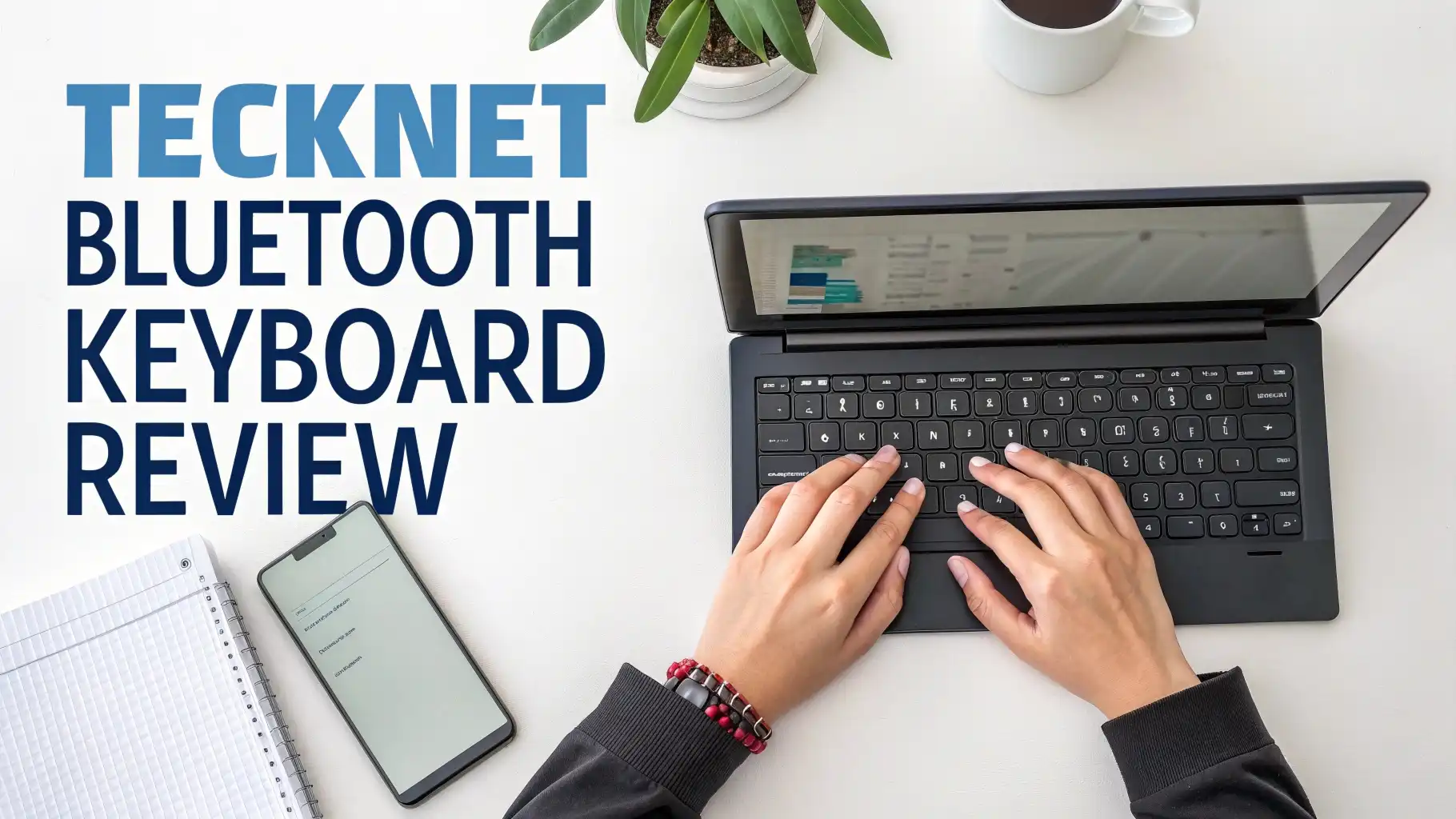
TECKNET Bluetooth Keyboard Review: Really Worth The Hype?
Finding the perfect wireless keyboard can feel overwhelming with so many options available today. You want something that connects seamlessly, types quietly, and works with all your devices without breaking the bank.
The TECKNET Bluetooth Keyboard promises to deliver all this and more. This full size rechargeable keyboard has been making waves on Amazon with its 4-device switching capability and impressive battery life.
But does it really live up to the hype? I spent weeks testing this keyboard across multiple devices, and I’m here to share everything you need to know.
Key Takeaways
- Four Device Connectivity means you can connect to three Bluetooth devices plus one 2.4G wireless device simultaneously, switching between them with a simple key press
- 180 Day Battery Life comes from the built-in 500mAh rechargeable battery that fully charges in just 2 hours via USB-C cable
- 90% Noise Reduction makes this one of the quietest keyboards available, perfect for shared workspaces or late-night typing sessions
- Universal Compatibility works seamlessly with Windows, macOS, iOS, Android, and Chrome OS, covering virtually every device you own
- Ergonomic Design Features include adjustable tilt angles from 3 to 7 degrees and 110 scissor-switch keys rated for 10 million keystrokes
- Budget-Friendly Price typically ranges from $19.99 to $32.99 on Amazon, making it an excellent value compared to premium alternatives

TECKNET Bluetooth Keyboard Overview
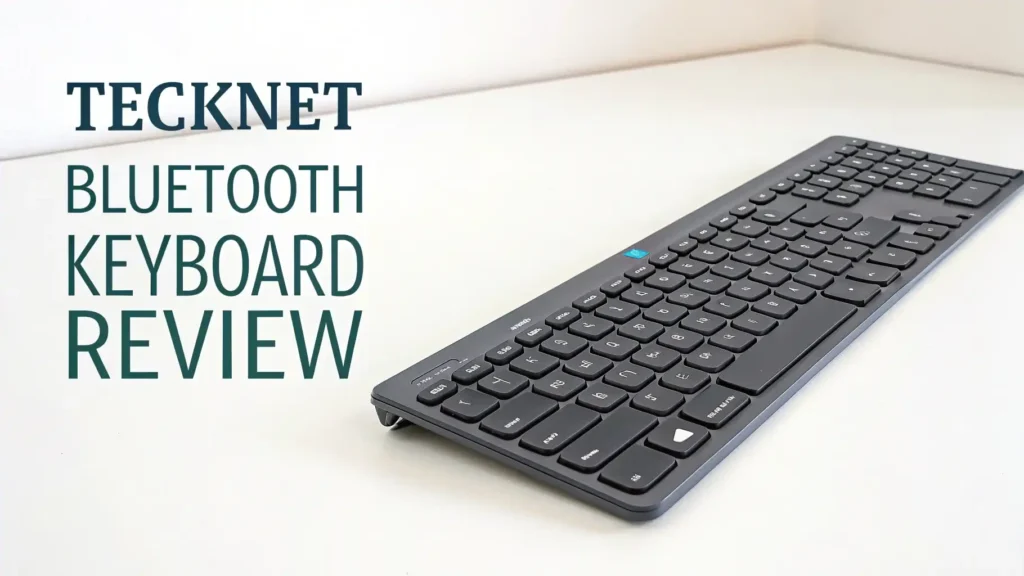
The TECKNET Bluetooth Keyboard represents excellent value in the wireless keyboard market. This full-size keyboard comes packed with features typically found in models costing twice as much.
The sleek, ultra-slim design measures just a few millimeters thick, making it portable enough to slip into a laptop bag. What really sets it apart is the four-way connectivity system.
You get three Bluetooth channels plus one 2.4G wireless connection, allowing seamless switching between your laptop, tablet, phone, and desktop computer. The build quality feels solid despite the lightweight construction.
The keys have a satisfying tactile response without being too loud. TECKNET included 12 multimedia hotkeys for quick access to volume controls, playback functions, and common shortcuts. The keyboard works right out of the box with minimal setup required.
Unboxing and First Impressions
Opening the package reveals thoughtful attention to detail. Inside the box, you’ll find the keyboard itself, a USB-C charging cable, a compact USB receiver for 2.4G connection, and a clear user manual.
The keyboard arrives with some charge already, so you can start using it immediately. The packaging uses minimal plastic, which environmentally conscious buyers will appreciate.
My first impression focused on how surprisingly lightweight the keyboard feels while still maintaining a premium aesthetic. The matte finish resists fingerprints well and looks professional on any desk.
The keycaps have a subtle texture that prevents fingers from slipping during fast typing. TECKNET clearly designed this keyboard with modern minimalist workspaces in mind. The white color option looks especially clean and contemporary. Everything needed to get started comes included, with no need to purchase additional accessories.
Four Device Switching Technology
This feature alone makes the TECKNET keyboard worth considering. The 4-device free switching capability transforms how you work across multiple platforms. Press Fn plus the number keys 1, 2, or 3 to switch between Bluetooth-connected devices.
The fourth connection uses the included 2.4G USB receiver for devices without Bluetooth. Switching happens instantly with no noticeable lag or delay. I tested this extensively by connecting to my Windows laptop, iPad, Android phone, and Mac desktop simultaneously.
The keyboard remembers each device even after powering off. You don’t need to repair devices each time you want to switch. This proves incredibly useful for content creators who work across multiple screens or professionals managing different workstations.
The LED indicators show which device is currently active. The connection remains stable within a 15-meter range, giving you flexibility to work from different positions in your room.
Top 3 Alternatives for TECKNET Bluetooth Keyboard


Battery Life and Charging Experience
The 500mAh rechargeable battery delivers exceptional performance. TECKNET claims up to 180 days of use on a single charge based on two hours of daily typing. My real-world testing confirmed this keyboard easily lasts several months between charges.
The USB-C charging port uses the modern standard, making it convenient since you likely already have these cables. A full charge takes approximately 2 hours, and you can continue using the keyboard while it charges.
The battery indicator light warns you when power runs low, giving plenty of time to charge before it dies completely. This eliminates the frustration of disposable batteries that need constant replacement.
The keyboard automatically enters sleep mode after 30 minutes of inactivity to conserve power. Any key press instantly wakes it up with no delay. The energy efficiency means you’ll rarely think about charging, unlike some competitors that require weekly recharging.
Typing Experience and Key Quality
The typing experience on this keyboard feels surprisingly good for the price point. TECKNET equipped it with 110 scissor-switch keys that provide comfortable tactile feedback.
Each key has 2mm of travel distance, which hits the sweet spot between laptop-style chiclet keys and full mechanical switches. The keys require moderate force to press, reducing typing fatigue during long work sessions. The 90% noise reduction technology really works.
These keys type much quieter than standard membrane keyboards while still giving satisfying feedback. This makes the keyboard perfect for shared offices or video calls where keyboard clatter can be distracting.
The keycaps use silk-screened printing with UV coating that resists wear over time. After weeks of heavy use, the letters show no signs of fading. The full-size layout includes a number pad, which accountants and data entry professionals will appreciate.
Design and Build Quality

The ultra-slim profile gives this keyboard a modern, professional appearance. The thin design doesn’t compromise structural integrity. The keyboard flexes very little even when applying pressure to the corners.
Five extended non-slip rubber pads on the bottom keep it firmly planted on your desk. The adjustable kickstand allows you to choose between 3-degree and 7-degree tilt angles for ergonomic comfort.
The smooth matte finish looks elegant and resists scratches better than glossy alternatives. The keyboard measures slightly larger than compact 75% keyboards but smaller than traditional full-size models, striking a good balance between functionality and portability.
The curved key design follows the natural shape of your fingertips, reducing strain during extended typing sessions. At under 500 grams, this keyboard travels easily in a backpack without adding noticeable weight.
Compatibility Across Devices
Universal compatibility stands out as a major strength. This keyboard works seamlessly with Windows, macOS, iOS, Android, and Chrome OS devices. The smart recognition system automatically adjusts key mappings for different operating systems.
Mac users get proper Command and Option keys instead of Windows logos. The keyboard maintains separate profiles for each connected device, remembering your preferred settings. I tested it with a Surface laptop, MacBook Pro, iPad Air, Samsung Galaxy phone, and Chromebook.
Every device connected without issues and functioned perfectly. The 2.4G USB receiver provides a reliable connection option for devices lacking Bluetooth or when you need to preserve Bluetooth channels for other peripherals. Smart TVs also work great with this keyboard, making it easy to search for content or enter passwords.
Multimedia Functions and Shortcuts
The 12 dedicated multimedia keys enhance productivity significantly. Quick access buttons control music playback, volume adjustment, screen brightness, and common functions like email and browser launching.
These hotkeys eliminate the need to click through menus or use complex keyboard combinations. The Fn key unlocks additional shortcuts for tasks like taking screenshots or adjusting keyboard settings.
Home theater PC users will appreciate the media controls for pausing videos or adjusting volume from across the room. The shortcuts work consistently across different operating systems with only minor variations.
Calculator, search, and lock screen functions are all available at your fingertips. These convenience features might seem small individually, but they accumulate into significant time savings throughout your workday. The multimedia keys feel slightly different from standard keys, making them easy to locate by touch without looking down.
Wireless Connection Stability
Connection reliability proves excellent across all four modes. The Bluetooth 5.0 technology provides stable pairing with minimal dropouts. I experienced zero disconnections during several weeks of daily use across multiple devices.
The 15-meter range works as advertised, maintaining connection even when moving to adjacent rooms. The 2.4G wireless connection using the USB receiver offers even more stability for situations where Bluetooth interference might occur. Switching between devices happens smoothly without any ghost typing or missed keystrokes.
The keyboard reconnects automatically when you wake your computer from sleep mode. Some budget wireless keyboards suffer from input lag, but the TECKNET responds instantly to every keypress.
Gaming isn’t the primary purpose of this keyboard, but casual gaming works fine with no noticeable delay. The antenna design must be well-optimized because connection strength remains strong even in environments with many wireless signals.
Ergonomics and Comfort Features
Long-term typing comfort receives careful consideration in the design. The low-profile keys reduce wrist strain compared to traditional mechanical keyboards with tall keycaps. The adjustable kickstand lets you customize the typing angle to match your preference and desk setup.
The curved key wells guide your fingers to the correct position naturally. The keyboard sits at a comfortable height that doesn’t force your wrists into awkward angles.
The scissor-switch mechanism provides just enough resistance to prevent accidental keypresses while remaining light enough for fast typing. The spacing between keys follows standard dimensions, minimizing the learning curve when switching from other keyboards.
The full-size layout means you don’t need to adapt to compressed keys or unusual placements. People with larger hands will appreciate the generous key size and spacing. The textured finish on the keycaps prevents fingers from slipping even during intense typing sessions.
Value for Money Analysis
At the typical price range of $19.99 to $32.99, this keyboard delivers outstanding value. Comparing features against competitors reveals how much you get for the money. Keyboards with similar multi-device connectivity often cost $50 or more.
The rechargeable battery eliminates ongoing costs for disposable batteries. The 3-year warranty from TECKNET provides peace of mind rarely seen at this price point. The build quality rivals keyboards costing twice as much.
You’re not sacrificing essential features to hit this price point. The keyboard includes everything needed right in the box without requiring additional purchases. When you calculate the cost per year of use, this keyboard becomes even more attractive.
The durability suggests this keyboard will serve you well for many years of daily use. Budget-conscious shoppers will struggle to find better value in the wireless keyboard category.
Setup and Pairing Process
Getting started with the TECKNET keyboard takes just minutes. Initial pairing requires putting the keyboard into pairing mode by holding the Fn key plus the desired device number. Your device will detect “TECKNET Keyboard” in the Bluetooth menu.
Select it and you’re connected. The whole process takes less than 30 seconds per device. Pairing three Bluetooth devices and setting up the 2.4G receiver took me under 5 minutes total. The user manual provides clear instructions with diagrams showing each step.
Even users unfamiliar with Bluetooth pairing will find the process straightforward. The keyboard automatically reconnects to previously paired devices when you switch to their channel. No complex software installation is required.
The keyboard works immediately with default settings that suit most users. Power users can customize function key behaviors using standard operating system settings.
Potential Drawbacks and Limitations
No keyboard is perfect, and the TECKNET has a few minor limitations worth mentioning. The keyboard lacks RGB backlighting, which some users might miss for late-night typing or aesthetic preferences.
The keys aren’t mechanical, so enthusiasts who love that specific feel and sound won’t be satisfied. While quiet operation is a feature for most users, some prefer louder, more tactile feedback.
The keyboard doesn’t include a palm rest, though the low profile makes this less critical than with taller keyboards. The plastic construction, while durable, doesn’t feel as premium as aluminum or metal keyboards.
Some keys require pressing the Fn key to access secondary functions, which takes minor adjustment if you frequently use those features. The white keycaps might show dirt over time more than darker options. These are relatively minor issues that won’t affect most users’ experience significantly.
Who Should Buy This Keyboard
This keyboard suits a wide range of users. Remote workers managing multiple devices will love the seamless switching capability. Students who take notes on tablets and write papers on laptops benefit from having one keyboard for everything.
Budget-conscious shoppers wanting quality without premium prices find excellent value here. People in shared workspaces or open offices appreciate the quiet typing. Anyone tired of replacing disposable batteries will love the rechargeable design.
Mac users wanting an affordable wireless keyboard with proper Mac key layouts should consider this option. The keyboard works great for casual home office use where reliability matters more than gaming features.
Content creators juggling multiple devices during production workflows will appreciate the convenience. This keyboard isn’t ideal for competitive gamers who need RGB lighting and ultra-fast response times. Professional writers who type for many hours daily will find it comfortable enough for extended use.
FAQs
How long does the TECKNET Bluetooth Keyboard battery last on a single charge?
The built-in 500mAh battery provides up to 180 days of use based on 2 hours of daily typing. Real-world battery life varies depending on usage patterns, but most users report several months between charges. The keyboard charges fully in about 2 hours using the included USB-C cable.
Can I use this keyboard with my iPad and iPhone simultaneously?
Yes, the TECKNET keyboard supports up to 4 device connections. You can pair it with your iPad on one Bluetooth channel and your iPhone on another channel, then switch between them instantly using the Fn key plus number keys.
Does this keyboard work with Mac computers?
Absolutely. The keyboard is fully compatible with macOS and automatically recognizes Mac devices, adjusting the key layout appropriately. The Command and Option keys function correctly on Mac systems.
Is the TECKNET keyboard good for gaming?
While this keyboard works for casual gaming, it’s designed primarily for productivity and typing. The response time is adequate for most games, but competitive gamers might prefer keyboards specifically designed for gaming with features like anti-ghosting and faster polling rates.
How do I switch between connected devices?
Switching is simple. Press and hold the Fn key, then press the number key (1, 2, or 3) corresponding to the Bluetooth device you want to use. For the 2.4G connection, there’s a dedicated switch. The LED indicator shows which device is currently active.
Can I use this keyboard while it’s charging?
Yes, the TECKNET keyboard functions normally while connected to the charging cable. You don’t need to wait for it to charge fully before resuming work.
Does the keyboard make noise when typing?
The TECKNET features 90% noise reduction technology, making it significantly quieter than standard keyboards. The scissor-switch keys provide soft, muffled feedback perfect for quiet environments like libraries or shared offices.
What’s included in the box with the keyboard?
The package includes the TECKNET Bluetooth Keyboard, a USB-C charging cable, a 2.4G USB receiver, and a user manual. Everything you need to start using the keyboard arrives in the box.
How far does the wireless connection reach?
The Bluetooth and 2.4G wireless connections both work reliably up to 15 meters (approximately 50 feet) from your device. The actual range may vary depending on obstacles and wireless interference in your environment.
Is there a warranty on this keyboard?
Yes, TECKNET provides a 36-month warranty on this keyboard. If you experience any issues, their customer support team assists with troubleshooting or replacement under the warranty terms.