
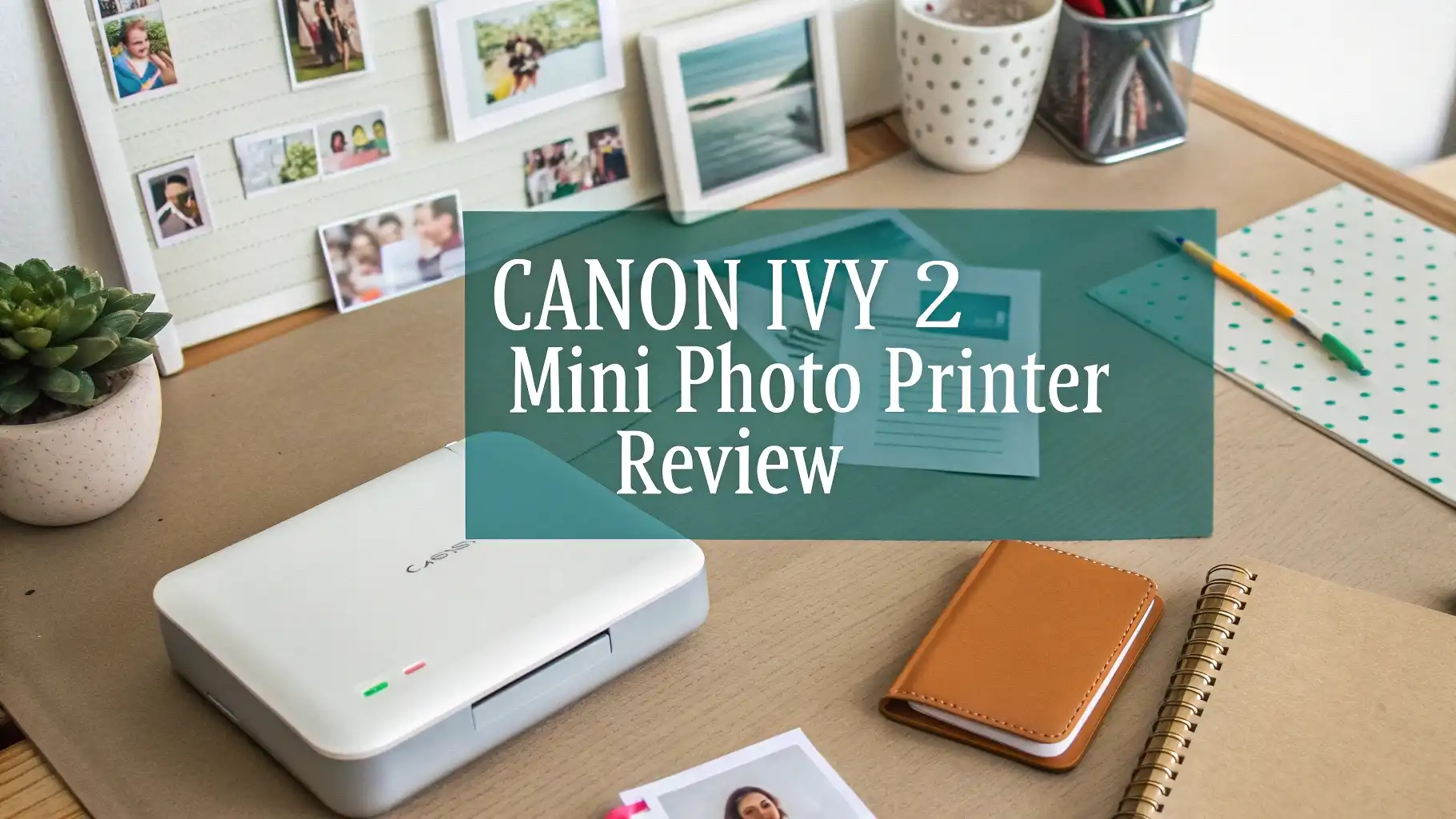
Canon Ivy 2 Mini Photo Printer Review: Your Complete Guide
Remember those special moments you captured on your phone but never got around to printing? The Canon Ivy 2 Mini Photo Printer changes everything.
This pocket-sized device brings your digital memories into the physical world with just a tap on your smartphone.
You can print stunning 2×3 inch photos anywhere you go without dealing with messy ink cartridges or complicated setup processes.
Key Takeaways:
- Print Quality and Speed: The Ivy 2 delivers noticeably improved photo quality compared to the original Ivy printer. Each print takes about 50 seconds or less to complete. The optimized skin tones, enhanced contrast, and sharper details make your photos look vibrant and professional. The 2×3 inch size matches standard wallet photo dimensions perfectly.
- Zero Ink Technology: The ZINK printing system eliminates the need for ink cartridges entirely. You simply load the special photo paper and start printing. This makes the printer incredibly portable and mess free. The prints are durable, resisting water, tears, and smudges better than traditional photo paper.
- Battery Life and Charging: The Ivy 2 can print approximately 20 sheets per full charge. The USB-C charging port provides faster charging compared to the first generation model. You can charge it using most modern phone chargers, making it convenient for travel.
- Smartphone Integration: The free Canon Mini Print app works with both iOS and Android devices. The app offers extensive editing tools including filters, frames, stickers, text overlays, emojis, collage creation, and tiling options. You can pull photos from your camera roll, social media accounts, or cloud storage services.
- Portable Design: Measuring approximately 4.7 inches long, the Ivy 2 fits easily in purses, backpacks, or large pockets. The sleek design comes in multiple colors including Pure White and Blush Pink. The LED light bar on top adds a fun visual element during printing.
- Cost Considerations: While the printer itself costs around $99, the ongoing cost of ZINK paper averages about 58 cents per print when buying 50-sheet packs. This makes it reasonably affordable compared to sending photos to print services or using traditional photo printers.

Canon Ivy 2 Mini Photo Printer Overview
The Canon Ivy 2 Mini Photo Printer represents the evolution of portable photo printing technology. Canon took feedback from the original Ivy model and created something better in every way. This second generation printer focuses on what users actually want: better photo quality, longer battery life, and easier connectivity.
The printer’s compact form factor makes it incredibly practical for modern life. You can slip it into your bag and take it to weddings, birthday parties, concerts, or vacation destinations. The instant gratification of holding a physical photo moments after taking a picture creates a special experience that digital sharing cannot match.
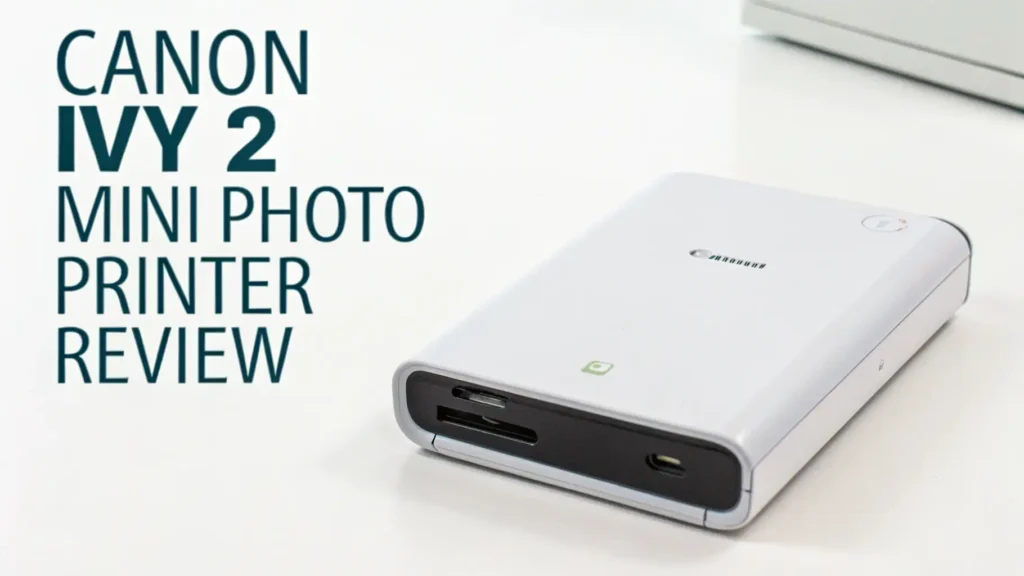
The build quality feels solid despite the lightweight design. The printer features a smooth finish that resists fingerprints and scratches. The top panel includes an LED light bar that illuminates during printing, showing you the printer is working. The USB-C charging port on the side makes it compatible with modern charging cables you probably already own.
Setting up the Ivy 2 takes less than five minutes. You download the Canon Mini Print app, turn on the printer, enable Bluetooth on your phone, and pair the devices. The app guides you through each step with clear instructions. Once paired, the connection remains stable for future printing sessions.
The printer works exclusively through the smartphone app. There is no WiFi connectivity or option to print directly from a computer. This design choice keeps the printer simple and focused on its primary purpose: printing photos from your phone. For most users, this limitation is not a problem since smartphones are where most personal photos live today.
Understanding ZINK Zero Ink Technology
ZINK technology represents a breakthrough in portable printing. Traditional printers require ink cartridges, ribbons, or toner that must be replaced regularly. ZINK eliminates all of that. The technology embeds colorful dye crystals directly inside the photo paper itself. When the printer applies heat to specific areas of the paper, those crystals activate and create the full color image.
This approach offers several major advantages. First, you never run out of ink at the worst possible moment. Second, the printer mechanism stays clean since there is no liquid ink to leak or dry out. Third, the elimination of ink cartridges makes the printer smaller and lighter. Fourth, there are fewer parts that can break or malfunction over time.
The ZINK paper comes in packs of 10, 20, 50, or 100 sheets. Each sheet measures 2×3 inches with a peel-and-stick adhesive backing. Before printing, the paper looks white with a blue tint from the protective overlay. During the printing process, you watch as the colors gradually appear on the paper. The whole process feels almost magical as your image materializes before your eyes.
The quality of ZINK prints has improved dramatically over the years. Early ZINK technology produced images that looked washed out with poor color accuracy. The Ivy 2 uses advanced ZINK paper that delivers much better results. Colors appear vibrant and true to life. Skin tones look natural rather than overly red or yellow. Black areas show good depth rather than appearing gray.
However, ZINK technology does have limitations compared to traditional photo printing methods like dye sublimation. Fine details may appear slightly soft. The color gamut is not as wide as professional photo paper. In bright outdoor light, you might notice the protective overlay gives prints a slight sheen. For most casual uses, these trade-offs are worth the convenience ZINK provides.
The durability of ZINK prints exceeds expectations. The protective coating makes them resistant to water, so a little rain or spilled drink will not ruin your photos. They resist tearing much better than standard photo paper. You can handle them immediately after printing without worrying about smudging. Canon states that when stored away from direct sunlight and extreme temperatures, ZINK photos can last up to 100 years.
Top 3 Alternatives for Canon Ivy 2 Mini Photo Printer


While the Canon Ivy 2 offers excellent performance, several alternatives deserve your consideration. Each option brings unique features and price points to the table. Understanding these alternatives helps you make the best choice for your specific needs and budget.
The KODAK Step Instant Smartphone Photo Printer competes directly with the Canon Ivy 2. It uses the same ZINK technology and produces 2×3 inch prints. The Step printer typically costs about $20 less than the Canon, making it attractive for budget-conscious buyers. The accompanying app offers filters, borders, and editing tools similar to Canon’s offering. Many users report that print quality is comparable between the two brands. The Step printer comes in various fun colors and patterns, letting you express your personality.
Print Quality and Performance Analysis
The Canon Ivy 2 delivers significantly improved print quality over the original Ivy model. Canon focused on three specific areas: skin tone optimization, contrast enhancement, and sharpness improvement. The results are noticeable when you compare prints from both generations side by side.
Skin tones appear more natural and flattering on the Ivy 2. The printer does not overdo the pink or orange tones that plagued earlier ZINK printers. People of various skin tones are represented accurately. This makes the Ivy 2 excellent for portraits, selfies, and group photos. The automatic adjustments work well without requiring manual corrections.
Contrast levels show marked improvement. Bright areas maintain detail rather than blowing out to pure white. Shadow areas preserve information rather than turning into black blobs. The improved contrast makes photos appear more dimensional and engaging. Landscape photos benefit particularly from this enhancement, with skies showing gradual color transitions and foreground details remaining visible.
Sharpness has increased noticeably. Text in photos appears more legible. Fine details like hair strands, tree branches, or architectural elements show better definition. The improvement is not dramatic enough to match traditional photo printing, but it makes a real difference for casual viewing. Your photos look good when displayed on walls, in journals, or given as gifts.
Color accuracy meets expectations for a portable ZINK printer. Blues tend to appear vibrant and saturated. Reds come through rich without appearing neon. Greens look natural in outdoor scenes. Yellows and oranges maintain good saturation. The color profile seems optimized for the types of photos people most commonly print: portraits, food, travel, and everyday moments.
Canon Mini Print App Features and Functionality
The Canon Mini Print app serves as your gateway to the Ivy 2 printer. Available free for both iOS and Android, the app provides all the tools you need to edit, customize, and print your photos. The interface feels intuitive even for users who are not tech-savvy.
When you open the app, you see several main sections. The camera button lets you take a new photo directly within the app. The gallery button accesses photos stored on your device. The social media button connects to your Instagram, Facebook, Google Photos, and other accounts, letting you print photos you have shared online. The collage button creates multi-photo layouts. The settings button manages printer connections and app preferences.
The editing tools offer impressive depth for a free mobile app. Filters range from subtle color corrections to dramatic artistic effects. You can choose black and white, sepia, vintage, bright, cool, warm, and many other preset looks. Each filter can be adjusted for intensity, giving you control over how strong the effect appears.
Battery Life and Charging Specifications
The Canon Ivy 2 includes a built-in rechargeable lithium-ion battery. Canon rates the battery capacity at approximately 20 prints per full charge. In real-world testing, this estimate proves fairly accurate, though several factors can affect actual performance.
The battery drains faster when printing multiple photos in quick succession. Each print requires sustained heat application, which consumes significant power. If you space out your printing over time, the battery seems to last longer since the printer can cool down between prints. Printing in very cold environments reduces battery performance noticeably.
Charging happens through the USB-C port located on the side of the printer. The USB-C standard represents an upgrade from the original Ivy’s micro-USB port. Most modern smartphones use USB-C, so you probably already have compatible cables and charging blocks. The printer does not include a charging block in the box, only a USB-A to USB-C cable.
Design, Portability, and Build Quality
Canon designed the Ivy 2 with portability as the top priority. The printer measures approximately 4.7 inches long, 3.2 inches wide, and 0.9 inches thick. These compact dimensions allow it to slip into purses, backpacks, jacket pockets, or glove compartments easily. The printer weighs only about 5.7 ounces, making it lighter than most smartphones.
The exterior features a smooth plastic finish that resists fingerprints and minor scratches. The available color options include Pure White and Blush Pink, both offering clean, modern aesthetics that appeal to style-conscious users. The minimalist design lacks any buttons or screens, keeping the exterior uncluttered and sleek.
The LED light bar across the top surface serves both functional and aesthetic purposes. During printing, the lights animate to show progress and status. Different colors indicate different states: white means ready, blue means printing, and red indicates an error or low battery. The lights add a touch of visual interest that makes the printing process feel more engaging.
Cost Analysis: Printer and Paper Expenses
Understanding the total cost of ownership helps you budget appropriately for the Canon Ivy 2. The initial purchase price typically ranges from $99 to $129 depending on retailer and bundle options. The base model includes the printer, a USB charging cable, and a sample pack of 10 ZINK photo sheets to get you started.
The ongoing expense comes from purchasing ZINK photo paper. Canon sells official IVY ZINK paper in several pack sizes. A 50-sheet pack generally costs around $29, working out to about 58 cents per print. Buying larger quantities reduces the per-print cost slightly. A 100-sheet pack might run $52, lowering the cost to 52 cents per print.
Third-party ZINK paper options exist, typically costing less than Canon-branded paper. These alternative papers work with the Ivy 2 since ZINK is a standardized technology. However, print quality may vary with different paper brands. Some third-party papers produce slightly different colors or lack the adhesive backing. Reading reviews helps identify which alternative papers perform well.
Frequently Asked Questions
How long does each print take with the Canon Ivy 2?
The Canon Ivy 2 completes each print in approximately 50 seconds or less. The actual time depends on the complexity of your image and current printer temperature. When printing multiple photos in succession, later prints may complete slightly faster as the printer stays warm.
Can the Canon Ivy 2 print without a smartphone?
No, the Canon Ivy 2 requires a smartphone connection to function. The printer has no built-in screen, buttons, or memory card slot. It works exclusively through the Canon Mini Print app on iOS or Android devices.
Does the sticky backing damage walls or surfaces?
The adhesive backing on ZINK prints is designed for temporary to semi-permanent application. The prints stick firmly to most clean, smooth surfaces including walls, notebooks, laptops, and furniture. When you decide to remove them, they typically peel off cleanly without leaving residue or damaging paint.
What happens if the printer runs out of battery during printing?
The Canon Ivy 2 monitors battery level continuously and will not start a new print if insufficient power remains. This protection prevents wasting paper on incomplete prints. If you attempt to print with a very low battery, the app will display a warning asking you to charge the printer first.
Can you print old photos or only new ones?
You can print any photo accessible on your smartphone, regardless of when you took it. The Canon Mini Print app lets you browse your entire photo library, access cloud storage services, and pull images from social media accounts. You can print photos from years ago just as easily as pictures you took today.
How waterproof are the printed photos?
ZINK prints are water resistant rather than fully waterproof. The protective coating allows them to withstand minor water exposure like light rain or spilled drinks. If you wipe them dry quickly, they usually survive without damage.
Does the printer work with tablets?
Yes, the Canon Mini Print app works on tablets running compatible operating systems. iPads running iOS 13 or later and Android tablets running version 8.0 or later can connect to the Ivy 2 via Bluetooth.





