
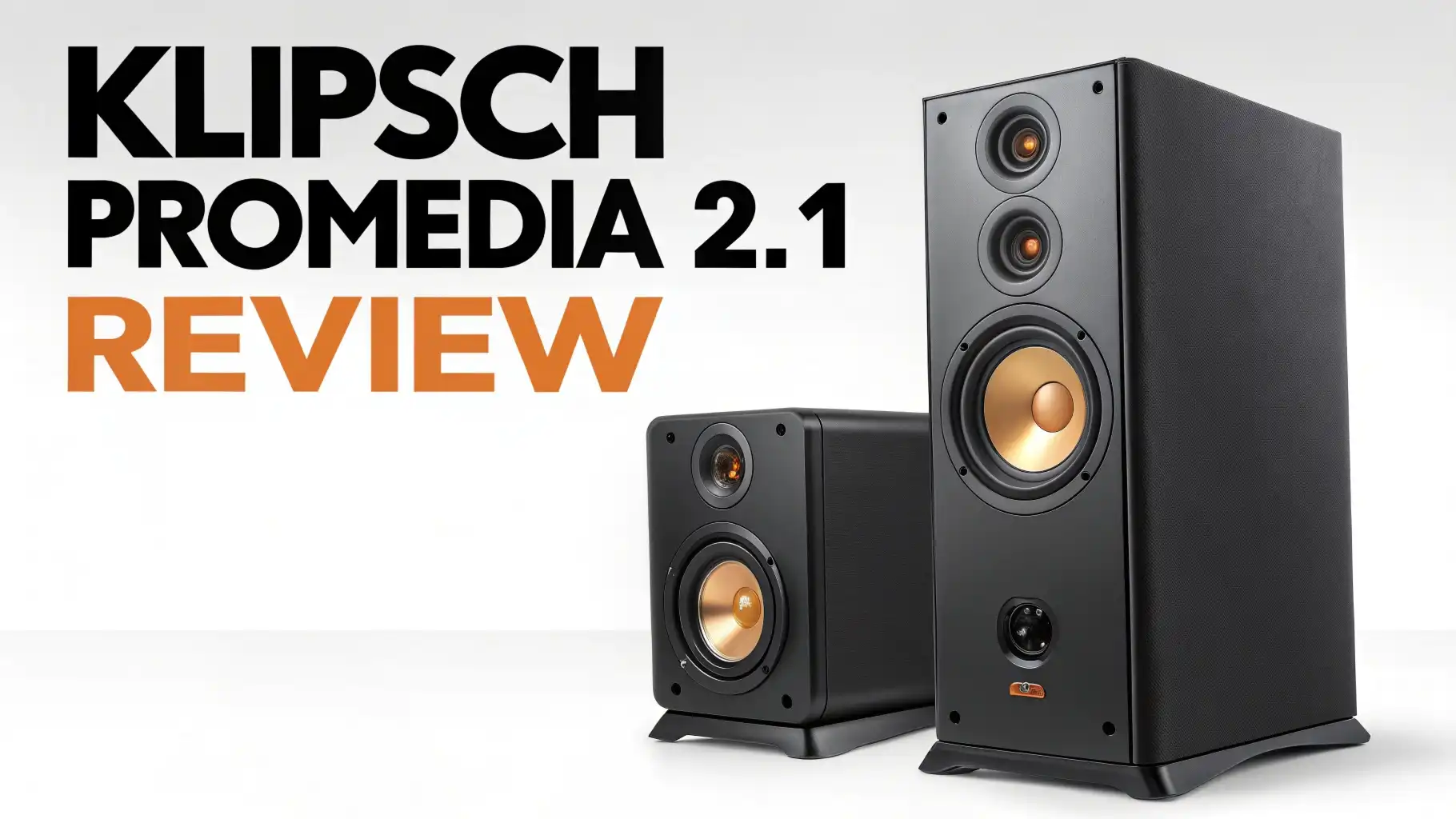
Klipsch ProMedia 2.1 Review 2026: Is It Worth the Hype?
Looking for computer speakers that deliver studio-quality sound without breaking your budget? You’ve landed in the right place.
The Klipsch ProMedia 2.1 speaker system has been turning heads for over two decades, and there’s a good reason why gamers and music lovers keep coming back to this legendary setup.
This isn’t just another computer speaker system. This is THX-certified audio excellence that transforms your desktop into a legitimate entertainment powerhouse.
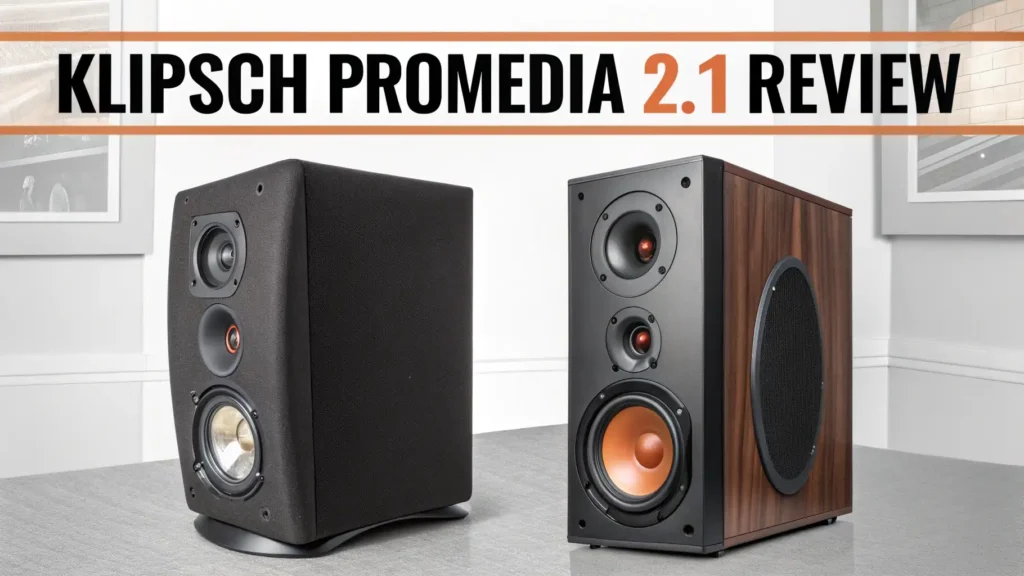
Key Takeaways:
- Performance Excellence: The Klipsch ProMedia 2.1 delivers 260 watts of peak power through a THX-certified system that’s been tested over 2,000 times to ensure perfect sound reproduction. The 6.5-inch subwoofer creates deep, punchy bass while the 3-inch satellite speakers handle mid and high frequencies with remarkable clarity.
- THX Certification Matters: Unlike generic computer speakers, this system carries THX certification, meaning it meets strict audio quality standards. You’re getting studio-grade sound that many professional audio engineers trust for their work.
- Versatile Connectivity: The system works with virtually any device through its 3.5mm input. Connect your PC, gaming console, TV, smartphone, or music player. The convenient control pod lets you adjust volume and bass levels on the fly, with a headphone jack for private listening.
- Build Quality and Design: These speakers feature MicroTractrix horn technology that channels sound efficiently, reducing distortion even at maximum volume. The satellites are compact enough for small desks, while the side-firing subwoofer can be tucked away without losing bass impact.
- Best Value Proposition: While priced higher than budget options, the ProMedia 2.1 offers professional audio quality at a fraction of what studio monitors cost. The system has proven durability, with many users reporting their units lasting 10+ years with proper care.

Understanding the Klipsch ProMedia 2.1 THX System
The Klipsch ProMedia 2.1 isn’t your average desktop speaker setup. This three-piece system combines two satellite speakers with a powerful subwoofer to create a complete audio experience. The THX certification sets it apart from competitors, guaranteeing that what you hear matches what artists and producers intended.
The system architecture is brilliant. Each satellite speaker houses a 3-inch midrange driver paired with Klipsch’s proprietary MicroTractrix horn.
This horn design maximizes efficiency and reduces distortion, allowing the speakers to maintain clarity even when you push the volume. The result is detailed highs and clear mids that don’t get muddy or harsh.
The 6.5-inch side-firing subwoofer handles the low-end frequencies. Side-firing design means the bass radiates outward rather than downward, giving you more placement flexibility. The ported design enhances bass response, creating that chest-thumping impact during action scenes and bass-heavy music tracks.
Sound Quality That Exceeds Expectations
Sound quality is where the ProMedia 2.1 truly shines. The bass response is exceptional for a computer speaker system.
Movies feel more immersive with explosions and rumbling effects that add depth without overwhelming dialogue. Music genres like electronic, hip-hop, and rock benefit tremendously from the powerful low-end.
The mid-range frequencies are clean and detailed. Vocals come through with impressive clarity, whether you’re listening to podcasts, watching movies, or gaming. Guitar strings, piano keys, and orchestral instruments maintain their distinct character. This level of detail is rare in computer speakers at this price point.
High frequencies remain crisp without being piercing. The MicroTractrix horn technology deserves credit here. It controls sound dispersion, preventing the harsh sibilance that plagues many budget speakers. Cymbals shimmer, string instruments sparkle, and high-pitched sound effects cut through the mix without causing listening fatigue.
Gaming Performance: Hear Your Enemies Before They See You


Gamers appreciate the ProMedia 2.1 for good reason. The spatial audio reproduction helps you pinpoint enemy locations in competitive shooters. Footsteps have distinct directionality, gunshots feel powerful, and environmental sounds create genuine immersion.
The system handles dynamic range exceptionally well. Quiet moments in horror games remain tense with subtle ambient sounds, while explosive action sequences deliver satisfying impact. The subwoofer adds weight to explosions and vehicle engines without creating annoying rumble that obscures important audio cues.
Low latency connectivity through the 3.5mm jack means audio stays perfectly synced with on-screen action. No wireless delay to worry about. The instant response makes the ProMedia 2.1 ideal for rhythm games and competitive gaming where split-second timing matters.
Music Listening Experience Across Genres
The ProMedia 2.1 handles diverse music genres admirably. Electronic and dance music benefit from the powerful subwoofer delivering tight, controlled bass that makes you want to move. Hip-hop tracks maintain their punch while keeping vocals intelligible.
Rock and metal sound energetic with clear guitar work and punchy drums. The system separates instruments well, preventing the wall-of-sound muddiness that affects lesser speakers. Live recordings capture the atmosphere of concert venues effectively.
Classical and jazz reveal the system’s nuanced performance. String sections maintain their delicate texture, piano notes have proper weight, and brass instruments shine without harshness. Audiophiles will appreciate the level of detail typically found in more expensive setups.
Top 3 Alternatives for Klipsch ProMedia 2.1


Setup and Installation Simplicity
Setting up the ProMedia 2.1 takes less than five minutes. The satellite speakers connect to the subwoofer with attached cables. You plug the power cord into an outlet, connect your audio source to the control pod, and you’re ready to go. No software installation required.
The control pod is a convenient feature. It sits on your desk with easy-access volume control, bass adjustment, and a headphone jack. The pod cable is long enough for flexible placement. The bass control lets you fine-tune low frequencies to match your room acoustics and personal preference.
Placement flexibility makes the system desk-friendly. The compact satellites don’t dominate your workspace, while the subwoofer can hide under your desk or alongside your PC tower. The side-firing design means the subwoofer performs well even when placed against a wall.
Build Quality and Durability Factors
The ProMedia 2.1 features solid construction that inspires confidence. The satellite speakers have rigid cabinets that minimize unwanted vibrations. The subwoofer enclosure feels substantial, with a weight that suggests quality components inside.
The control pod has been a weak point in some units over the years. The DIN connector can fail with heavy use or accidental cable tugs. However, replacement pods are available, and many users report problem-free operation for years. Treating the pod cable with care extends its lifespan significantly.
Component quality affects longevity. Many users report their ProMedia 2.1 systems lasting 10+ years with regular use. The drivers maintain performance over time, and the amplifier circuit handles continuous operation well. This durability justifies the initial investment for many buyers.
Connectivity Options and Versatility
The 3.5mm auxiliary input provides universal compatibility. Any device with a headphone jack or line-out connects easily. Gaming consoles, TVs, computers, smartphones, and tablets all work seamlessly with the system.
Some users add Bluetooth receivers to enable wireless streaming. Affordable Bluetooth adapters plug into the 3.5mm input, giving the system modern wireless capabilities without compromising sound quality through lossy wireless codecs. This simple modification extends the system’s usefulness.
The headphone jack on the control pod offers convenient private listening. When you plug in headphones, the speakers mute automatically. This feature is perfect for late-night gaming sessions or when you need to reduce noise without adjusting multiple settings.
Room Size and Acoustic Considerations
The ProMedia 2.1 works best in small to medium-sized rooms. Bedrooms, home offices, and dorm rooms are ideal environments. The system delivers plenty of volume for spaces up to 300 square feet without strain.
Room acoustics affect bass response significantly. Carpeted rooms absorb bass, requiring higher subwoofer settings. Hard floors and walls reflect low frequencies, potentially creating boomy sound. The adjustable bass control helps you optimize performance for your specific environment.
Desktop placement affects sound quality too. Position satellite speakers at ear level when seated for best results. Angle them slightly toward your listening position to maximize stereo imaging. Keep them away from walls to prevent unwanted reflections that muddy the sound.
Value Proposition and Pricing Analysis
The Klipsch ProMedia 2.1 typically sells between $150 to $250 depending on availability and sales. This positions it in the mid-range category for computer speakers. The price reflects the THX certification and premium components that deliver superior sound quality.
Compared to budget speakers under $100, the ProMedia 2.1 offers substantially better performance. The difference is immediately noticeable, especially in bass quality and overall clarity. The upgrade is worthwhile for anyone who values audio quality.
Long-term value is impressive. With proper care, these speakers serve you for many years. The cost per year of ownership becomes very reasonable when you consider the durability. Many users consider their ProMedia 2.1 purchase one of their best audio investments.
Comparing Against Logitech Z623 and Other Competitors
The Logitech Z623 is the ProMedia 2.1’s main competitor. Both carry THX certification and similar power ratings. However, users consistently note the Klipsch system offers better mid-range clarity and more refined treble response. The Logitech emphasizes bass quantity over quality.
Creative Pebble Plus represents the budget alternative at around $50. While the Pebble Plus delivers decent sound for the price, it lacks the power, bass depth, and overall refinement of the ProMedia 2.1. The Klipsch system justifies its higher price with significantly better performance.
The newer Klipsch ProMedia Lumina adds RGB lighting and modern aesthetics at $380. It offers enhanced connectivity including Bluetooth but costs significantly more. For pure audio performance, many users find the classic ProMedia 2.1 provides better value unless you specifically want the additional features.
Common Issues and Troubleshooting Tips
Control pod failure is the most reported issue. The DIN connector can develop intermittent connections or fail completely. Replacement pods cost $20-$30 and are easy to install. Some users successfully repair damaged cables with basic soldering skills.
Subwoofer hum or buzz occasionally affects units. This often results from ground loop issues in your electrical setup. Using a ground loop isolator typically resolves the problem. Ensure all connections are secure and cables don’t run parallel to power cords.
Channel imbalance sometimes develops over time. If one satellite sounds quieter than the other, check all connections first. Cleaning the volume control potentiometer with contact cleaner can resolve issues caused by dust accumulation. In rare cases, amplifier component failure requires professional repair.
Who Should Buy the Klipsch ProMedia 2.1
Gamers seeking competitive advantage benefit from the detailed soundstage and powerful bass. The system helps you hear enemy positions while delivering satisfying impact during intense action sequences.
Music enthusiasts who want better sound than basic computer speakers find the ProMedia 2.1 offers impressive fidelity. The system handles multiple genres well and provides a legitimate upgrade over typical desktop audio solutions.
Movie and streaming fans appreciate the cinematic experience the system creates. Dialogue remains clear while sound effects and music fill your room with immersive audio. The subwoofer adds depth that makes action scenes more engaging.
Content creators working with audio editing, video production, or streaming benefit from the accurate sound reproduction. While not replacing professional studio monitors, the ProMedia 2.1 offers reliable reference quality for everyday work.
Frequently Asked Questions
Does the Klipsch ProMedia 2.1 work with TVs and gaming consoles?
Yes, the ProMedia 2.1 connects to any device with a 3.5mm output or headphone jack. You can connect your TV, PlayStation, Xbox, Nintendo Switch, or other gaming consoles easily. Just use the standard 3.5mm cable included with the system or purchase a longer one if needed. The system delivers excellent audio for both gaming and movie watching on your TV.
How much power does the Klipsch ProMedia 2.1 consume?
The system draws approximately 40 watts during normal use and can peak at higher wattage during loud passages. When idle with no audio playing, it consumes minimal standby power. There is no power switch on the subwoofer itself, so most users plug the system into a power strip they can turn off to eliminate standby power consumption when not in use.
Can I replace just the subwoofer or satellite speakers?
The ProMedia 2.1 components are designed to work together as a matched system. Klipsch doesn’t sell individual components separately. However, the used market and third-party sellers occasionally offer replacement parts. If your subwoofer fails, contacting Klipsch support about warranty coverage or repair options is recommended before buying used components.
Is the Klipsch ProMedia 2.1 worth buying in 2026?
Absolutely. Despite being an older design, the ProMedia 2.1 remains competitive with modern computer speakers. The THX certification ensures the sound quality meets rigorous standards that many newer speakers don’t match. The system’s longevity means your investment pays off over many years of use. Unless you specifically need wireless connectivity or other modern features, the classic ProMedia 2.1 delivers exceptional value.
How do the newer Klipsch ProMedia models compare?
The ProMedia Heritage and ProMedia Lumina are newer iterations with updated aesthetics and additional features. The Lumina includes RGB lighting, low-profile design, and modern connectivity. The Heritage features vintage-inspired styling with Tractrix horns. Both cost significantly more than the classic 2.1 THX model. The original ProMedia 2.1 remains popular because it focuses on pure audio performance at a more accessible price point.
What’s the warranty coverage on the Klipsch ProMedia 2.1?
Klipsch typically offers a two-year warranty covering manufacturing defects. Warranty coverage varies by retailer and purchase location. Keep your purchase receipt and register your product with Klipsch to ensure warranty protection. Some retailers offer extended warranty options for additional coverage beyond the manufacturer warranty period.





