
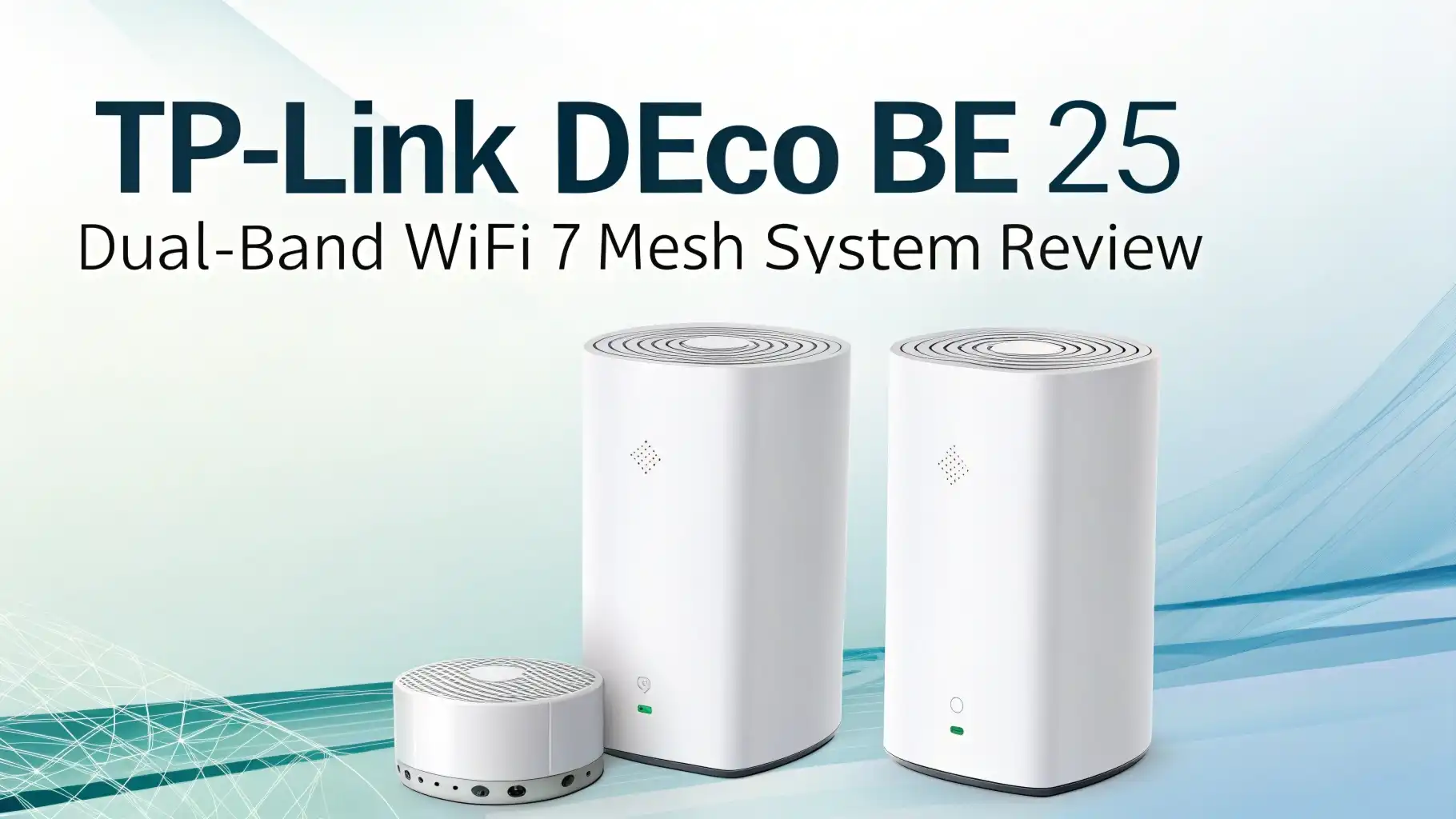
TP-Link Deco BE25 Dual-Band WiFi 7 Mesh System Review: The Ultimate Guide
You know what really grinds my gears? Paying premium prices for WiFi routers that promise the moon but deliver speeds slower than a snail on vacation.
Well, buckle up, because TP-Link just threw a curveball into the WiFi 7 market with their Deco BE25 Dual-Band mesh system.
This budget-friendly powerhouse is making waves, and I’m here to spill all the tea on whether it’s worth your hard-earned cash.

Key Takeaways:
- Speed and Performance: The Deco BE25 delivers BE5000 speeds with up to 4324 Mbps on the 5GHz band and 688 Mbps on the 2.4GHz band. Real-world testing shows consistent Gig+ performance (1.5+ Gbps) at close range, making it perfect for multi-gigabit internet plans.
- Coverage Area: Each 3-pack system covers up to 6,600 square feet, with individual units handling approximately 2,200 square feet. This makes it ideal for medium to large homes with multiple floors.
- Multi-Gigabit Ports: Unlike many competitors, the BE25 features two 2.5Gbps ethernet ports per unit, allowing for wired backhaul connections without needing a separate switch. This is a game-changer for homes with ethernet cables already installed.
- WiFi 7 Technology: While it’s a dual-band system (no 6GHz), you still get key WiFi 7 features including Multi-Link Operation (MLO), 4K-QAM modulation, and 240MHz channel width on the 5GHz band for enhanced performance.
- Budget-Friendly Pricing: At $199.99 for a 3-pack, the Deco BE25 is one of the most affordable WiFi 7 mesh systems available, making cutting-edge technology accessible without premium pricing.
- Easy Setup and Management: The Deco mobile app makes installation a breeze with pre-synced units that automatically connect to your network, plus built-in HomeShield security and parental controls included at no extra cost.


Understanding the TP-Link Deco BE25: What Makes It Special
The TP-Link Deco BE25, also known as the Deco BE5000, represents a strategic entry point into WiFi 7 technology.
Released in November 2024, this mesh system takes a different approach than typical WiFi 7 routers. Instead of including every cutting-edge feature, TP-Link focused on delivering solid performance at an accessible price point.
The design is classic Deco: sleek white puck-shaped units measuring 5.9 inches wide and 2.4 inches tall. These compact routers blend seamlessly into any home decor.
Each unit contains four internal antennas powered by a 1.1GHz quad-core processor, 512MB of RAM, and 128MB of flash storage. The hardware is fanless, which means completely silent operation, and the units barely generate heat during extended use.
What sets the BE25 apart is its practical approach to WiFi 7. Yes, it’s a dual-band system without 6GHz support, but for most households with existing devices, the 6GHz band isn’t necessary yet.
WiFi 7 Performance: Speed That Actually Matters
Let’s talk about what really matters: actual performance. The Deco BE25 isn’t trying to win benchmark competitions. Instead, it delivers consistent, reliable speeds for real-world usage.
On the 5GHz band, the system supports 2×2 WiFi 7 with speeds up to 4324 Mbps using 240MHz channel width. This is wider than the 160MHz channels in WiFi 6, giving you 50% more bandwidth. The 2.4GHz band delivers up to 688 Mbps, perfect for smart home devices and older gadgets.
Real-world testing reveals impressive results. At close range (within 30 feet), the BE25 consistently delivers sustained speeds between 1.5 Gbps and 2 Gbps. That’s genuine Gig+ performance that can handle 4K streaming on multiple devices, large file downloads, and intense online gaming simultaneously.
The Multi-Gigabit Advantage: Dual 2.5G Ports
Here’s where the Deco BE25 truly shines. Each unit includes two 2.5Gbps auto-sensing ethernet ports. This might sound technical, but it’s actually a massive advantage.
Most mesh systems force you to choose between using the port for internet connection or for wired devices. The BE25’s dual ports solve this problem elegantly. Connect one to your modem and the other to a device or another Deco unit. The system automatically figures out which is which.
For wired backhaul (connecting Deco units with ethernet cables), this is golden. You can daisy-chain units without needing a network switch, maintaining full 2.5Gbps speeds between units. This means your satellite units deliver the same blazing speeds as the main router.
Top 3 Alternatives for TP-Link Deco BE25


Mesh Network Coverage: Whole Home WiFi Made Easy
The mesh networking aspect of the Deco BE25 deserves special attention. This isn’t just multiple routers working independently. The system creates a unified network that intelligently routes your devices to the best connection point.
The 3-pack configuration covers up to 6,600 square feet, making it suitable for most two-story homes and even some three-story properties.
The units are pre-synced from the factory, meaning setup is incredibly straightforward. Power up the main unit, configure it through the app, then plug in the additional units anywhere within range. They automatically join the network.
AI-Roaming technology ensures smooth transitions as you move through your home. Your phone or laptop seamlessly switches between Deco units without dropping connections. This is particularly noticeable during video calls, where traditional routers might cause brief interruptions.
Setup and Management: The Deco App Experience
Installing the Deco BE25 is refreshingly simple. Download the free Deco app for iOS or Android, create a TP-Link account, and follow the guided setup. The entire process takes about 10-15 minutes even for non-technical users.
The app opens to a Network screen showing current upload and download speeds, a network map displaying all Deco units, and quick access to settings. One tap runs a Speedtest to verify your internet performance. The interface is clean and intuitive, avoiding the technical jargon that confuses many users.
Under the hood, you’ll find useful features. The Network Optimization tool analyzes your setup and suggests improvements. QoS (Quality of Service) settings let you prioritize specific devices or applications. Dynamic DNS support enables remote access to home servers. VPN functionality includes both server mode (create your own VPN) and client mode (route your network through a commercial VPN).
HomeShield Security: Protection That Doesn’t Cost Extra
Security matters, and TP-Link includes HomeShield with every Deco system at no additional cost. The basic tier provides essential protection including router security scans, wireless security scans, and IoT device identification.
Parental controls in the free tier let you create user profiles with age-appropriate web filters, pause internet access, block specific websites, and set bedtime schedules. This alone justifies the system for families with kids.
WPA3 encryption secures your network with the latest security standard. Intrusion prevention, web threat protection, and malicious content filtering work automatically in the background. Device isolation prevents compromised gadgets from attacking others on your network.
WiFi 7 Technology: What You’re Actually Getting
Let’s demystify the WiFi 7 features in the BE25 and what they mean for your daily life. This system supports Multi-Link Operation (MLO), one of WiFi 7’s signature features. MLO allows devices to transmit and receive data on multiple bands simultaneously, reducing latency and improving reliability.
4K-QAM modulation packs more data into each transmission. Think of it like shipping larger boxes on the same truck. This 20% efficiency gain means faster speeds even at longer distances or through walls.
The 240MHz channel width on the 5GHz band is notable. WiFi 6 maxed out at 160MHz. This wider highway lets more data flow simultaneously, particularly beneficial for bandwidth-hungry activities like 8K streaming or large file transfers.
OFDMA technology (Orthogonal Frequency-Division Multiple Access) allows the router to communicate with multiple devices simultaneously rather than taking turns. This dramatically improves performance in homes with dozens of connected devices.
Device Capacity: Connecting Everything
Modern homes are device zoos. Phones, tablets, laptops, smart TVs, security cameras, smart speakers, thermostats, light bulbs, and more. The Deco BE25 handles this chaos gracefully, supporting over 150 connected devices per system.
The quad-core processor manages traffic efficiently, preventing the slowdowns common with older routers when many devices connect. OFDMA technology means the system can communicate with multiple devices simultaneously rather than serving them one at a time.
In testing, running 40+ devices including multiple 4K streams, active gaming sessions, video calls, and smart home devices showed no performance degradation. The system distributed load intelligently across bands and units.
Bandwidth allocation through QoS settings lets you prioritize critical devices. Give your work computer or gaming console first dibs on bandwidth, ensuring Zoom calls or online gaming don’t suffer when others are streaming Netflix.
Comparing BE25 to Other Mesh Systems
How does the BE25 stack up against competitors? Let’s break it down honestly.
The TP-Link Deco BE63 ($369.99) is the natural upgrade. It’s tri-band with 6GHz support and 320MHz channels, delivering significantly higher peak speeds. Testing shows about 40% better throughput at close range. However, it costs nearly double the price. For most users, the BE25’s performance is sufficient.
Amazon eero 7 ($279.99 for 3-pack) offers similar dual-band WiFi 7 performance with a different ecosystem. The eero app is slightly simpler, but lacks the BE25’s advanced features like VPN server and detailed QoS. Eero requires a subscription for security features that TP-Link includes free.
NETGEAR Orbi 370 BE5000 ($281.99) matches the BE25’s specs closely. NETGEAR’s app offers more granular control for power users, but is less beginner-friendly. The Orbi units are larger and less discreet. Performance is comparable, making this a style and preference decision.
Budget alternatives like the Deco X55 Pro (WiFi 6, $149.99) also feature dual 2.5Gbps ports. It lacks WiFi 7 features but costs less and delivers adequate performance for gigabit internet. If you don’t have multi-gigabit internet, this saves money without sacrificing much.
Gaming Performance: Low Latency Matters
Gamers have specific needs: low latency, consistent performance, and reliable connections. The Deco BE25 delivers on these fronts admirably.
Multi-Link Operation reduces latency by using multiple bands simultaneously when devices support it. This means faster reaction times in competitive gaming. Testing with popular titles showed ping times consistently under 20ms on wired connections and under 30ms on WiFi.
The Game Mode in QoS settings prioritizes gaming traffic. Your Xbox or PlayStation gets bandwidth priority over background downloads or streaming. This prevents lag spikes when others use the network.
Wired connections via the 2.5Gbps ports provide the ultimate gaming experience. Console and PC gamers benefit from the stability and speed of ethernet while maintaining mesh flexibility for mobile gaming.
Streaming and Entertainment: 4K and Beyond
Modern streaming demands serious bandwidth. A single 4K stream needs about 25 Mbps. Add multiple TVs, music streaming, and simultaneous browsing, and you’re consuming hundreds of megabits per second.
The BE25 handles this effortlessly. Testing with four simultaneous 4K streams plus active browsing and gaming showed zero buffering. The system’s 5GHz band has bandwidth to spare for even more demanding scenarios.
Smart TV connectivity benefits from the 2.5Gbps ports. Wiring your main entertainment system eliminates WiFi inconsistencies. Many modern 4K TVs include multi-gig ethernet ports that can leverage this speed.
For home theater setups, the system’s low latency ensures audio and video stay synchronized. Whether you’re using a soundbar, surround system, or wireless headphones, the BE25 maintains timing precisely.
Casting from phones or tablets to TVs works seamlessly across Deco units. No more “device not found” errors when you’re in a different room. The unified network treats all units as a single system.
Smart Home Integration: IoT Made Simple
Smart homes depend on reliable WiFi, and the BE25 excels here. The dedicated IoT network feature isolates smart devices from your primary network, enhancing both performance and security.
The 2.4GHz band provides excellent range for devices like smart bulbs, sensors, and thermostats throughout your home. These devices prioritize range and battery life over speed, making 2.4GHz perfect.
Amazon Alexa and Google Assistant integration allows voice control. “Alexa, run network speed test” or “Hey Google, pause bedroom WiFi” work instantly. You can control guest network access or check which devices are online using voice commands.
The system automatically identifies IoT devices and can apply specific rules. Smart cameras get sufficient bandwidth for streaming, while smart plugs and sensors use minimal resources. This intelligent allocation prevents IoT devices from hogging bandwidth.
Installation Tips: Getting the Best Performance
Proper placement maximizes the BE25’s effectiveness. Here’s how to optimize your setup:
Central placement of the main unit works best. Position it near your home’s center, elevated on a shelf or desk. Avoid closets, behind TVs, or inside cabinets that block signals.
For satellite units, aim for roughly 30-40 feet apart with minimal walls between them. The app shows signal strength between units, helping you find optimal locations. Green signal means perfect placement.
Wired backhaul whenever possible. If you have ethernet cables in walls, use them. Connect units to a switch or daisy-chain them. This dramatically improves satellite unit performance and eliminates wireless backhaul limitations.
Avoid interference sources like microwaves, wireless phones, and USB 3.0 devices. These can disrupt 2.4GHz signals. Keep Deco units at least a few feet from these devices.
Firmware updates matter. The app notifies you when updates are available. These often improve performance and add features. Enable automatic updates for hassle-free maintenance.
Limitations and Considerations: Being Realistic
No product is perfect. Let’s discuss the BE25’s limitations honestly:
Range is moderate, not exceptional. Each unit effectively covers about 1,500 square feet. Homes larger than 6,500 square feet might need more than three units. Thick walls, especially concrete or brick, reduce range further.
No 6GHz band means you’re not getting the full WiFi 7 experience. If you own cutting-edge WiFi 7 laptops or phones, you’ll miss the 6GHz’s ultra-fast short-range capabilities. For most users with WiFi 6 or older devices, this doesn’t matter yet.
No USB ports for network storage or printer sharing. If you need to share a USB hard drive or printer across your network, you’ll need a separate network storage device.
The mobile app requirement frustrates some users who prefer web-based management. While the app is excellent, it requires creating a TP-Link account and keeps your router connected to TP-Link servers. Privacy-conscious users may prefer routers with local-only management options.
Frequently Asked Questions
What is the difference between TP-Link Deco BE25 and BE5000?
The TP-Link Deco BE25 and Deco BE5000 are the same hardware with different model names. BE25 is the standard model name, while BE5000 is a variant sold at specific retailers like Best Buy. Both deliver identical BE5000 speeds (4324 Mbps on 5GHz, 688 Mbps on 2.4GHz), feature dual 2.5Gbps ports, and support the same WiFi 7 features.
Can the Deco BE25 handle gigabit internet speeds?
Yes, the Deco BE25 easily handles gigabit internet and significantly exceeds it. The dual 2.5Gbps ethernet ports support internet speeds up to 2.5 gigabits per second. Real-world testing shows the system consistently delivers over 2 Gbps when connected to multi-gigabit fiber internet. For standard gigabit internet plans, the BE25 provides substantial headroom for multiple simultaneous devices using the full connection.
How many devices can connect to the Deco BE25 mesh system?
The TP-Link Deco BE25 system officially supports over 150 connected devices simultaneously across all units in your mesh network. Real-world testing with 40-plus active devices including multiple 4K streams, gaming sessions, video calls, and dozens of smart home devices showed no performance degradation. The quad-core processor and WiFi 7 technologies like OFDMA enable efficient multi-device management.
Does the Deco BE25 require a subscription for parental control?
No, the Deco BE25 includes comprehensive parental controls at no additional cost through TP-Link’s HomeShield basic tier. The free version provides user profile creation, age-based web filtering, internet pause functionality, specific website blocking, and bedtime schedules. These features cover most family needs without subscriptions.
Can I use Deco BE25 units with existing Deco mesh systems?
Yes, the Deco BE25 is compatible with other TP-Link Deco mesh systems, allowing you to mix and match different Deco models within the same network. This means you can add BE25 units to expand an existing Deco X60, XE75, or other Deco system, or vice versa. However, performance considerations apply: the entire network operates at the speed of the slowest unit, and advanced features like WiFi 7 only work on supported units.
What is the effective range of each Deco BE25 unit?
Each TP-Link Deco BE25 unit effectively covers approximately 1,500 to 2,200 square feet of indoor space, though actual range varies based on home construction, interference, and device placement. The system’s range is moderate rather than exceptional among mesh routers, with signals beginning to weaken beyond 40 feet through walls.
How does wired backhaul improve the Deco BE25 performance?
Wired backhaul dramatically enhances Deco BE25 performance by dedicating the full wireless bandwidth to client devices rather than sharing it for communication between mesh units. When units connect via ethernet cables, satellite units deliver the same exceptional speeds as the main router, with sustained gigabit-plus performance even at longer distances.
Is the TP-Link Deco BE25 good for gaming?
Yes, the Deco BE25 is excellent for gaming, delivering low latency, consistent performance, and reliable connections that gamers require. WiFi 7’s Multi-Link Operation reduces latency for supported devices, while testing shows wired connections maintain ping times under twenty milliseconds and WiFi connections under thirty milliseconds.
What WiFi 7 features am I missing without the 6GHz band?
The Deco BE25 lacks the 6GHz band and 320MHz channel width, which are premium WiFi 7 features found in tri-band systems. The 6GHz band provides ultra-fast speeds at very short range with minimal interference since few devices currently use it. However, the 6GHz signals have significantly shorter range than 5GHz and penetrate walls poorly.
Can the Deco BE25 work in Access Point mode?
Yes, the TP-Link Deco BE25 supports Access Point mode, allowing it to function as a wireless access point connected to an existing router rather than serving as the main router itself. This configuration is useful if you have a specialized router you prefer to keep for advanced features or if your ISP-provided gateway cannot be switched to bridge mode.





