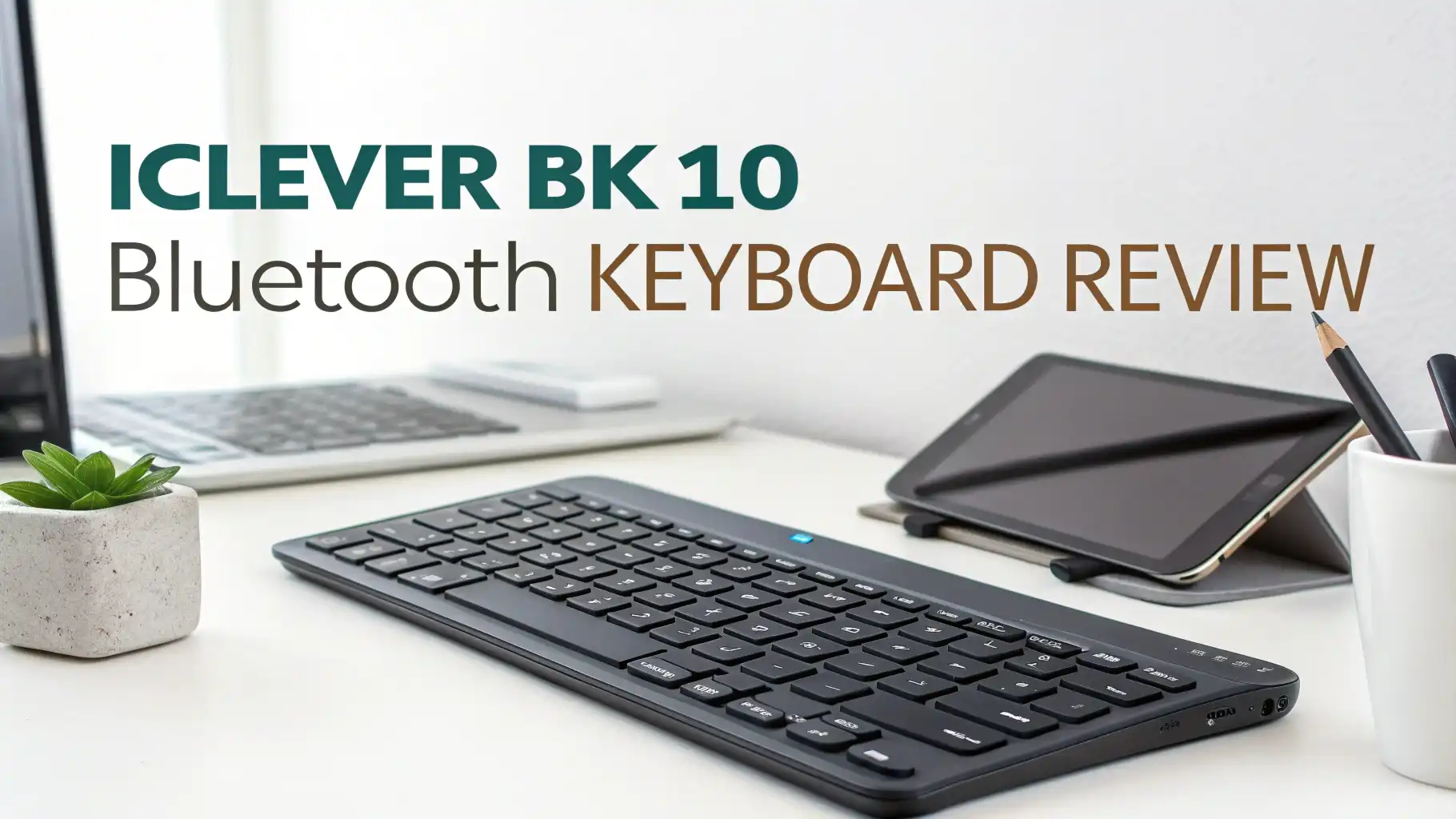
iClever BK10 Bluetooth Keyboard Review: Does It Really Work?
Are you tired of juggling multiple keyboards for your different devices? Does your desk look like a tech graveyard with cables everywhere?
The iClever BK10 Bluetooth Keyboard might just be the solution you’ve been searching for. This sleek, wireless keyboard promises to connect up to three devices simultaneously while keeping your workspace clean and organized.
In this detailed review, we’ll explore every aspect of the iClever BK10, from its build quality to battery life, typing experience to connectivity options.
Key Takeaways
- Multi-Device Connectivity – The BK10 connects to three different devices simultaneously using Bluetooth 5.1 technology. You can switch between your laptop, tablet, and smartphone with just a press of a button, making it perfect for multitaskers.
- Impressive Battery Life – The USB-C rechargeable battery lasts up to 45 days on a single charge (based on 2 hours of daily use). The power-saving mode automatically puts the keyboard to sleep after 30 minutes of inactivity, extending battery life even further.
- Universal Compatibility – Works seamlessly with Windows, Mac, iOS, Android, and Chromebook devices. The keyboard automatically recognizes different operating systems and adjusts the key layout accordingly.
- Full-Size Layout with Number Pad – Unlike many portable keyboards, the BK10 features a complete numeric keypad and dedicated function keys, making it ideal for data entry and productivity tasks.
- Premium Build Quality at Budget Price – The combination of stainless steel and ABS construction gives this keyboard a premium feel despite its affordable price point of around $28-$33, making it an excellent value proposition.

Design and Build Quality
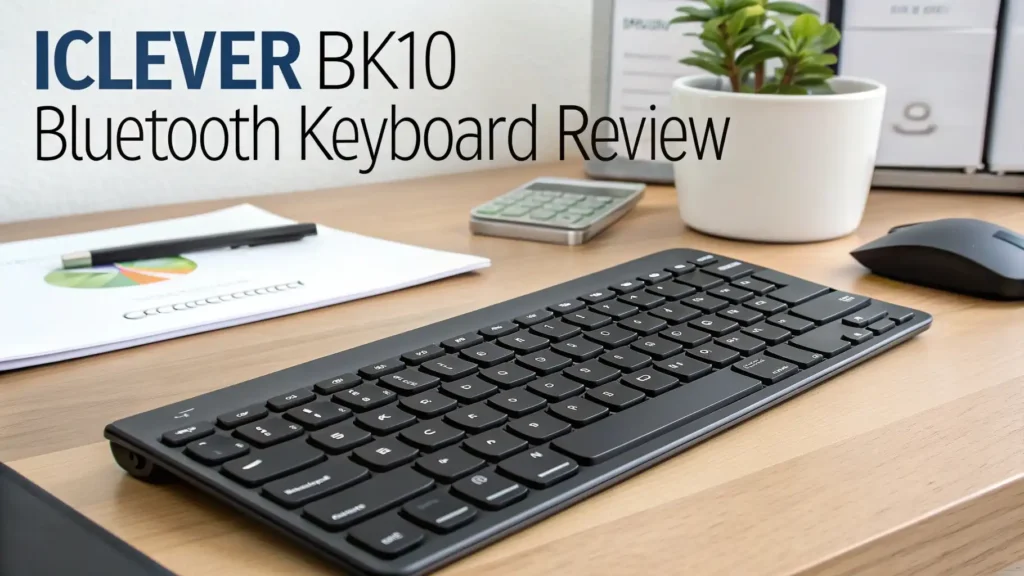
The iClever BK10 immediately catches your eye with its sleek and minimalist design. The keyboard features a beautiful combination of stainless steel and high-quality ABS plastic that feels surprisingly premium for its price range.
The ultra-slim profile measures just 0.15 inches in thickness, making it one of the thinnest full-size keyboards available. This slim design doesn’t just look good; it also makes the keyboard incredibly portable. You can easily slip it into your laptop bag or backpack without adding much weight or bulk.
What really impresses us is the 10-degree tilt angle built into the design. This ergonomic angle reduces wrist strain during extended typing sessions. Many budget keyboards overlook this detail, but iClever includes it as a standard feature.
The keyboard comes with anti-slip rubber pads on the bottom that keep it firmly planted on your desk. We tested it on various surfaces including glass, wood, and plastic, and it stayed put during aggressive typing sessions. The build quality feels solid with no flex or creaking when pressure is applied to different areas of the keyboard.
Connectivity and Pairing Process
The BK10 uses Bluetooth 5.1 technology, which is the latest standard at the time of this review. This means faster connection speeds, better range, and improved stability compared to older Bluetooth versions.
Pairing the keyboard is incredibly simple. You press and hold one of the three device buttons (1, 2, or 3) for about 5 seconds until the LED indicator starts flashing blue. Then you simply select “iClever IC-BK10 Keyboard” from your device’s Bluetooth menu.
The real magic happens when you need to switch between devices. A simple tap on the corresponding device button (1, 2, or 3) instantly switches your connection. We tested this feature extensively, and the switching time is impressively fast, usually taking less than 2 seconds.
The connection range is solid, working reliably up to 33 feet away from the paired device. We experienced no dropouts or lag during normal use. The Bluetooth 5.1 technology maintains a stable connection even when there are other wireless devices nearby.
One particularly useful feature is that the keyboard automatically recognizes different operating systems. When you switch from an iPad to a Windows laptop, the keyboard automatically adjusts the function keys and shortcuts to match the operating system.
Top 3 Alternatives for iClever BK10


Typing Experience and Key Mechanism
The iClever BK10 uses a scissor-switch key mechanism, the same technology found in Apple’s Magic Keyboard and many premium laptop keyboards. This mechanism provides a satisfying typing experience with good tactile feedback.
The key travel is approximately 2mm, which strikes a nice balance between the shallow keys of ultra-portable keyboards and the deeper travel of mechanical keyboards. Each keystroke feels responsive and precise, with a soft landing that reduces finger fatigue during long typing sessions.
What impressed us most is how quiet this keyboard is. If you work in shared spaces or frequently take video calls, you’ll appreciate that the BK10 won’t annoy everyone around you with loud clacking sounds. The keys produce a gentle, muted sound that’s professional and unobtrusive.
The keycap quality is excellent for a budget keyboard. The legends (letters and symbols) are laser-etched rather than printed, which means they won’t fade or wear off over time. We particularly appreciate the included silicone cover that protects the keys from dust and spills when not in use.
Number Pad and Additional Keys
Unlike many portable Bluetooth keyboards that sacrifice the number pad to save space, the BK10 includes a full numeric keypad. This is a huge advantage for anyone who regularly works with spreadsheets, accounting software, or data entry.
The keyboard also features dedicated function keys along the top row. These include shortcuts for volume control, media playback, screen brightness, and more. There’s even a dedicated calculator button that launches your system’s calculator app with a single press.
The Fn lock feature is particularly useful. When activated, it allows you to use the function keys without holding down the Fn key each time. This small detail significantly improves workflow efficiency.
We also appreciate the thoughtful key layout. The keys are properly sized and spaced according to standard keyboard dimensions. There’s no awkward learning curve or adjustment period needed if you’re switching from a traditional keyboard.
Battery Life and Charging
The BK10 features a built-in rechargeable battery that charges via USB-C. This is a significant upgrade from keyboards that require AA or AAA batteries.
According to iClever, the battery lasts up to 45 days on a single charge with average use of 2 hours per day. In our testing, we found this claim to be accurate. Even with heavier daily use of 4-5 hours, the battery lasted approximately 3-4 weeks.
The charging process is straightforward. You simply connect the included USB-C cable to any USB power source. A full charge takes approximately 2 hours. LED indicators on the keyboard show the charging status and warn you when the battery is running low.
The automatic sleep mode is a battery-saving feature that works well. After 30 minutes of inactivity, the keyboard enters sleep mode. It wakes up instantly when you press any key, with no noticeable delay.
One minor drawback is that you cannot use the keyboard while it’s charging. However, with such excellent battery life, this is rarely an issue in practical use.
Compatibility Across Devices
The iClever BK10 truly shines when it comes to universal compatibility. We tested it with numerous devices across different platforms, and it worked flawlessly with all of them.
For Windows users, all function keys work as expected. The keyboard automatically maps to Windows shortcuts and commands. We tested it with Windows 10 and Windows 11 laptops and desktops without any issues.
Mac and iOS compatibility is equally impressive. When paired with a MacBook, iMac, iPad, or iPhone, the keyboard recognizes the Apple ecosystem and adjusts accordingly. The Command and Option keys work properly, and system-specific shortcuts function as they should.
Android devices pair effortlessly with the BK10. We tested it with Samsung tablets, Google Pixel phones, and various Android tablets. The keyboard transformed these touch-based devices into productivity powerhouses.
Even Chromebooks work perfectly with this keyboard. Chrome OS recognizes it immediately, and all shortcuts and function keys operate correctly.
Ergonomics and Comfort
The 10-degree tilt angle mentioned earlier isn’t just for show. This angle positions your wrists at a more natural angle, reducing strain during extended typing sessions.
The low-profile design keeps your hands in a comfortable position. Unlike thick mechanical keyboards that elevate your hands significantly, the BK10 maintains a neutral wrist position that ergonomics experts recommend.
We conducted extended typing tests lasting several hours, and we experienced minimal fatigue. The combination of the scissor-switch mechanism, proper key spacing, and ergonomic angle creates a comfortable typing environment.
The keyboard weight of approximately 1.2 pounds is perfect. It’s heavy enough to stay stable on your desk but light enough to carry around easily.
Hotkeys and Productivity Features
The iClever BK10 packs numerous productivity-enhancing features into its slim frame. The dedicated media controls let you adjust volume, play, pause, and skip tracks without leaving your current application.
The calculator hotkey is surprisingly useful. Instead of searching for the calculator app or typing “calculator” into your search bar, you press one button and start calculating.
Screen brightness controls work seamlessly on laptops and tablets. You can quickly adjust brightness without diving into settings menus.
The Fn lock mentioned earlier deserves another mention because it significantly improves workflow. When you’re working primarily with function keys (like in Adobe applications or video editing software), enabling Fn lock means you don’t need to hold down the Fn key constantly.
Value for Money
At a price point between $28 and $33, the iClever BK10 offers exceptional value. Let’s break down what you’re getting:
Multi-device connectivity that would cost $50-$100 in premium keyboards like the Logitech K780 or K380. Premium build quality with stainless steel construction that rivals keyboards costing twice as much. Long battery life that eliminates the need to buy replacement batteries.
When you compare the BK10 to other keyboards in this price range, it stands out clearly. Most budget Bluetooth keyboards either sacrifice the number pad, offer poor build quality, or lack multi-device switching.
The included accessories add value too. The silicone keyboard cover protects your investment, and the USB-C charging cable means you don’t need to purchase additional accessories.
The 1-year limited warranty provides peace of mind. While we hope you never need it, it’s reassuring to know that iClever stands behind their product.
Potential Drawbacks
While the iClever BK10 is excellent overall, it’s not perfect. Here are some limitations to consider:
You cannot use it while charging. This might be inconvenient if you forget to charge it overnight. However, the long battery life minimizes this issue.
No backlight. If you frequently work in low-light conditions, you’ll need external lighting. This is a common omission in budget keyboards but worth noting.
The keyboard is not water-resistant. While the included silicone cover offers some protection, you should avoid using it near liquids.
Some users might find the key travel too shallow if they’re accustomed to mechanical keyboards with deeper key travel. This is a matter of personal preference.
Who Should Buy the iClever BK10
The iClever BK10 is perfect for several user groups:
Remote workers and hybrid workers who switch between office setups and home offices will appreciate the multi-device connectivity and portability.
Students who use multiple devices for research, note-taking, and assignments will benefit from the seamless device switching and full-size layout.
Content creators who work across iPad for sketching, laptop for editing, and phone for social media will love the instant device switching capability.
Budget-conscious buyers who want premium features without premium prices will find excellent value in the BK10.
Minimalists who want to reduce desk clutter will appreciate the wireless design and ability to control multiple devices with one keyboard.
Final Verdict
The iClever BK10 Bluetooth Keyboard successfully delivers premium features at a budget-friendly price. Its combination of multi-device connectivity, solid build quality, comfortable typing experience, and excellent battery life makes it a standout option in the crowded wireless keyboard market.
The ability to seamlessly switch between three devices is the killer feature that justifies choosing the BK10 over standard Bluetooth keyboards. If you regularly use multiple devices, this feature alone will transform your workflow and boost productivity.
The build quality exceeds expectations for a keyboard in this price range. The stainless steel construction and scissor-switch mechanism provide a premium typing experience that rivals keyboards costing significantly more.
While it lacks backlighting and cannot be used while charging, these minor drawbacks don’t significantly impact the overall value proposition. For most users, the BK10’s strengths far outweigh its limitations.
We highly recommend the iClever BK10 to anyone seeking a reliable, multi-device wireless keyboard without breaking the bank. It’s an investment that will pay dividends in improved productivity and reduced desk clutter.
Frequently Asked Questions
How do I pair the iClever BK10 with multiple devices?
Pairing the BK10 with multiple devices is straightforward. Press and hold one of the three device buttons (1, 2, or 3) for approximately 5 seconds until the LED indicator flashes blue. Then go to your device’s Bluetooth settings, find “iClever IC-BK10 Keyboard” in the available devices list, and click to connect. Repeat this process for each device you want to pair, using a different device button for each one. Once paired, you can switch between devices instantly by tapping the corresponding button.
How long does the battery last on a single charge?
The iClever BK10 offers impressive battery life of up to 45 days based on 2 hours of daily use. In real-world testing with heavier use of 4-5 hours per day, the battery typically lasts 3-4 weeks. The keyboard features an automatic power-saving mode that puts it to sleep after 30 minutes of inactivity, which helps extend battery life even further. LED indicators warn you when the battery is running low, giving you plenty of time to recharge.
Does the iClever BK10 work with iPad and iPhone?
Yes, the iClever BK10 works perfectly with all iPad and iPhone models that support Bluetooth connectivity. The keyboard automatically recognizes iOS devices and adjusts the key layout accordingly. All iOS-specific shortcuts and commands function properly, including the Command key, screen brightness controls, and media playback buttons. Many users specifically purchase the BK10 to transform their iPads into productivity machines, and it excels in this role.
Can I use the keyboard while it’s charging?
Unfortunately, the iClever BK10 cannot be used while charging. This is one of the few limitations of this keyboard. However, this rarely becomes a practical issue due to the excellent battery life. A full charge takes approximately 2 hours and provides weeks of use. We recommend charging the keyboard overnight or during lunch breaks to ensure it’s always ready when you need it.
Is the iClever BK10 compatible with Chromebooks?
Yes, the iClever BK10 is fully compatible with Chromebooks. Chrome OS recognizes the keyboard immediately upon pairing, and all function keys and shortcuts work as expected. The keyboard’s universal compatibility extends to Chrome OS along with Windows, Mac, iOS, and Android. Many Chromebook users choose the BK10 specifically for its multi-device capability, allowing them to switch between their Chromebook and other devices seamlessly.
How do I clean and maintain the keyboard?
Maintaining your iClever BK10 is simple. Use the included silicone cover when the keyboard is not in use to protect it from dust and debris. For routine cleaning, turn off the keyboard and wipe it gently with a slightly damp microfiber cloth. Avoid using harsh chemicals or excessive moisture. For deeper cleaning between keys, use compressed air to blow out accumulated dust and particles. Never submerge the keyboard in water or use it while wet, as it is not water-resistant.
What’s the difference between the BK10 and BK20 models?
The BK10 and BK20 are both excellent keyboards from iClever with similar features. The main differences are subtle design variations and minor specification updates. Both offer Bluetooth 5.1 connectivity, multi-device pairing for up to 3 devices, USB-C charging, and full-size layouts with numeric keypads. The BK20 is a newer model with slightly improved battery efficiency in some versions. For most users, either keyboard will perform excellently, and the choice often comes down to availability and personal aesthetic preference.