
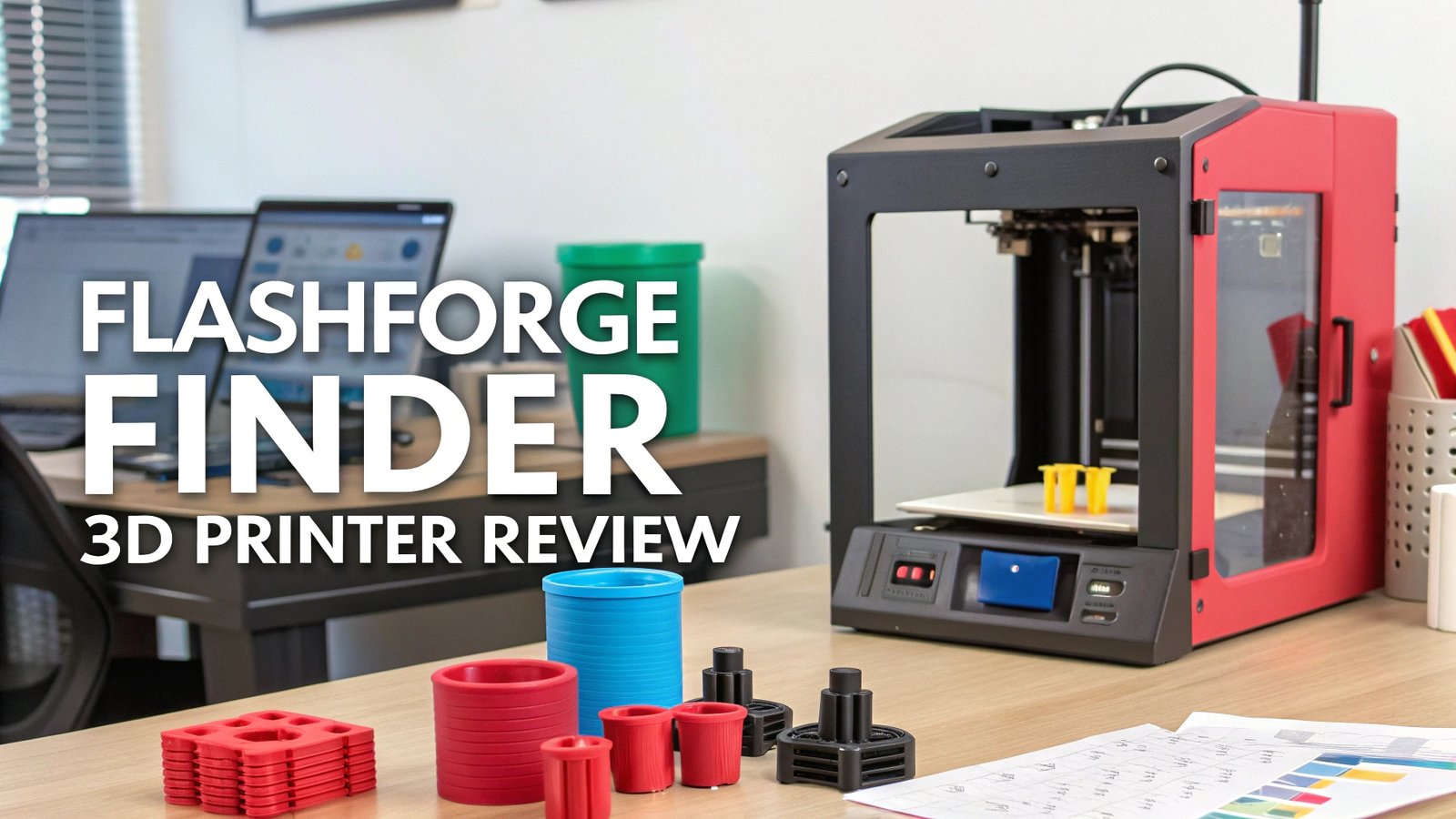
FlashForge Finder 3D Printer Review: Complete Guide
The world of 3D printing has transformed dramatically over the past few years. More people than ever are discovering the joy of creating three-dimensional objects from digital designs.
Among the many options available, the FlashForge Finder stands out as an exceptional choice for beginners, families, and educational settings.
This comprehensive review explores everything you need to know about this remarkable printer, its features, performance, and why it might be the perfect addition to your creative toolkit.
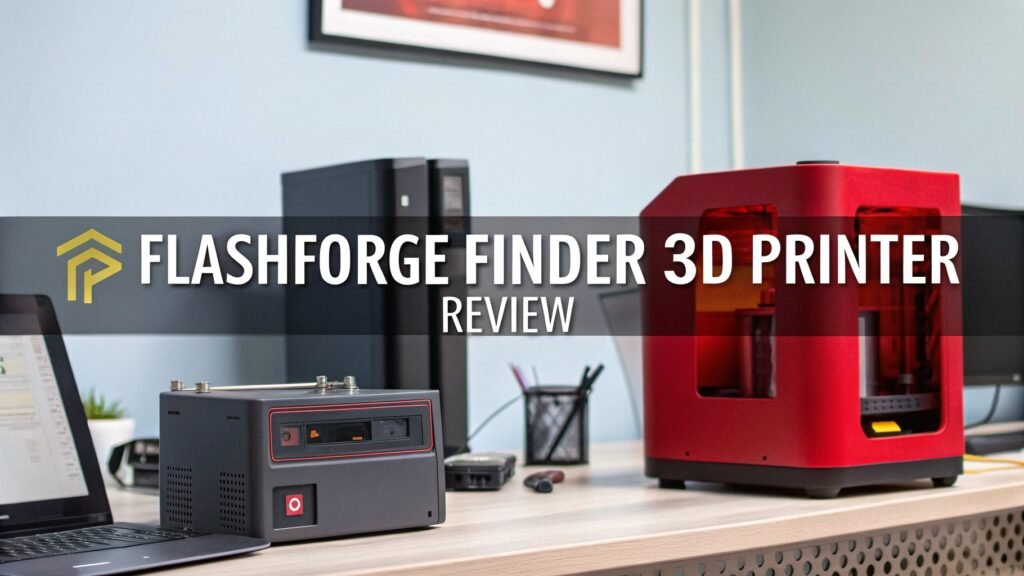
Key Takeaways
- User-Friendly Design: The FlashForge Finder offers plug-and-play simplicity that makes 3D printing accessible to beginners and children without complex setup procedures.
- Compact Build: With dimensions of 420mm x 420mm x 420mm and a 140mm x 140mm x 140mm build volume, this printer fits perfectly on desks and in classrooms while maintaining excellent print quality.
- Safety Features: The enclosed design provides enhanced safety for home and educational use, making it ideal for families with children and school environments.
- Multiple Connectivity Options: Supports Wi-Fi, USB, and cloud connectivity, allowing users to print from various devices and platforms with remarkable convenience.
- Reliable Performance: Delivers consistent 0.1-0.5mm layer resolution with excellent print quality suitable for both beginners and intermediate users seeking dependable results.
- Educational Value: Perfect for STEM programs and maker spaces, offering hands-on learning experiences that inspire creativity and technical understanding.

What Makes the FlashForge Finder Special
The FlashForge Finder represents a carefully designed balance between simplicity and functionality. This printer was specifically created for users who want to explore 3D printing without getting overwhelmed by technical complexities. The enclosed chamber design provides multiple benefits beyond just safety.
The printer’s sleek appearance makes it suitable for professional environments, classrooms, and homes alike. The clean lines and compact footprint ensure it doesn’t dominate workspace areas. Students and hobbyists appreciate how the Finder integrates seamlessly into various settings without requiring dedicated workshop spaces.
Advanced users also find value in the Finder’s reliability and consistent output quality. The printer’s straightforward operation allows focus on design and creativity rather than troubleshooting mechanical issues. This reliability factor makes it an excellent choice for small businesses and rapid prototyping applications.
Build Quality and Design Excellence
The FlashForge Finder showcases exceptional build quality that reflects years of engineering refinement. The printer’s frame construction provides excellent stability during printing operations, reducing vibrations that could affect print quality.
Material selection throughout the printer demonstrates attention to durability. The heated bed provides consistent temperatures for reliable first-layer adhesion. The extruder assembly features precision components that ensure smooth filament feeding and consistent extrusion rates.
The user interface combines simplicity with functionality. The control panel responds quickly to inputs, and the menu system guides users through setup and operation procedures. Status indicators provide clear feedback about printing progress and system conditions.
Cable management throughout the printer maintains clean aesthetics while ensuring reliable electrical connections. The power supply delivers stable performance, and thermal protection systems prevent overheating situations.
Top 3 Alternatives for FlashForge Finder


Unboxing and First Impressions
The FlashForge Finder arrives in well-designed packaging that protects the printer during shipping while providing organized storage for accessories. The unboxing experience reveals attention to detail in every component.
Setup documentation guides users through initial configuration steps clearly. The included tools cover all necessary assembly requirements, though minimal assembly is actually required. Quality control evidence appears throughout, from protective films to careful component placement.
First power-on experiences consistently impress users with smooth startup sequences and intuitive interface navigation. The printer’s quiet operation becomes immediately apparent, making it suitable for office and home environments where noise levels matter.
Print bed preparation requires minimal effort thanks to the included build surface materials. The leveling process is straightforward, and the printer provides helpful guidance for achieving optimal bed positioning.
Technical Specifications Deep Dive
The FlashForge Finder offers impressive technical capabilities within its compact form factor. The 140mm x 140mm x 140mm build volume accommodates most beginner and intermediate projects while maintaining excellent dimensional accuracy.
Layer resolution options range from 0.1mm to 0.5mm, providing flexibility for different print quality requirements. The 0.4mm nozzle diameter represents an ideal balance between print speed and detail resolution for most applications.
Print speed capabilities reach up to 100mm/s maximum, though optimal quality typically occurs at 30-60mm/s speeds. The heated bed maintains consistent temperatures up to 60°C, ensuring reliable adhesion for PLA filaments.
Filament compatibility focuses primarily on PLA materials, which suits the printer’s target audience perfectly. PLA offers ease of use, environmental friendliness, and excellent print quality without requiring heated enclosures or complex temperature management.
Printing Performance Analysis
Real-world printing performance with the FlashForge Finder consistently exceeds expectations for its price range and target market. Test prints demonstrate excellent surface finish quality and dimensional accuracy across various model types.
Detail reproduction capabilities shine particularly with decorative items, educational models, and prototyping applications. The printer handles overhangs and bridging reasonably well within normal design parameters.
First layer adhesion proves reliable with proper bed preparation and appropriate print settings. The automatic bed leveling features in newer models significantly improve success rates for beginners.
Print failure rates remain remarkably low when using recommended settings and quality filaments. Troubleshooting requirements are minimal, allowing users to focus on creativity rather than technical problems.
Software and Connectivity Features


FlashPrint software provides the primary slicing solution for the Finder, offering user-friendly interfaces without sacrificing essential functionality. The software includes pre-configured profiles that deliver excellent results immediately.
Cloud connectivity features enable remote monitoring and print job management through FlashForge’s online platform. Wi-Fi setup procedures are straightforward, and connection stability proves reliable in most network environments.
USB connectivity provides traditional file transfer options for users preferring direct computer connections. The printer also accepts SD card inputs for standalone operation scenarios.
Third-party software compatibility extends options for advanced users wanting specific slicer features. Popular options like Cura and PrusaSlicer can be configured to work with the Finder through custom profiles.
Safety Features and Family-Friendly Design
The FlashForge Finder’s enclosed design provides significant safety advantages for family and educational environments. The clear protective covers allow observation while preventing accidental contact with moving parts.
Thermal protection systems monitor temperatures throughout the printer, automatically shutting down if unsafe conditions develop. The power supply design incorporates multiple safety features to prevent electrical hazards.
Filament detection capabilities alert users to material supply issues, preventing failed prints and potential damage. Automatic shutdown features activate after print completion, conserving energy and improving safety.
Child-safe operation makes this printer suitable for supervised use by younger students in educational settings. The simple interface reduces complexity while maintaining essential functionality for learning applications.
Educational Applications and STEM Integration
The FlashForge Finder excels in educational environments where reliable operation and safety are paramount concerns. STEM curriculum integration becomes natural with this printer’s user-friendly approach.
Project-based learning opportunities expand significantly when students can create physical objects from their digital designs. Engineering concepts become tangible through hands-on printing experiences.
Curriculum support materials from FlashForge and third-party educators provide ready-to-implement lesson plans. Age-appropriate projects range from simple geometric shapes to complex mechanical assemblies.
Teacher training requirements remain minimal due to the printer’s straightforward operation procedures. Maintenance tasks are simple enough for educators to handle without specialized technical knowledge.
Maintenance and Long-term Ownership

Long-term ownership of the FlashForge Finder proves surprisingly low-maintenance compared to many competitors. Regular cleaning routines involve simple procedures that most users can perform confidently.
Replacement parts availability remains excellent, with nozzles, PTFE tubes, and build surfaces readily available through multiple suppliers. Cost-effective maintenance keeps operating expenses reasonable.
Upgrade possibilities allow users to enhance printer capabilities as skills develop. Community support provides extensive knowledge bases for troubleshooting and optimization advice.
Warranty coverage protects initial investments, and customer service responses typically address issues promptly and professionally.
Comparing Print Quality Across Price Ranges
The FlashForge Finder delivers impressive print quality that often matches or exceeds expectations for its price category. Surface finish quality compares favorably with printers costing significantly more.
Dimensional accuracy meets requirements for most functional prototyping applications. Layer adhesion proves consistently reliable, resulting in strong finished parts.
Fine detail reproduction capabilities handle typical hobbyist and educational projects excellently. Color consistency remains uniform throughout prints when using quality filaments.
Speed versus quality trade-offs provide flexibility for different project requirements, from quick concept models to detailed final products.
Troubleshooting Common Issues
Most FlashForge Finder issues relate to basic setup and material handling rather than fundamental design problems. Bed adhesion challenges typically resolve through proper preparation and temperature settings.
Filament feeding problems usually indicate simple maintenance needs or material quality issues. Print warping occurs less frequently due to the enclosed design and heated bed capabilities.
Software connectivity issues generally resolve through standard network troubleshooting procedures. Firmware updates occasionally address minor operational improvements.
Community forums provide extensive troubleshooting resources where experienced users share solutions for various challenges.
Value Proposition and Cost Analysis
The FlashForge Finder represents excellent value for beginners and educational users seeking reliable 3D printing capabilities. Initial purchase costs include essential accessories and software, reducing additional investment requirements.
Operating costs remain reasonable due to efficient filament usage and low maintenance requirements. PLA filament costs are generally lower than more specialized materials required by advanced printers.
Time savings from reliable operation translate to better productivity and learning experiences. Reduced troubleshooting needs allow focus on creative projects rather than technical problems.
Resale value tends to remain stable due to the printer’s reputation and continued demand in educational markets.
Future-Proofing Your 3D Printing Journey
The FlashForge Finder provides an excellent foundation for users planning to expand their 3D printing capabilities over time. Skills developed on this printer transfer readily to more advanced systems.
Design experience gained through successful prints builds confidence for tackling more complex projects. Software familiarity with FlashPrint provides a solid base for learning other slicing programs.
Community connections formed through Finder ownership often lead to valuable networking opportunities with other makers and educators.
Upgrade pathways within the FlashForge ecosystem provide natural progression options as needs and skills develop.
Frequently Asked Questions
What is the maximum build volume of the FlashForge Finder?
The FlashForge Finder offers a build volume of 140mm x 140mm x 140mm (approximately 5.5 x 5.5 x 5.5 inches). This compact size is perfect for beginners and educational projects, allowing you to create small to medium-sized objects, prototypes, and decorative items.
Can the FlashForge Finder print materials other than PLA?
The FlashForge Finder is primarily designed for PLA filament printing. While it has a heated bed that can reach 60°C, it lacks the higher temperature capabilities needed for materials like ABS or PETG. PLA is ideal for beginners anyway, as it’s easier to work with and produces excellent results.
How difficult is it to set up the FlashForge Finder for first-time users?
The FlashForge Finder is designed with beginners in mind and features a plug-and-play setup process. Most users can have it running within 30 minutes of unboxing. The printer comes mostly assembled, and the included quick start guide walks you through the simple setup steps.
Does the FlashForge Finder require special software to operate?
The FlashForge Finder works best with FlashPrint software, which is free to download from FlashForge’s website. This user-friendly software includes pre-configured settings for optimal print quality. The printer also supports other popular slicing software like Cura with proper configuration.
What safety features does the FlashForge Finder include for educational use?
The FlashForge Finder features a fully enclosed design that protects users from moving parts and hot components. It includes thermal protection systems, automatic filament detection, and child-safe operation procedures, making it ideal for classroom environments and family use.
How quiet is the FlashForge Finder during operation?
The FlashForge Finder operates at relatively low noise levels, typically around 50 decibels during printing. This makes it suitable for office environments, classrooms, and home use without creating significant disturbance to nearby activities.
What kind of maintenance does the FlashForge Finder require?
The FlashForge Finder requires minimal maintenance compared to many other 3D printers. Regular tasks include cleaning the build plate, occasionally replacing the nozzle, and ensuring the filament path remains clear. Most maintenance tasks can be completed in just a few minutes.
Can I print wirelessly with the FlashForge Finder?
Yes, the FlashForge Finder supports Wi-Fi connectivity, allowing you to send print jobs wirelessly from your computer or mobile device. It also supports cloud printing through FlashForge’s online platform, enabling remote monitoring and control of your prints.





