
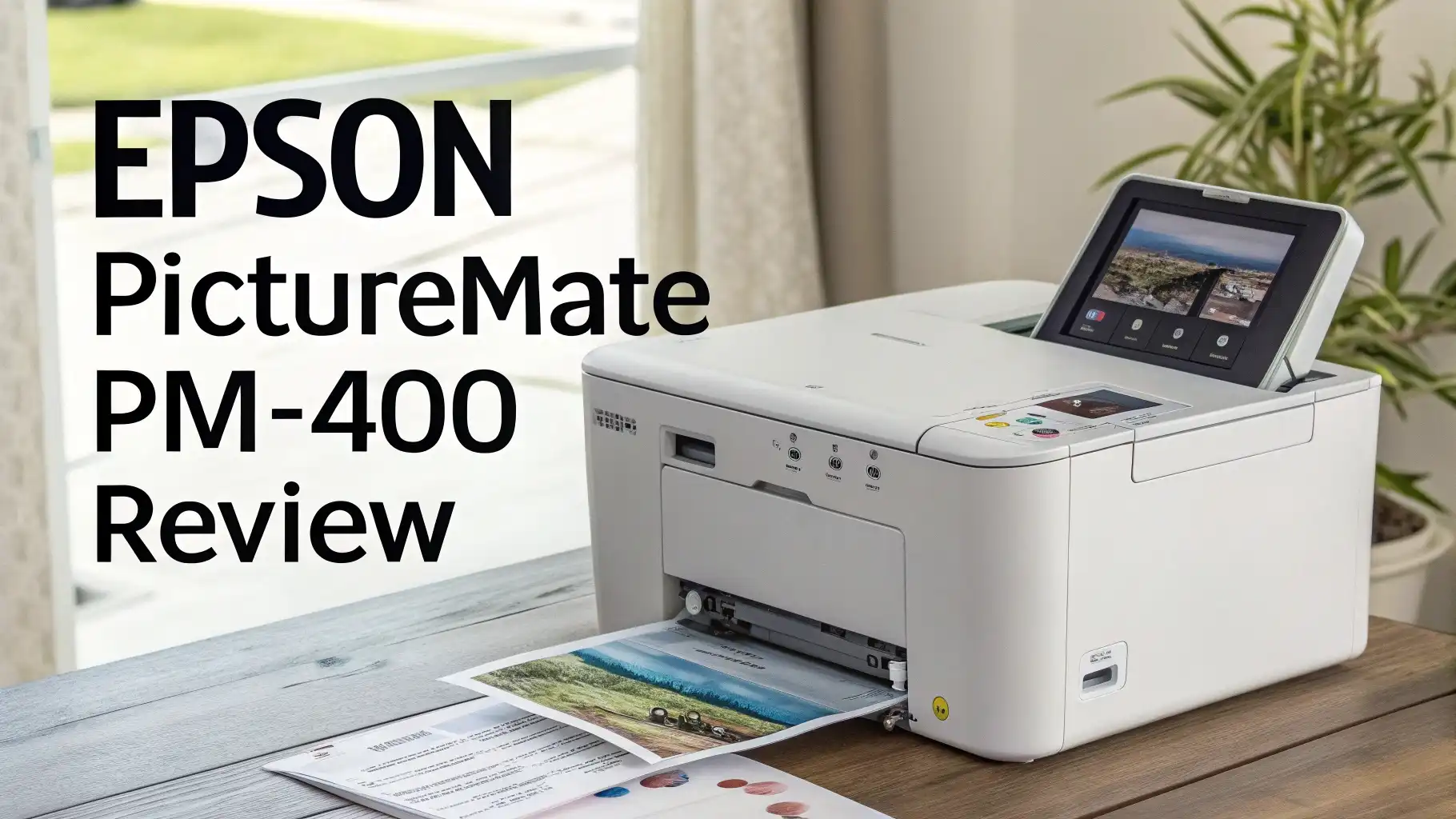
Epson PictureMate PM-400 Review: Your Ultimate Guide
Printing your favorite photos at home has never been easier. The Epson PictureMate PM-400 stands out as a compact wireless photo printer that brings professional quality prints right to your fingertips.
This printer makes creating lasting memories simple and convenient. You can print beautiful borderless photos without visiting a photo lab.
This review explores everything you need to know about the Epson PictureMate PM-400, from its features to performance, helping you decide if this printer deserves a spot in your home.
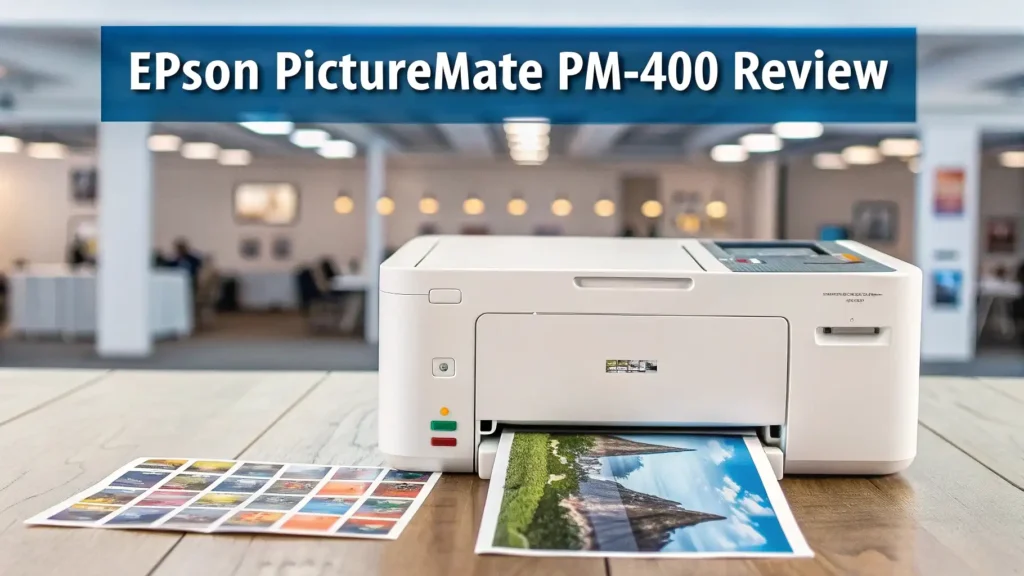
Key Takeaways
Here are the essential points about the Epson PictureMate PM-400:
- The printer delivers stunning photo quality with a resolution of 5760 x 1440 dpi using MicroPiezo inkjet technology
- It supports wireless connectivity through Wi-Fi Direct, making printing from smartphones and tablets incredibly easy
- You can create borderless prints in two popular sizes: 4×6 inches and 5×7 inches perfect for photo albums
- The compact and portable design weighs just a few pounds, allowing you to take it anywhere
- Print longevity is impressive with photos lasting up to 200 years when using genuine Epson supplies
- The cost per print averages around 39 cents when buying the ink and paper combo pack


What Makes the Epson PictureMate PM-400 Special
The Epson PictureMate PM-400 represents a perfect blend of convenience and quality. This printer transforms digital memories into physical keepsakes with minimal effort. Epson designed this device specifically for photo printing, which means every feature focuses on delivering the best possible image quality.
The printer uses advanced MicroPiezo inkjet technology that sprays tiny ink droplets onto specially designed photo paper. This technology creates smooth gradients and accurate colors that rival professional lab prints. The printer head contains 180 nozzles that work together to produce detailed images.
Many users appreciate the 2.7-inch preview screen built into the printer. This screen lets you view photos before printing, saving both paper and ink. You can select images directly from a memory card without needing a computer. The interface feels intuitive and user-friendly, even for those who rarely use technology.
The space-saving design makes this printer ideal for small apartments or crowded desks. It measures compact enough to store in a cabinet when not in use. Despite its small size, the printer feels sturdy and well-built. The white finish looks clean and modern, fitting nicely with most home decor styles.
Print Quality That Impresses Every Time
Photo quality stands as the most important factor when choosing a photo printer. The Epson PictureMate PM-400 excels in this area with its 5760 x 1440 dpi resolution. This high resolution means your prints show sharp details and vibrant colors.
The printer uses dye-based ink that produces vivid images with excellent color reproduction. Colors appear true to life without looking oversaturated or dull. Skin tones come out natural and pleasing. The blacks show good depth without appearing muddy.
Print durability deserves special mention. Photos printed with genuine Epson supplies can last up to 200 years without fading. This longevity means your memories stay vibrant for generations. The prints resist scratches and smudges better than many competing products.
Testing shows the printer handles different types of images well. Landscape photos display rich blues and greens. Portrait shots capture subtle skin tone variations. Even challenging high-contrast scenes reproduce accurately. The printer maintains consistency across multiple prints, ensuring every photo meets high standards.
Wireless Connectivity Makes Printing Simple

Modern devices demand modern connectivity options. The Epson PictureMate PM-400 delivers with comprehensive wireless capabilities. The printer supports Wi-Fi Direct, allowing direct connections to smartphones and tablets without requiring a router.
Setting up wireless printing takes just a few minutes. You download the Epson iPrint app on your iOS or Android device. The app guides you through the connection process step by step. Once connected, you can print photos with just a few taps on your phone screen.
The printer also works with memory cards from digital cameras. Simply insert your SD card into the built-in slot. Browse through your photos on the preview screen and select the ones you want to print. This feature proves especially useful when you want to print photos from a camera that doesn’t have wireless capabilities.
AirPrint support means iPhone and iPad users can print without installing any additional software. The printer appears automatically in the print menu of compatible apps. This seamless integration makes the printing process feel natural and effortless.
Top 3 Alternatives for Epson PictureMate PM-400
Looking for other options? Here are three excellent alternatives worth considering:


Size Options and Paper Compatibility
The printer handles two main print sizes: 4×6 inches and 5×7 inches. These sizes cover most common photo printing needs. The 4×6 size works perfectly for photo albums and frames. The 5×7 size offers more impact for special photos you want to display prominently.
Borderless printing gives your photos a professional appearance. The printer prints edge to edge without leaving white borders. This feature makes your photos look like they came from a professional lab.
Epson designs specific photo paper for this printer. The T320 print pack includes both ink and paper in one convenient package. Each pack contains enough supplies for approximately 100 4×6 inch prints. The paper features a glossy finish that enhances color vibrancy and provides a premium feel.
The printer also accepts 3.5 x 5 inch prints for smaller photos. This size works well for wallet photos or small frames. Having multiple size options gives you flexibility for different projects and purposes.
Speed and Efficiency in Photo Printing
Print speed matters when you have many photos to process. The Epson PictureMate PM-400 prints a 4×6 photo in approximately 36 seconds. This speed falls in the middle range compared to other portable photo printers.
While not the fastest printer available, the speed proves acceptable for home use. Printing a dozen photos takes about seven to eight minutes. You can easily print photos while having coffee or preparing dinner.
The printer handles batch printing efficiently. You can select multiple photos and let the printer work through them automatically. This feature saves time when printing photos from an event or vacation.
Warm-up time stays minimal. The printer becomes ready to print within seconds of powering on. You don’t need to wait long periods before starting your first print.
Cost Per Print Analysis
Understanding printing costs helps you budget effectively. The Epson T320 print pack typically costs around $38.99 and includes ink plus paper for 100 prints. This works out to approximately 39 cents per 4×6 print.
This cost compares favorably to drugstore printing services, which often charge 40 to 50 cents per print. You also save time by printing at home instead of making trips to a store. The convenience of immediate printing adds value beyond the raw cost savings.
Larger 5×7 prints cost more per print but still offer good value. The printer uses more ink and paper for these larger photos. However, the quality justifies the additional expense for special photos you want to showcase.
Buying genuine Epson supplies ensures the best quality and longevity. Third-party ink and paper might cost less initially but often produce inferior results. The difference in quality becomes obvious when comparing prints side by side.
User Experience and Interface Design
The Epson PictureMate PM-400 prioritizes ease of use. The control panel features clearly labeled buttons that make navigation straightforward. The 2.7-inch color LCD screen displays bright, clear images that help you select the right photos.
Menu navigation feels logical and intuitive. You can adjust basic settings like brightness and contrast before printing. The printer also offers photo enhancement features that automatically improve images. These enhancements can fix common issues like red-eye or poor lighting.
Memory card compatibility covers most common formats including SD, SDHC, SDXC, and Memory Stick. You simply insert your card and start browsing immediately. The printer reads cards quickly without long loading times.
The paper loading process takes seconds. You slide the paper tray into position and you’re ready to print. Clear indicators show when paper runs low. The printer alerts you before running out completely, preventing failed prints.
Portability and Design Features
Portability defines one of the PM-400’s strongest advantages. The printer weighs approximately 4.4 pounds, making it easy to carry. You can transport it to parties, family gatherings, or vacation homes without hassle.
The compact footprint measures roughly 7.5 x 12.4 x 5.7 inches. This size allows the printer to fit comfortably on small desks or shelves. When not in use, you can store it in a closet or cabinet without taking up excessive space.
The built-in handle on the back makes carrying more convenient. The design includes a protective cover that shields the paper feed slot during transport. These thoughtful touches show Epson understands how people actually use portable printers.
Power options include both AC adapter and optional battery pack. The battery pack lets you print in locations without electrical outlets. This flexibility proves valuable for outdoor events or remote locations.
Maintenance and Ink Management
Maintaining the Epson PictureMate PM-400 requires minimal effort. The printer uses a single cartridge system that contains all four ink colors. This design simplifies replacement and reduces the chance of installing the wrong cartridge.
The printer monitors ink levels and displays warnings when supplies run low. You can check ink status at any time through the menu system. This transparency helps you plan purchases and avoid running out unexpectedly.
Cartridge replacement takes less than a minute. You simply open the ink compartment, remove the old cartridge, and snap in the new one. The printer recognizes the new cartridge automatically and performs a quick initialization.
Print head cleaning occurs automatically to maintain optimal quality. You can also trigger manual cleaning if you notice any print quality issues. The cleaning process uses a small amount of ink but keeps your prints looking their best.
Comparison with Professional Photo Labs
Home printing offers distinct advantages over professional labs. The Epson PictureMate PM-400 produces quality that matches or exceeds many retail photo services. Colors appear accurate and details stay sharp.
Convenience ranks as the biggest benefit. You can print photos immediately after taking them. No waiting for processing or making trips to pick up prints. This instant gratification proves especially valuable when you want to share photos at events.
Professional labs might offer slightly better color accuracy for critical applications. However, for typical home and family photos, the difference remains minimal. Most people cannot distinguish between lab prints and PM-400 prints in normal viewing conditions.
Privacy matters to many users. Printing at home means your personal photos never leave your possession. You don’t risk embarrassment or privacy breaches that could occur with third-party printing services.
Software and Mobile App Features

The Epson iPrint app enhances the printing experience significantly. This free app works with both iOS and Android devices. The interface feels clean and modern with clear options for all major functions.
The app lets you edit photos before printing. Basic adjustments include cropping, brightness, contrast, and color balance. You can also apply filters for creative effects. These tools help you optimize photos without needing separate editing software.
Collage creation features allow combining multiple photos into a single print. The app offers various layout templates for different occasions. You can create birthday collages, vacation montages, or family photo collections.
The app also enables printing from cloud services like Dropbox, Google Photos, and Facebook. This integration means you can access photos stored anywhere and print them directly. The convenience eliminates the need to transfer files between devices.
Common Issues and Troubleshooting Tips
Most users encounter few problems with the PM-400. However, understanding common issues helps you resolve them quickly. Paper jams occasionally occur, especially when using damaged or incorrect paper. Always use genuine Epson photo paper for best results.
If prints appear faded or discolored, check your ink levels first. Low ink causes color shifts and poor quality. Replace the cartridge and run a cleaning cycle to restore proper colors.
Connectivity problems sometimes affect wireless printing. Restarting both the printer and your mobile device often resolves connection issues. Ensure both devices connect to the same network when using standard Wi-Fi instead of Wi-Fi Direct.
Banding or streaking in prints usually indicates a clogged print head. Run the automatic cleaning cycle two or three times. If problems persist, a deep cleaning cycle might become necessary. The printer manual provides detailed instructions for all maintenance procedures.
Who Should Buy the Epson PictureMate PM-400
This printer suits several specific user groups perfectly. Families with children benefit from being able to print school photos, artwork pictures, and family memories on demand. The ease of use means even kids can operate it with minimal supervision.
Photography enthusiasts appreciate the quality and convenience for printing test shots or portfolio samples. While not replacing professional lab services for critical work, it handles most casual printing needs excellently.
Scrapbookers and crafters find this printer invaluable. The ability to print custom-sized photos on demand supports various creative projects. The print quality ensures your scrapbook pages look professional and vibrant.
Event photographers working parties or small gatherings can print photos on-site. Guests love receiving physical prints to take home. The portable design makes setup and teardown quick and easy.
Frequently Asked Questions
How long do Epson PictureMate PM-400 prints actually last?
Prints made with genuine Epson ink and paper last up to 200 years when stored properly. This longevity exceeds most traditional photographs. Keep prints away from direct sunlight and high humidity for maximum lifespan. The dye-based ink resists fading better than many competing products. Your printed memories will remain vibrant for multiple generations.
Can I use third-party ink and paper with this printer?
You technically can use third-party supplies, but Epson strongly recommends against it. Third-party products often produce inferior color quality and shorter print life. They may also void your warranty if they damage the printer. The cost savings rarely justify the compromised quality. Genuine Epson supplies ensure optimal performance and longevity.
Does the Epson PictureMate PM-400 print from computers?
Yes, the printer connects to computers via USB or wireless network. You can print from Windows and Mac computers using the included drivers. The wireless connection makes printing from laptops especially convenient. Most photo editing software recognizes the printer automatically once installed. Computer printing gives you access to more advanced editing tools before printing.
What is the maximum print size this printer handles?
The largest print size is 5×7 inches. The printer does not support standard letter-size or larger prints. This limitation makes it unsuitable for document printing or large format photos. However, the supported sizes cover most common photo printing needs. The 4×6 and 5×7 sizes work perfectly for albums, frames, and sharing.
How many photos can I print on one ink cartridge?
One T320 cartridge prints approximately 100 4×6 photos. The exact number varies based on image content and density. Photos with lots of dark colors use more ink. The printer warns you when ink runs low so you can order replacements. Buying print packs that include both paper and ink offers the best value.





