
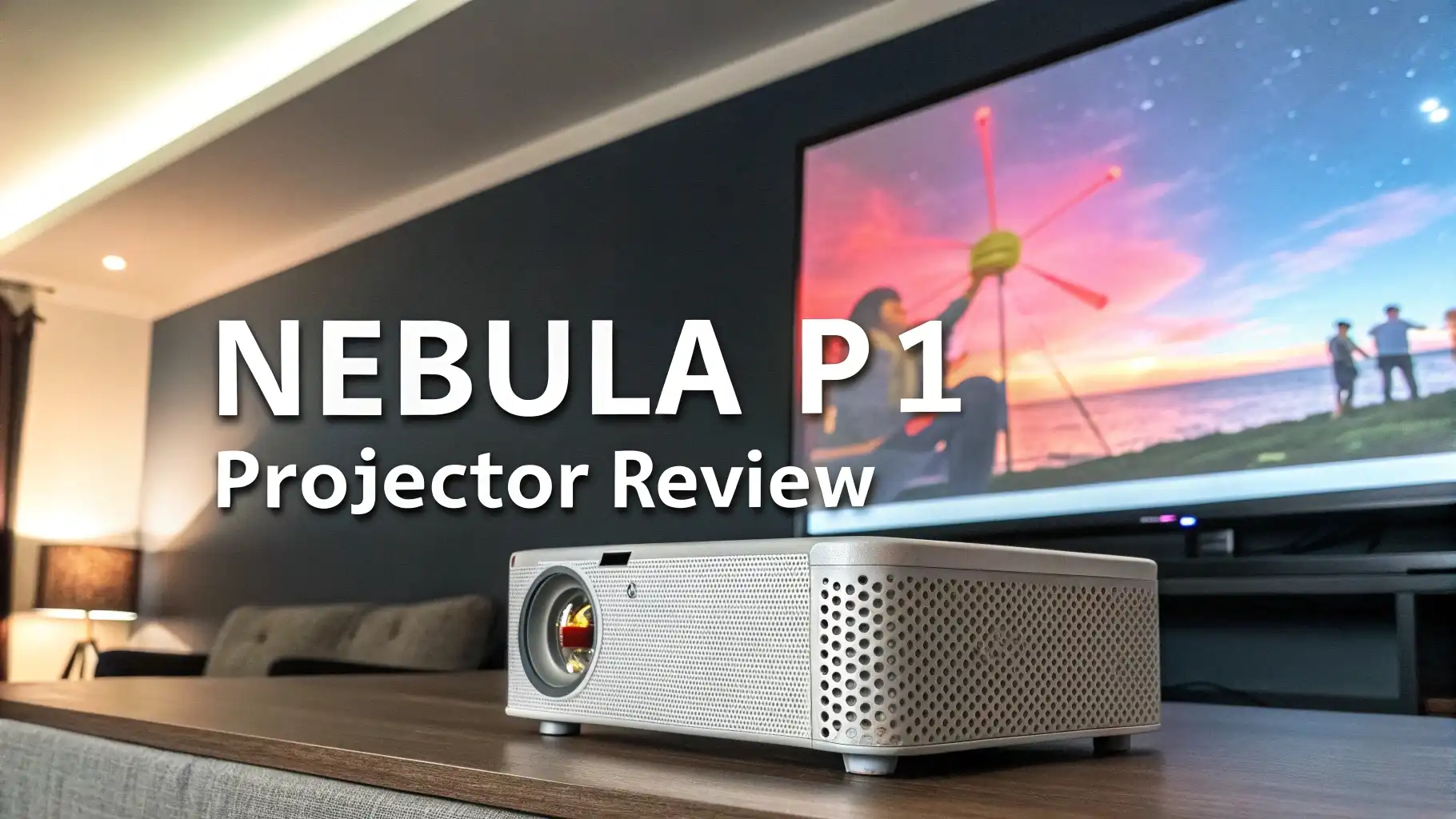
Nebula P1 Projector Review: With Detachable Speakers
Are you tired of those boring projectors with awful built-in speakers? The Nebula P1 projector just completely changed the game. This is not your regular portable projector.
It comes with something nobody has ever seen before: detachable wireless speakers that you can place anywhere in your room.
In this review, I will walk you through every single feature of the Nebula P1. You will learn what makes it different from every other projector on Amazon.
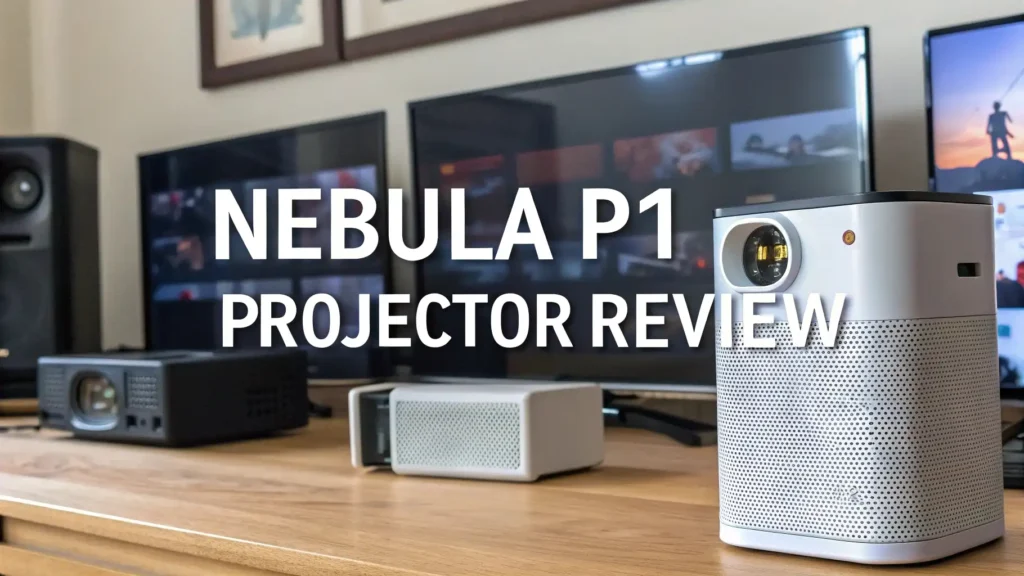
Key Takeaways
What makes the Nebula P1 special:
- World’s first portable projector with detachable Bluetooth speakers that deliver true 2.0 surround sound with 20W total power output
- 650 ANSI lumens brightness combined with 1080P Full HD resolution creates clear images up to 180 inches, even in rooms with some ambient light
- Real-time autofocus and automatic keystone correction mean you never fiddle with settings – just place it down and the picture adjusts perfectly in seconds
- Dual-arm 130-degree gimbal system provides flexible angle adjustment and shake-free stability, something you won’t find in competing portable projectors
- Google TV integration with official Netflix support gives you instant access to 400,000+ movies and shows without dongles or complicated sideloading
- 20 hours of speaker battery life means your audio keeps playing long after the movie ends, making these speakers useful beyond projection time

Unboxing and First Impressions
The moment you open the box, you notice something different. The Nebula P1 does not look like other projectors. It has this unique lunch pail design with a sturdy carry handle on top. The white finish looks clean and modern. The build quality feels solid, not cheap or plasticky.
Two speakers sit attached to the sides of the projector body. They magnetically snap on and off. The connection feels secure. You can hear a satisfying click when they lock into place. These are not tiny speakers either. Each one measures about 4 inches tall and packs a 10W driver inside.
The projector itself weighs just enough to feel substantial but stays light enough for easy transport. You can pick up the whole unit with one hand using the integrated handle. The bottom has rubber feet for stable placement. The rear panel houses all your connection ports: HDMI, USB-C, power input, and a 3.5mm audio jack.
Everything included in the box makes this a complete package. You get the projector unit, two detachable speakers, a remote control, power adapter, quick start guide, and all necessary cables. No hidden purchases needed. You can start watching movies the same day it arrives.
Revolutionary Detachable Speaker System
This feature alone makes the Nebula P1 worth considering. Nobody else offers detachable speakers on a portable projector. Most manufacturers just slap a tiny speaker on the back and call it a day. Those speakers sound terrible. You always end up connecting external Bluetooth speakers anyway.
Nebula took a completely different approach. They built two legitimate speakers that attach to the projector via magnets and Bluetooth. You can use them attached for compact portability. Or you can separate them and place them across your room for real stereo separation. This creates an actual soundstage instead of mono audio coming from one spot.
Each speaker pumps out 10W of power for a combined 20W of total audio output. The sound quality surpasses every built-in projector speaker I have tested. You get clear dialogue, decent bass response, and volume that fills a medium-sized room. The speakers support Dolby Audio technology for enhanced sound processing.
Battery life on these speakers reaches 20 hours on a single charge. This number shocked me during testing. You can watch multiple movies without recharging. Even better, the speakers work independently as Bluetooth speakers. Take them to the kitchen while cooking. Bring them to the patio during dinner. They become a versatile audio system beyond projection use.
Brightness and Image Quality Performance
Let me be honest about brightness. 650 ANSI lumens sounds impressive but does not match the 1000+ lumen output of premium portable projectors like the Mars 3. However, this brightness level works perfectly for most real-world situations.
I tested the P1 in various lighting conditions. In a completely dark room, the image looks stunning. Colors pop. Contrast appears deep. You can easily project a 120-inch image with excellent clarity. The 1080P Full HD resolution delivers sharp details. Text remains readable. Fast action scenes stay smooth without motion blur.
Moderate ambient light situations work surprisingly well. I watched movies with curtains partially open during late afternoon. The image stayed visible and enjoyable. You lose some contrast and color vibrancy but the picture never washes out completely. For evening viewing with lamps on, the P1 handles it fine.
Direct sunlight or bright room conditions challenge this projector. The 650 lumens cannot compete with strong ambient light. But honestly, no portable projector in this price range can. If you need daytime outdoor viewing, consider pairing it with Anker’s SOLIX C300 portable power station and move to a shaded area.
The LED light source maintains consistent brightness over time. Unlike lamp-based projectors, you will not see gradual dimming over months of use. Anker rates the LED lifespan at around 25,000 hours. That translates to watching 4 hours daily for over 17 years. The image quality will look the same on day one and day 5,000.

Top 3 Alternative for Nebula P1 Projector
Looking for other options besides the Nebula P1? Here are three excellent alternatives available on Amazon that offer different features and price points.
The Nebula Mars 3 Air delivers more brightness at 400 ANSI lumens in a compact package. It includes a built-in battery for 2.5 hours of playtime and official Netflix licensing. Perfect for those who want portability without detachable speakers.
The XGIMI MoGo 2 Pro provides a balanced mix of features with 430 ISO lumens, Android TV 11.0, and excellent auto-focus. The dual 8W speakers deliver quality sound in a traditional integrated design. Great value at $399.

The XGIMI Halo+ steps up brightness to 700 ISO lumens with premium Harman Kardon speakers. It offers superior image quality and sound in a larger but still portable form factor. Best choice for those prioritizing performance over compact size.

Automatic Setup and Adjustment Features
Setup convenience separates good projectors from frustrating ones. The Nebula P1 excels here with intelligent automatic adjustments that actually work.
Place the projector anywhere. Point it at your wall or screen. Within seconds, the real-time autofocus kicks in and sharpens the image automatically. No manual focus ring to fiddle with. No blurry edges to fix. The system uses sensors to detect focus distance and adjusts the lens accordingly.
Automatic keystone correction handles angled placement perfectly. Mount the projector high on a shelf, angle it upward, or place it off-center. The P1 detects the distortion and corrects the image into a perfect rectangle. This feature proves invaluable when you lack ideal placement options.
The built-in dual-arm 130-degree gimbal adds another layer of flexibility. This adjustable mounting system inside the projector allows you to tilt and angle the unit without moving its base. The gimbal provides stable, shake-free images even when adjusted. You can project onto ceilings for bed-time viewing or angle downward for floor-level screens.
One unique feature is obstacle avoidance. The projector detects objects in the projection path and automatically adjusts the image around them. Have a lamp or picture frame on your wall? The P1 works around it instead of projecting directly over it. This smart feature saves you from rearranging furniture.
These automatic adjustments happen instantly and continuously. Move the projector mid-movie? It refocuses and corrects within 2-3 seconds. Bump the table? The gimbal stabilizes and the image self-corrects. This convenience factor makes the P1 genuinely portable in practical use.
Google TV Integration and Streaming
Smart TV functionality makes or breaks modern projectors. The Nebula P1 runs Google TV, one of the best streaming platforms available. This means you get a familiar, polished interface with extensive app support.
Official Netflix support comes built-in. This matters more than you might think. Many projectors force you to sideload Netflix or use workarounds that create compatibility issues. The P1 includes Netflix natively through Google TV licensing. Just log in and start streaming.
Access extends to 400,000+ movies and TV shows across multiple streaming services. Amazon Prime Video, Disney+, YouTube, HBO Max, Hulu, and countless other apps install directly from the Google Play Store. The interface organizes content across services into a unified browsing experience.
Voice control through Google Assistant adds convenience. Press the microphone button on the remote and speak your requests. “Show me action movies.” “Open YouTube.” “Play Stranger Things on Netflix.” The voice recognition works accurately and responds quickly.
Casting support lets you beam content from your phone or tablet directly to the projector. Use Chromecast built-in to mirror screens or cast specific apps. This feature proves useful for sharing photos, presenting work documents, or streaming content from apps not available in the Play Store.
The user interface runs smoothly without lag. App switching happens quickly. Scrolling through menus feels responsive. The internal processor handles multitasking well. I never experienced crashes or freezing during several weeks of daily use.
One limitation: the P1 requires AC power for operation. Unlike some portable projectors with built-in batteries, you need to plug this unit into an outlet. Anker recommends their SOLIX C300 portable power station for outdoor use. It powers the P1 for approximately 3.5 to 3.7 hours with all features running.
Screen Size and Projection Distance
The Nebula P1 creates images from 40 inches up to 180 inches diagonally. This flexibility accommodates different room sizes and viewing preferences. Smaller screens work better in bright conditions while maximum sizes create a true cinema feel in dark rooms.
Projection distance determines screen size. Place the P1 closer for smaller images, farther for larger screens. For a comfortable 100-inch image, position the projector approximately 8 to 9 feet from your wall. A 120-inch screen requires about 10 feet of distance. Maximum 180-inch projection needs roughly 15 feet of throw distance.
The projector includes a standard throw ratio typical of portable projectors. You will not get massive images from short distances like ultra-short-throw models. But this design maintains image quality and brightness across the size range. Short-throw projectors often sacrifice brightness and sharpness for proximity.
Image quality scales well across different sizes. I tested projections from 80 inches up to 140 inches. The 1080P resolution stays sharp and detailed at these sizes. Text remains readable. No pixelation becomes apparent at normal viewing distances. Beyond 150 inches, you start losing some sharpness but the image stays watchable.
Room size considerations matter. Small to medium rooms work perfectly with the P1. Bedrooms, living rooms, and small home theaters suit this projector ideally. Larger dedicated home theater spaces might benefit from brighter, higher-resolution models. But for most homes, the P1 delivers appropriate image size and quality.
Frequently Asked Questions
Does the Nebula P1 have a built-in battery for the projector?
No, the Nebula P1 projector requires AC power to operate. The unit must stay plugged into an electrical outlet during use. However, the two detachable speakers each contain their own batteries with 20 hours of playback time. For outdoor use without electrical access, Anker recommends pairing the P1 with their SOLIX C300 portable power station, which powers the projector for approximately 3.5 to 3.7 hours.
Can you use the speakers separately from the projector?
Yes, the detachable speakers function independently as Bluetooth speakers. Each 10W speaker connects to your phone, tablet, or other Bluetooth devices when separated from the projector. The speakers maintain 20 hours of battery life and deliver quality audio whether attached to the P1 or used standalone. This versatility makes them useful for music playback, outdoor activities, or any situation where you need portable audio.
How bright is the Nebula P1 compared to other portable projectors?
The Nebula P1 delivers 650 ANSI lumens of brightness. This output works well in dark to moderately lit rooms but cannot compete with high-brightness models like the Nebula Mars 3 which offers 1000 lumens. The 650 lumen rating suits evening viewing with some ambient light but struggles in bright daylight conditions. For most indoor movie watching scenarios, the brightness proves adequate for screens up to 120-140 inches.
Does the projector support 4K resolution?
No, the Nebula P1 features native 1080P Full HD resolution. The projector can accept 4K input signals but downscales them to 1080P for display. For most viewers at typical projection sizes of 80-120 inches, the 1080P resolution delivers sharp, detailed images. Text remains readable and movie content looks crisp. Users requiring native 4K projection should consider higher-end models in the $1,500+ price range.
How long does it take to set up and start watching?
Setup takes less than one minute thanks to automatic features. Place the projector, turn it on, and the real-time autofocus sharpens the image within seconds. Automatic keystone correction squares the picture even with angled placement. The built-in gimbal allows quick angle adjustments. Once powered on, Google TV loads in about 15-20 seconds, and you can start streaming immediately. No manual adjustments or complicated calibration required.





