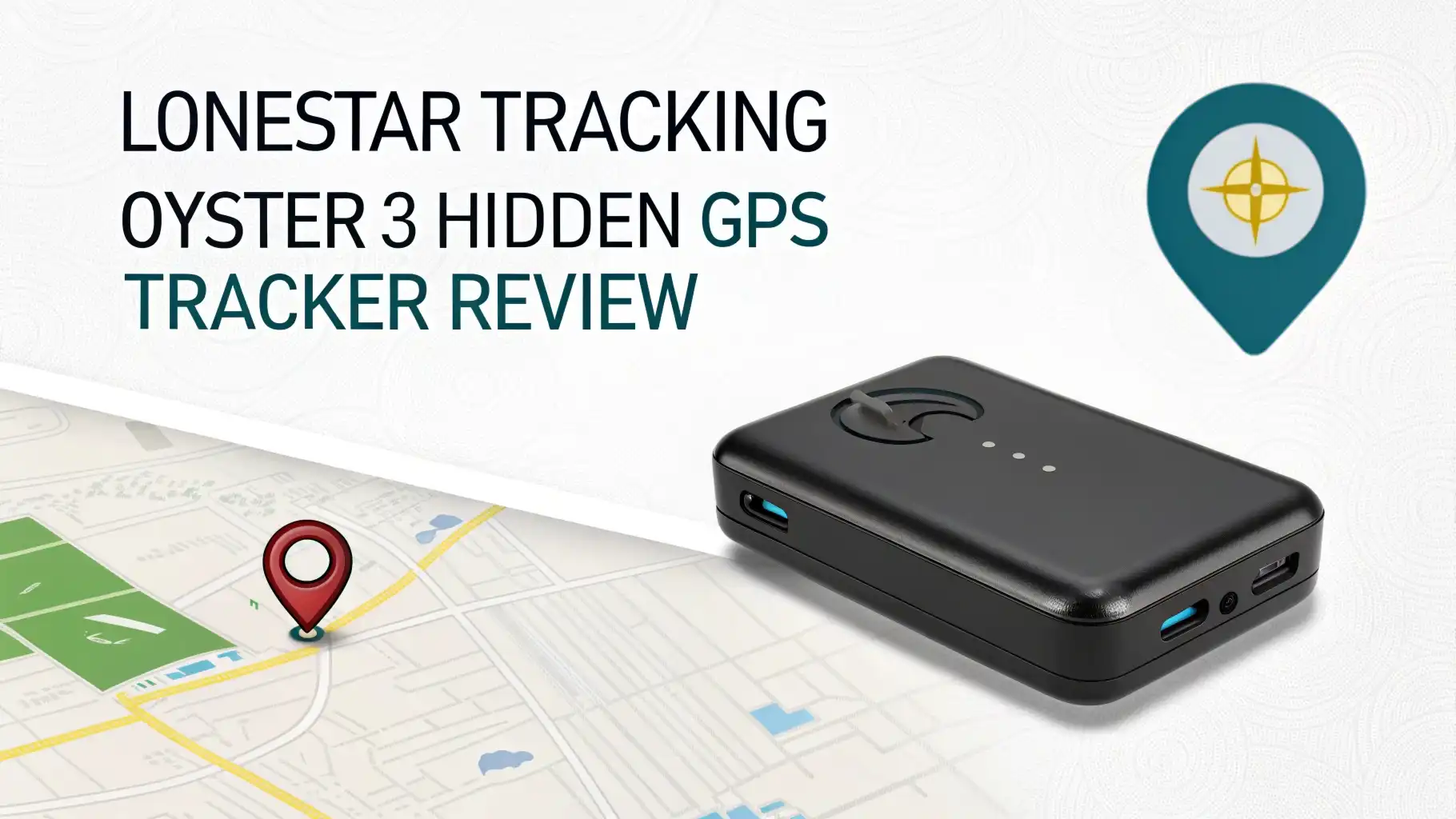
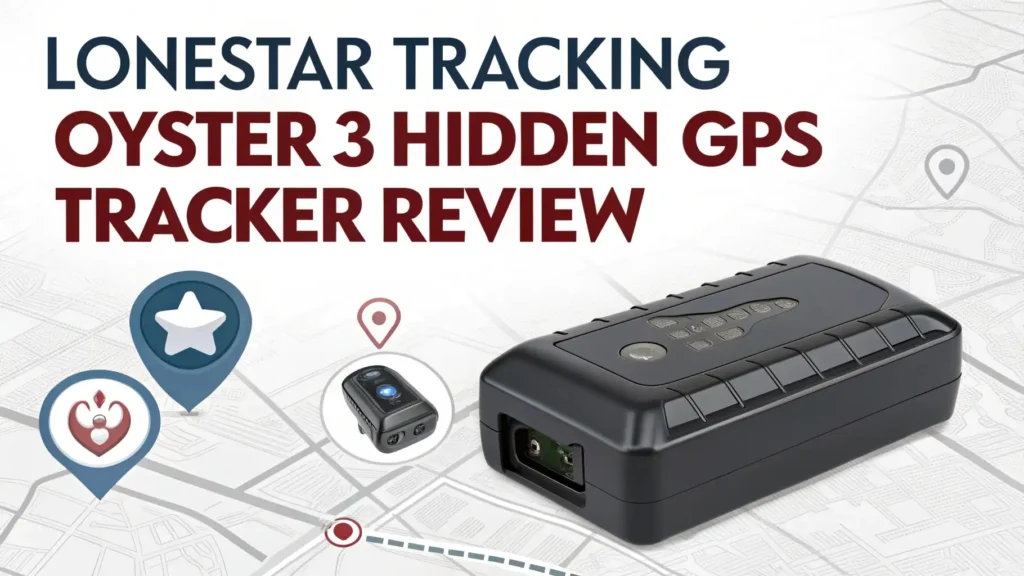
Lonestar Tracking Oyster3 Hidden GPS Tracker Review 2026: Complete Guide
You know that feeling when you park your car and worry about its safety? Or maybe you run a business with multiple vehicles and need to keep tabs on everything?
That’s exactly where the Lonestar Tracking Oyster3 comes into the picture. This little device promises to give you peace of mind by telling you exactly where your vehicle is at any given moment. But does it really deliver on that promise? Let’s find out together!
GPS trackers have become super important in 2026. They’re not just fancy gadgets anymore. People use them to protect their cars, monitor their teenage drivers, keep track of company vehicles, and even recover stolen property.
Key Takeaways:
- Long Battery Life means you won’t constantly worry about recharging. The device can last weeks or even months depending on how you set it up.
- Compact and Hidden Design makes it super easy to hide in your vehicle. Nobody will spot this tracker unless they know exactly where to look.
- Real-Time Tracking Accuracy gives you up-to-the-minute location updates so you always know where your vehicle is right now.
- Waterproof Construction protects the device from rain, snow, and moisture. You can mount it anywhere without weather worries.
- Multiple Alert Options let you set up custom notifications for movement, speed, and boundary crossings. You stay informed without constantly checking the app.

What Is the Lonestar Tracking Oyster3 GPS Tracker
The Oyster3 is a compact GPS tracking device designed for vehicles, assets, and even people in some cases. Think of it as your digital watchdog that never sleeps. This tracker uses cellular networks and GPS satellites to pinpoint locations with impressive accuracy.
The device itself is surprisingly small. You can hold it in one hand comfortably. It has a tough plastic casing that feels solid and durable. The design philosophy here is simple: make it small enough to hide but powerful enough to do the job right.
What makes the Oyster3 different from older trackers is its smart power management. The device knows when to sleep and when to wake up. This intelligence means the battery lasts much longer than traditional trackers that constantly broadcast their location.
Key Features That Make the Oyster3 Stand Out
The feature list on this tracker is genuinely impressive. Let’s talk about what you actually get when you buy one.
First up is the extended battery life. Depending on your settings, this thing can run for 6 to 12 months on a single charge. That’s incredible when you compare it to weekly charging some trackers demand. The secret is intelligent reporting intervals and motion-activated tracking.
The weatherproof rating deserves attention too. The Oyster3 carries an IP67 rating. This means you can submerge it in water up to one meter deep for 30 minutes. Rain, mud, snow—none of it will kill your tracker.
Global coverage is another big plus. The device works in over 100 countries. If you travel internationally or ship vehicles across borders, this tracker keeps working without you changing SIM cards or settings.
The geofencing capability lets you draw virtual boundaries on a map. When your vehicle crosses these lines, you get instant alerts. This feature is perfect for parents monitoring teen drivers or businesses ensuring vehicles stay in designated areas.
Top 3 Alternatives for Lonestar Tracking Oyster3


How the Oyster3 GPS Tracking Actually Works
Understanding how this tracker operates helps you use it better. The Oyster3 combines GPS satellite positioning with cellular data transmission. The GPS chip calculates the exact location. Then the cellular modem sends that information to secure servers. You access this data through a smartphone app or web browser.
The tracking intervals are customizable. You can set the device to report every few minutes for constant monitoring. Or you can choose longer intervals to save battery life. For most users, reporting every 15 to 30 minutes provides a good balance.
Motion detection triggers more frequent updates. When the tracker senses movement, it automatically increases reporting frequency. Once movement stops, it goes back to sleep mode. This smart behavior extends battery life dramatically.
The cellular connection uses 4G LTE networks in most areas. The device automatically falls back to 3G or 2G if stronger networks aren’t available. This flexibility ensures you get tracking data even in remote locations.
Setting Up Your Oyster3 Tracker Step by Step
Getting started with the Oyster3 is straightforward. You don’t need technical skills or special tools. The whole process takes about 15 minutes from unboxing to first location update.
First, charge the device fully. Connect the included USB cable and wait for the indicator light to show full charge. This usually takes 3 to 4 hours for a completely dead battery.
Next, activate your tracking plan. Lonestar Tracking offers several subscription options. You choose the plan that fits your needs and budget. Activation happens through their website or mobile app. You’ll enter the device serial number and your payment information.
Now comes the physical installation. For vehicles, popular hiding spots include under seats, inside door panels, or under the dashboard. The magnetic mount makes attachment super easy. Just make sure the GPS antenna faces upward for best signal reception.
Finally, configure your settings through the app. Set up geofences, speed alerts, and notification preferences. Test everything by taking a short drive and watching the tracker update on your map.
Battery Life and Charging Requirements
Battery performance is where the Oyster3 really shines. The built-in rechargeable battery holds enough juice for extended monitoring periods.
With standard settings, expect 2 to 3 months between charges. This assumes position reports every hour and moderate vehicle use. If you adjust settings for less frequent reporting, you can push this to 6 months or more.
Active tracking mode drains the battery faster. When you set reporting intervals to 5 or 10 minutes, the battery might last only 2 to 4 weeks. But this mode gives you near real-time tracking that’s worth the trade-off for high-security situations.
Charging is simple. Plug in the USB cable and connect it to any standard USB power adapter. The device continues working while charging, so you don’t lose tracking capability during power-ups.
The app sends low battery warnings when power drops below 20 percent. This gives you plenty of time to retrieve and charge the device before it shuts down completely.
Accuracy and Real-Time Tracking Performance
Location accuracy matters more than almost anything else in a GPS tracker. What good is knowing your car’s location if the information is wrong?
The Oyster3 achieves accuracy within 10 to 30 feet under normal conditions. In open areas with clear sky views, you might get even better precision. Urban canyons between tall buildings or dense forest cover can reduce accuracy slightly.
Update speed depends on your chosen reporting interval. Set the tracker to report every 5 minutes, and you’ll see location updates on your map every 5 minutes. The data transmission happens quickly once the device wakes up and takes a GPS reading.
Historical tracking lets you review where your vehicle has been. The system stores location data for several months. You can play back routes, see stop locations, and analyze driving patterns. This feature proves valuable for businesses monitoring driver efficiency or parents checking where teens actually went.
The mapping interface shows speed information along with location. You can see if your vehicle was moving or parked at any given point. Some users find this helpful for identifying unauthorized use or unsafe driving behavior.
Mobile App Experience and User Interface
The Lonestar Tracking mobile app is your main window into the tracker’s data. The app works on both iOS and Android devices. The interface design focuses on simplicity and quick information access.
Opening the app shows you a live map with your tracker’s current location. A single icon represents the device. Tap the icon to see detailed information including address, speed, battery level, and last update time.
The menu system provides access to settings, alerts, history, and reports. Everything is clearly labeled. You won’t spend time hunting for features buried in confusing submenus.
Push notifications alert you instantly when important events happen. Your vehicle starts moving at 2 AM? You get a notification. Someone drives faster than your set speed limit? Another notification appears. You control exactly which alerts you receive.
The web dashboard offers the same functionality on a bigger screen. Many business users prefer managing multiple trackers from a desktop computer. The interface adapts nicely to larger displays without feeling clunky.
Subscription Plans and Monthly Costs
GPS trackers need cellular service to send location data. This means monthly subscription fees in addition to the device purchase price.
Lonestar Tracking offers several subscription tiers. Basic plans start around $20 to $25 per month. These include standard tracking features with position updates every 30 to 60 minutes. Mid-tier plans run $30 to $40 monthly and add faster updates and more detailed reporting.
No contract options are available if you prefer flexibility. You pay month by month without long-term commitments. Annual prepayment discounts can save you 10 to 20 percent compared to monthly billing.
The subscription includes cellular data and cloud storage for your tracking history. There are no hidden fees for accessing your data or using the mobile app. What you see in the pricing is what you pay.
Multiple device discounts apply when you track several vehicles. Many fleet operators find the per-device cost drops significantly when managing 5 or more trackers through one account.
Best Uses for the Oyster3 GPS Tracker
This device adapts to many different tracking needs. Let’s explore the most common and effective uses.
Vehicle theft protection tops the list. If someone steals your car, you can provide police with real-time location data. Many stolen vehicles get recovered quickly thanks to hidden GPS trackers. The Oyster3 works perfectly for this purpose because it’s small and easy to conceal.
Teen driver monitoring gives parents peace of mind. You can see where your teenager drives, how fast they go, and whether they visit approved locations. Speed alerts notify you immediately if they exceed safe limits. Geofencing tells you if they leave permitted areas.
Fleet management for businesses transforms operations. Companies tracking delivery vehicles, service trucks, or sales cars gain valuable insights. You see actual routes driven, time spent at locations, and vehicle utilization rates. This data helps optimize operations and reduce costs.
Asset protection extends beyond vehicles. Construction companies attach trackers to expensive equipment and tools. If someone steals a generator or compressor, you know exactly where it goes. The waterproof design works well on outdoor equipment.
Pros and Cons Based on Real World Testing
Every product has strengths and weaknesses. Here’s what actual users experience with the Oyster3.
Pros start with reliability. The device consistently delivers accurate location data. Users report very few connectivity issues or lost signals. The battery life lives up to advertised claims. The compact size makes hiding the tracker easy in almost any vehicle.
The subscription pricing is competitive compared to similar trackers. You get good value for the monthly cost. The app interface receives praise for being intuitive and responsive. Customer support responds quickly to questions and technical issues.
On the downside, the initial device cost runs higher than some competitors. You’ll pay more upfront, though the monthly fees balance out over time. Some users wish the battery charged faster. The 3 to 4 hour charging time feels long when you need the tracker back in service quickly.
International roaming works well but can trigger additional fees in some countries. Always check roaming costs before traveling outside your primary service area. The device occasionally loses GPS signal in underground parking structures or metal buildings, though this affects all GPS trackers.
A few users report the magnetic mount occasionally loses grip on rough terrain. Adding a cable tie or velcro strap solves this issue completely. The device generates substantial tracking data, and reviewing months of history can feel overwhelming without good filtering tools.
How the Oyster3 Compares to Other GPS Trackers
The GPS tracker market offers many choices. Understanding how the Oyster3 stacks up helps you make informed decisions.
Spytec GL300 represents a popular competitor. It costs less upfront but has shorter battery life. The Spytec excels at real-time tracking with very frequent updates. The Oyster3 wins on battery longevity and durability.
LandAirSea 54 is another strong alternative. It’s smaller than the Oyster3 and includes a magnetic case. However, the battery only lasts 2 to 3 weeks with moderate use. The Oyster3 provides much longer operation between charges.
Apple AirTag gets mentioned in tracker discussions but serves a different purpose. AirTags use Bluetooth and nearby Apple devices for location updates. They work great for finding keys or bags in populated areas. For vehicle tracking in remote locations, proper GPS trackers like the Oyster3 perform far better.
The Oyster3 finds a sweet spot between compact size, battery life, and reliable tracking. It doesn’t offer the cheapest monthly plan or the smallest form factor. But it balances all important factors better than most competitors.
Installation Tips for Maximum Performance
Proper installation dramatically affects tracking performance. Follow these tips to get the best results from your Oyster3.
GPS antenna positioning matters most. The antenna needs a clear view of the sky. Installing the tracker under metal or dense plastic reduces signal strength. Under seats or in plastic door panels works well. Under metal dashboards or inside metal toolboxes causes problems.
Test before permanent installation. Place the tracker in your chosen location and secure it temporarily. Drive around for a day and check tracking accuracy through the app. If you see gaps in coverage or poor accuracy, try a different mounting spot.
Keep the device secure. While testing might use the magnetic mount alone, permanent installation should add extra security. A cable tie through the mount prevents the tracker from vibrating loose on rough roads. Some users add velcro strips for additional hold.
Battery access deserves consideration. Choose a mounting location you can reach fairly easily. You’ll need to remove the tracker every few months for charging. Placing it somewhere that requires removing seats or panels makes maintenance annoying.
Weatherproofing checks apply even with the IP67 rating. Make sure no water collects around the device. If mounting under a vehicle, position the tracker so water drains away rather than pooling around the casing.
Frequently Asked Questions
Does the Oyster3 work without a monthly subscription?
No, the Oyster3 requires an active subscription to function. The device needs cellular service to transmit location data from the tracker to your phone or computer. Without a subscription, the tracker can still record GPS coordinates internally, but you cannot access this information remotely.
Can I track the Oyster3 from multiple phones?
Yes, you can access your Oyster3 tracker from multiple devices. The Lonestar Tracking system uses account login credentials rather than device-specific pairing. Log into your account on any phone, tablet, or computer to view your tracker’s location. This feature works great for families or businesses where several people need tracking access.
How often should I charge the Oyster3 battery?
Charging frequency depends on your settings and usage patterns. With standard hourly updates, most users charge every 2 to 3 months. Aggressive tracking with 5 to 10 minute intervals requires charging every 2 to 4 weeks. The mobile app displays current battery level and sends low battery warnings, so you’ll know when charging time approaches.
Will the Oyster3 work inside a metal cargo trailer?
GPS signal penetration through metal is limited. A tracker inside a fully enclosed metal trailer or shipping container will likely lose GPS signal. The device may still connect to cellular networks but cannot determine its location without GPS satellite signals. For metal enclosures, mounting the tracker on the outside or in a location with sky view produces better results.
Can thieves detect the Oyster3 with signal scanners?
While RF detection equipment exists, the Oyster3 transmits data infrequently enough that detection proves difficult. The device sleeps most of the time and only broadcasts briefly when sending location updates. Unlike real-time trackers that constantly transmit, the Oyster3’s intermittent communication makes scanning detection unlikely. Professional thieves with sophisticated equipment might detect any GPS tracker, but casual criminals won’t find it.
Does the Oyster3 report location when the vehicle is off?
Yes, the Oyster3 operates independently of vehicle power. The internal battery powers the device whether the vehicle is running, parked, or has a dead battery. This independence is actually a major advantage because the tracker continues working even if thieves disconnect your car battery. As long as the Oyster3 has battery charge, it reports location on your chosen schedule.